1
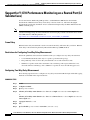
Chapter
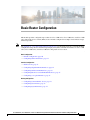
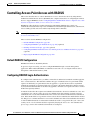
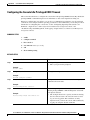
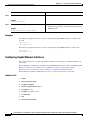
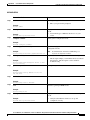
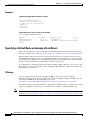
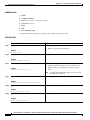
Configuring Backup Data Lines and Remote Management
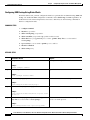
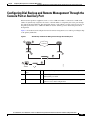
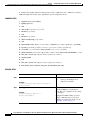
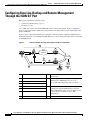
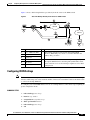
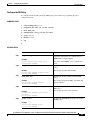
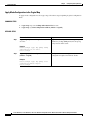
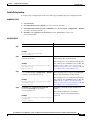
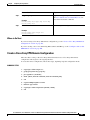
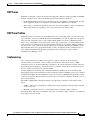
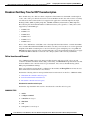
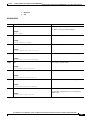
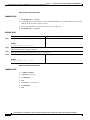
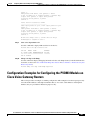
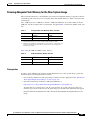
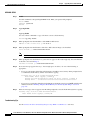
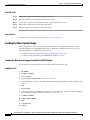
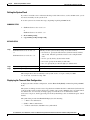
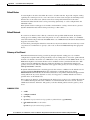
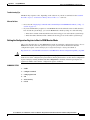
Configuring Dial Backup and Remote Management Through the Console Port or Auxiliary Port
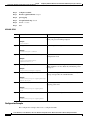
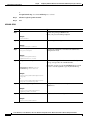
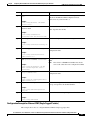
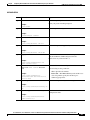
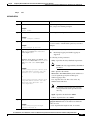
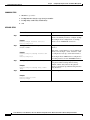
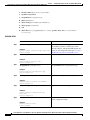
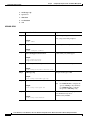
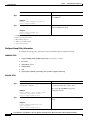
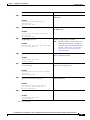
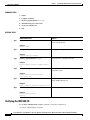
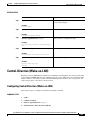
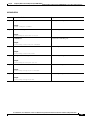
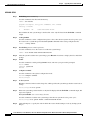
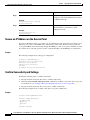
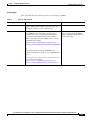
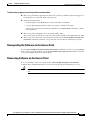
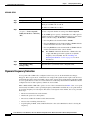
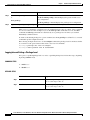
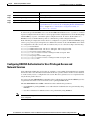
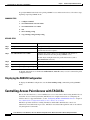
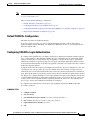
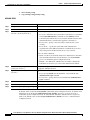
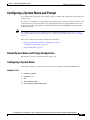
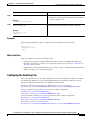
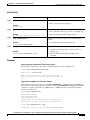
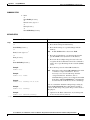
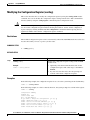
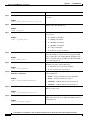
Step 17
Command
Purpose
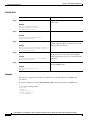
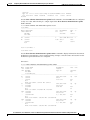
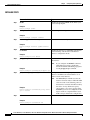
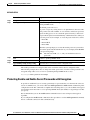
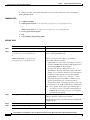
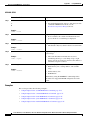
line [aux | console | tty | vty] line-number
[ending-line-number]
Enters configuration mode for the
auxiliary interface.
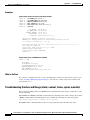
Example:
Router(config)# line aux 0
Router(config)#
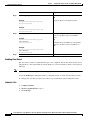
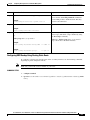
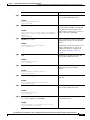
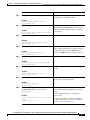
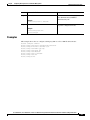
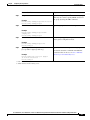
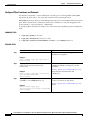
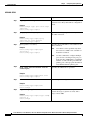
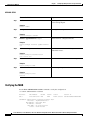
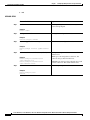
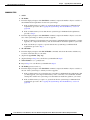
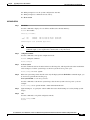
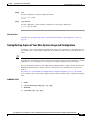
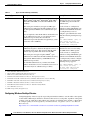
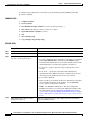
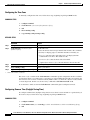
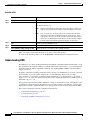
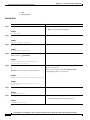
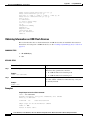
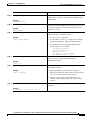
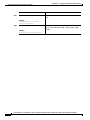
Step 18
flowcontrol {none | software [lock] [in | out] | hardware Enables hardware signal flow control.
[in | out]}
Example:
Router(config)# flowcontrol hardware
Router(config)#
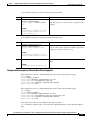
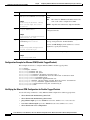
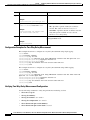
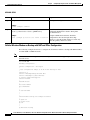
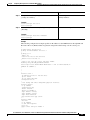
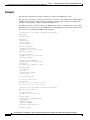
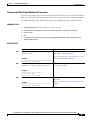
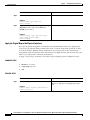
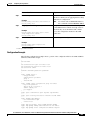
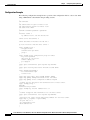
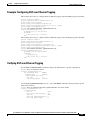
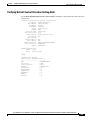
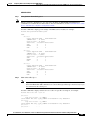
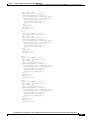
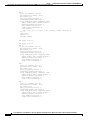
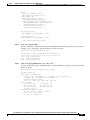
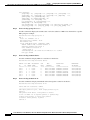
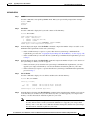
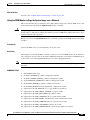
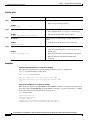
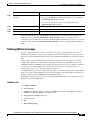
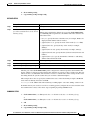
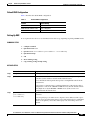
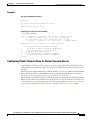
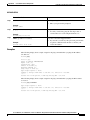
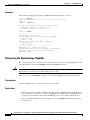
Example
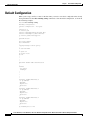
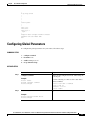
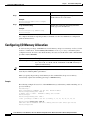
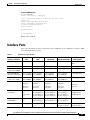
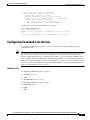
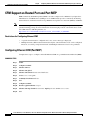
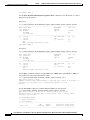
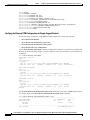
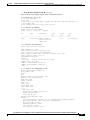
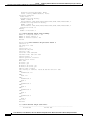
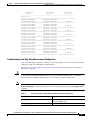
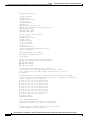
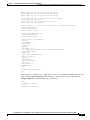
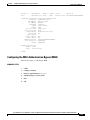
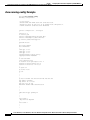
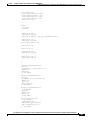
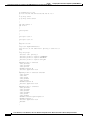
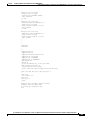
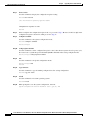
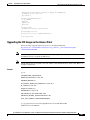
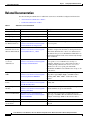
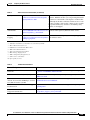
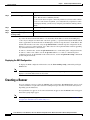
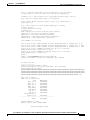
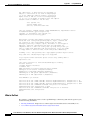
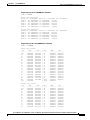
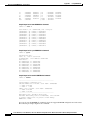
The following configuration example specifies an IP address for the ATM interface through PPP and
IP Control Protocol (IPCP) address negotiation and specifies dial backup over the console port.
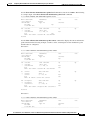
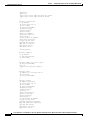
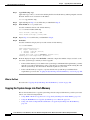
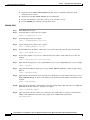
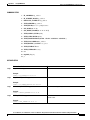
!
ip name-server 192.168.28.12
ip dhcp excluded-address 192.168.1.1
!
ip dhcp pool 1
import all
network 192.168.1.0 255.255.255.0
default-router 192.168.1.1
!
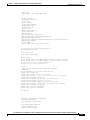
! Need to use your own correct ISP phone number.
modemcap entry MY-USER_MODEM:MSC=&F1S0=1
chat-script Dialout ABORT ERROR ABORT BUSY ““ “AT” OK “ATDT 5555102\T”
TIMEOUT 45 CONNECT \c
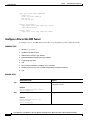
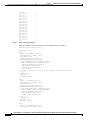
!
!
!
!
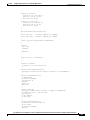
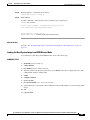
interface vlan 1
ip address 192.168.1.1 255.255.255.0
ip nat inside
ip tcp adjust-mss 1452
hold-queue 100 out
!
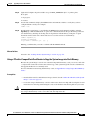
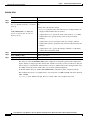
! Dial backup and remote management physical interface.
interface Async1
no ip address
encapsulation ppp
dialer in-band
dialer pool-member 3
async default routing
async dynamic routing
async mode dedicated
ppp authentication pap callin
!
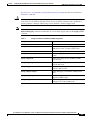
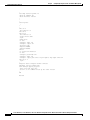
interface ATM0
mtu 1492
no ip address
no atm ilmi-keepalive
pvc 0/35
pppoe-client dial-pool-number 1
Cisco 3900 Series, Cisco 2900 Series, and Cisco 1900 Series Integrated Services Routers Generation 2 Software Configuration Guide
OL-20696-04
73