1
Appendix B: Abaqus/CAE: A BASIC TUTORIAL
B.1 Understanding Abaqus/CAE modules
Abaqus/CAE is divided into modules, where each module defines an aspect of the modeling process;
for example, defining the geometry, defining material properties, and generating a mesh. As you move
from module to module, you build the model from which Abaqus/CAE generates an input file that you
submit to Abaqus/Standard or Abaqus/Explicit for analysis. For example, you use the Property module
to define material and section properties and the Step module to choose an analysis procedure. The
Abaqus/CAE postprocessor is called the Visualization module and is also licensed as a separate product
called Abaqus/Viewer.
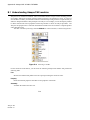
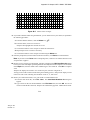
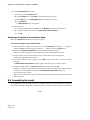
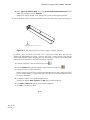
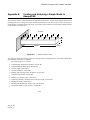
You enter a module by selecting it from the Module list in the context bar, as shown in Figure B–2.
Figure B–2
Selecting a module.
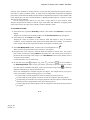
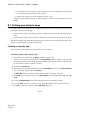
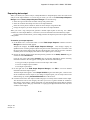
For the cantilever beam tutorial, you will enter the following Abaqus/CAE modules and perform the
following tasks:
Part
Sketch a two-dimensional profile and create a part representing the cantilever beam.
Property
Define the material properties and other section properties of the beam.
Assembly
Assemble the model and create sets.
B–2
Abaqus ID:
Printed on: