1
Appendix B: Abaqus/CAE: A BASIC TUTORIAL
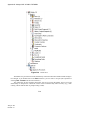
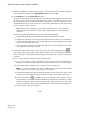
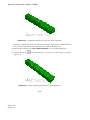
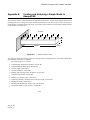
Figure B–3
Model Tree.
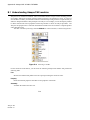
The Model Tree provides most of the functionality of the main menu bar and the module managers.
For example, if you double-click on the Parts container, you can create a new part (the equivalent of
selecting Part→Create from the main menu bar).
The instructions for the examples that follow will focus on using the Model Tree to access the
functionality of Abaqus/CAE. Menu bar actions will be considered only when necessary (e.g., when
creating a finite element mesh or postprocessing results).
B–4
Abaqus ID:
Printed on: