1
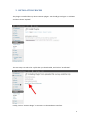
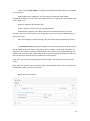
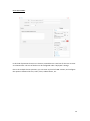
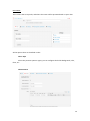
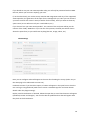
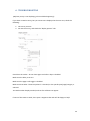
To create a split-test you just need to enter a name (not visible to the visitor, just for internal
use), and two or more surveys. Then, instead of showing a fixed surveys, they are displayed on
a random basis.
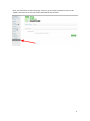
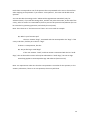
As always, we provide a “Reset stats” button to clear the database.
The recommended way to do a split-test is the following: create a survey, add the questions
and edit all settings. Once the survey is finished, duplicate it and modify all settings you would
like to alter. After that, create a new split-test and select both surveys.
22