1
5.16.1
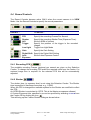
Settings | Preferences
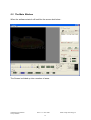
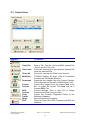
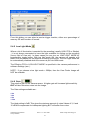
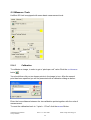
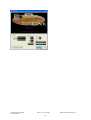
The preferences Screen below is displayed :
5.16.1.1
Sync In Setting
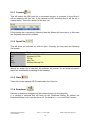
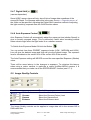
This sets the DEFAULT Sync In Mode of the camera see 5.8.1
5.16.1.2
Sync Out Setting
This sets the DEFAULT Sync In Mode of the camera see 5.8.2
5.16.1.3
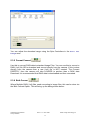
Image Background Colour
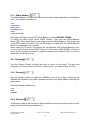
Sets the colour of the window behind the image
5.16.1.4
Low Light Setting
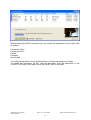
Sets the effective Frames Per Second when the camera is put into LOW LIGHT
MODE (See 5.4.5). NOTE : If the setting is less than 500 then the LIVE VIDEO
OUT will be disabled in Low Light Mode.
HotShot SC User Manual
Jimmy Robinson
Rev 1.1.1.9 –Nov 2008
44
© NAC Image Technology Inc