1
i-cubed
DataDoors Web User Guide
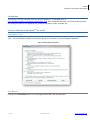
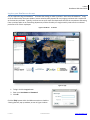
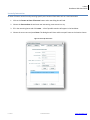
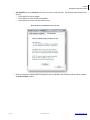
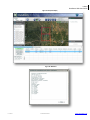
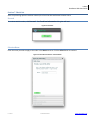
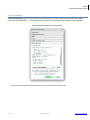
Figure 27: Product Details for Temporal Data
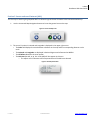
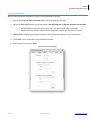
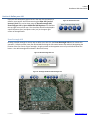
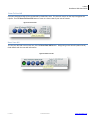
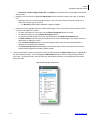
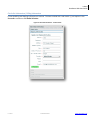
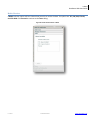
o Clicking on the (View) link in the Browse column will open a reduced resolution image of the scene you
may order
Figure 28: Browse File
o
o
o
i-cubed
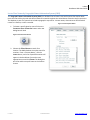
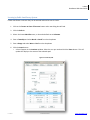
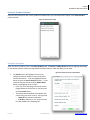
Date is the collect date of the scene, or the day the scene was captured.
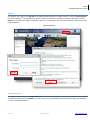
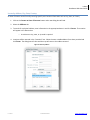
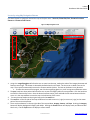
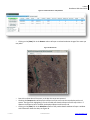
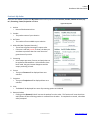
Checking the Footprint box will display the footprint of the scene onto the map display with a red
square. See Figure 29. Highlighting a row in the table will show the footprint on the map in blue. If
however the footprint box is checked, the displayed footprint will remain red.
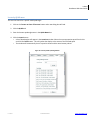
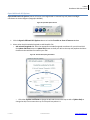
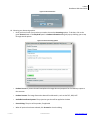
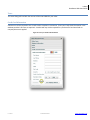
Clicking on the (View) link in the Metadata column of the product details window will open a window
with information about the data; see Figure 30.
1-800-4SATDAT
www.datadoors.net