1
GRF-1300A User Manual and Teaching Materials
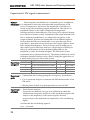
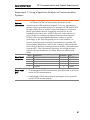
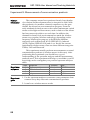
Experiment
contents
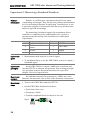
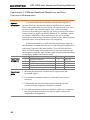
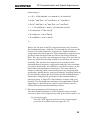
1. Observe frequency shift.
2. Measure port isolation and conversion gain.
3. Use the GRF-1300A to emit a 2.4GHz modulated signal.
Experiment
steps
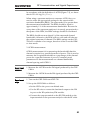
1. Turn on the GRF-1300A and GSP-730.
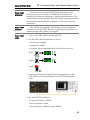
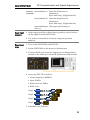
2. Set up the GRF-1300A.
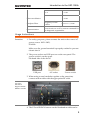
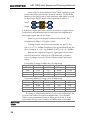
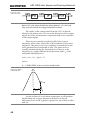
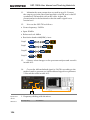
• Connect an RF cable from the RF/FM port in the synthesizer/FM
module to the IF In port in the Mixer module.
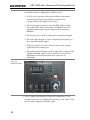
• Connect an RF cable from the USG (USB signal generator) output
port to the LO In port in the mixer module.
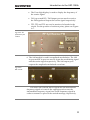
• Connect an RF cable from the RF output in the mixer module to
the RF port of the spectrum analyzer.
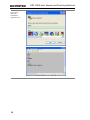
• Use PC software to set the USG frequency to 1520MHz.
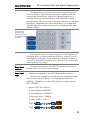
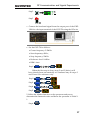
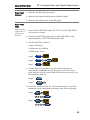
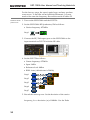
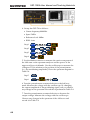
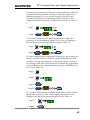
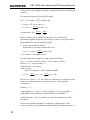
3. Set the spectrum analyzer as follows:
• Center frequency: 2.4 GHz
• Span:FULL
• Reference level:0dBm
• Resolution bandwidth: Auto
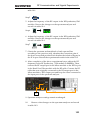
Step1
F1
Step2
F2
Step3
F1
Step4
F1
2
4
0
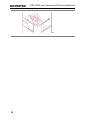
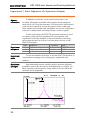
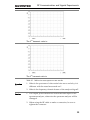
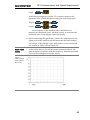
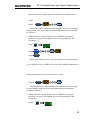
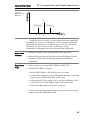
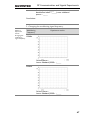
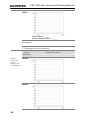
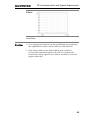
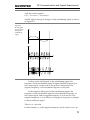
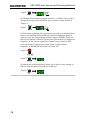
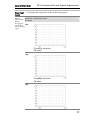
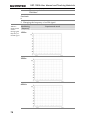
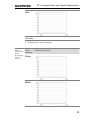
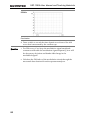
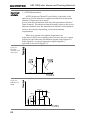
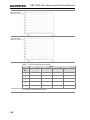
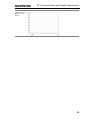
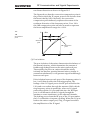
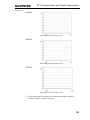
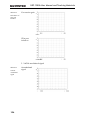
4. Observe the spectrum distribution with the spectrum analyzer.
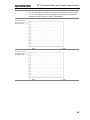
Get the spectrum distribution at the time of frequency mixing.
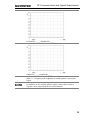
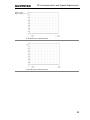
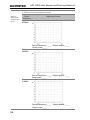
Measure the magnitude of each spectral line and draw it into
102