1
5.4 Departures
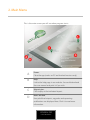
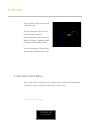
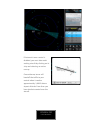
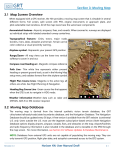
Every departure aircraft must be guided to its exit fix; it is indicated in
the aircraft's strip as shown in the next image:
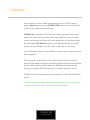
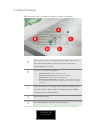
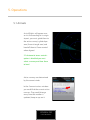
Click on the SID/STAR button to find the SID page, there you will see all
the exit fixes highlighted.
Most airports have procedures published for departures (SID). These are
suggested routes aircraft should follow to keep order in traffic flow. You
could see them by clicking at the SID/STAR button in the Sim controls
dock.
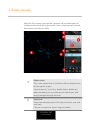
You could give vectors by "heading", "direct to" or "fly procedures" until
they "hit" the exit fix. Aircraft will continue in active flying until it "hits"
its assigned exit fix, if it goes beyond the radar screen area it will be
removed from the active aircraft list and you will be severe penalized.
*We suggest you to look at real traffic flow in websites such as
www.flightradar24.com, or similar, so you could learn on how real radar control
handles all traffic.
ATC4REAL PRO
U SER MAN UAL