1
New in GraphicConverter 9.7.1
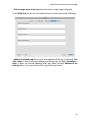
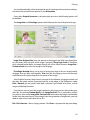
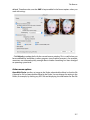
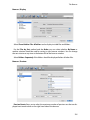
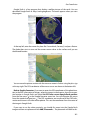
• GPS data can be entered in the format Degree, Minutes, Seconds too.
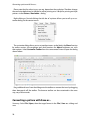
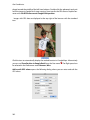
• When you create a polygone selection you now can delete the last points with backspace or delete if you did a mistake.
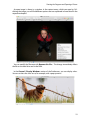
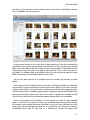
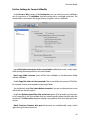
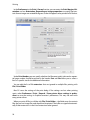
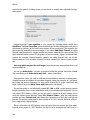
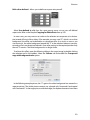
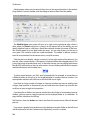
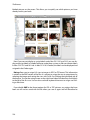
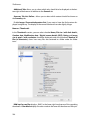
• In the Preferences / Browser / Libraries you can disable the display of the Media Library and the content of iPhoto and Aperture.
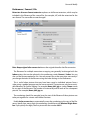
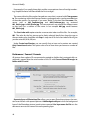
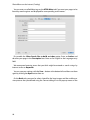
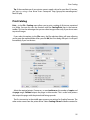
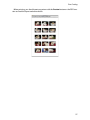
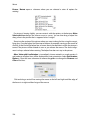
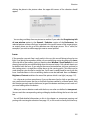
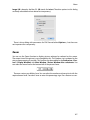
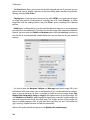
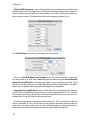
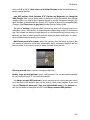
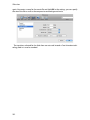
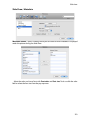
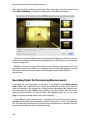
• In Preferences / Slide Show / General More you can select Delete: Remove sidecar
and RAWs in addition, to automatically delete the RAW file and the side car file when
you delete the JPG file of the same name during a slide show. This makes sense if you
create RAW files with side car file and JPG files simultaniously in your camera and want
to delete bad pictures.
New in GraphicConverter 9.7.1
• The formats SWS (used in video production), NPO (Nokia phone format) and SPE
(microscope format) can be opened.
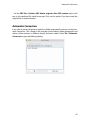
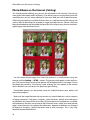
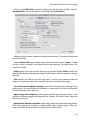
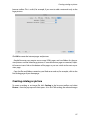
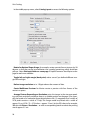
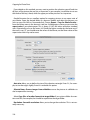
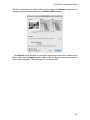
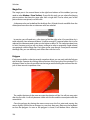
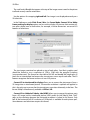
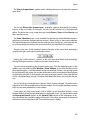
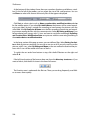
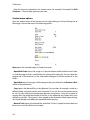
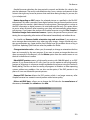
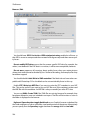
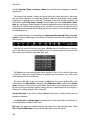
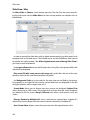
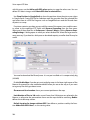
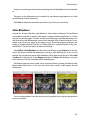
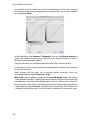
• In the Pure Carbon filter dialog a new button „Copy for Batch“ allows to copy the settings into the batch so you can use it in batches.
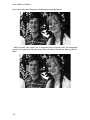
• The left and right picture can now be swapped in 3D pictures with a batch. Other programs sometimes confuse the pictures.
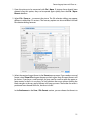
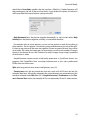
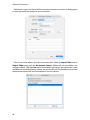
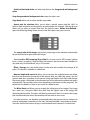
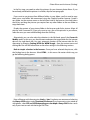
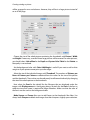
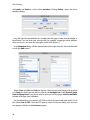
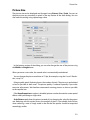
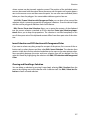
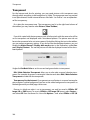
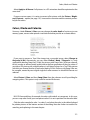
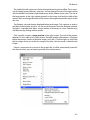
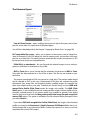
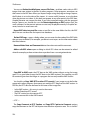
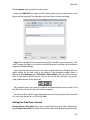
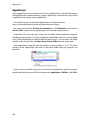
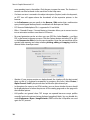
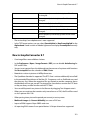
• File / New / Image... opens a dialog in which you select the size of the picture. New in
this dialog is the possibility to select standard formats like letter from the popup menu
Preset.
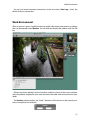
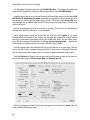
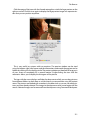
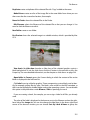
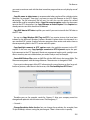
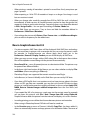
• With File / Merge Folder into One Image... you can overlay the pictures of a folder. New
are the methods Min, And, Or and XOR.
• When you enter a certain file size for JPG pictures so the quality is reduced to reach the
file size this quality was set for normal saving of an opened picture. New is that the
quality from the batch is not used for normally opened pictures.
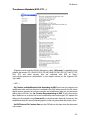
• In Convert & Modify you can scale PDF files losslesly for example from DIN A4 to DIN
A5 with Function: Scale PDF...
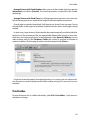
• In Multiscale new options for scaling and buttons for format options have been added.
• In the IPTC dialog you can select the tabs with command 1-7.
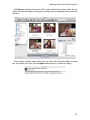
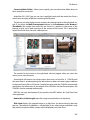
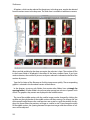
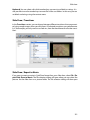
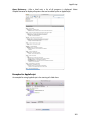
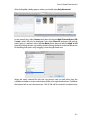
• In the Browser you can display pictures with or without geo data only so you can see
quickly which pictures contain geo data. Select the appropriate option in the popup
menu Show.
330