1
Importing Pictures from Digital Cameras
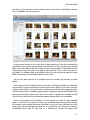
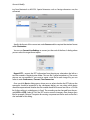
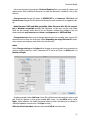
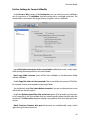
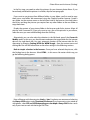
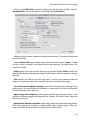
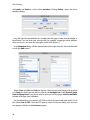
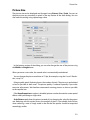
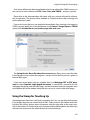
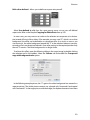
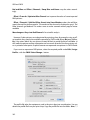
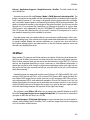
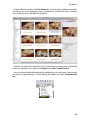
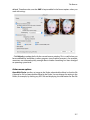
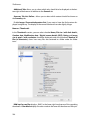
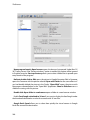
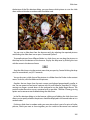
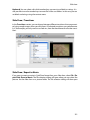
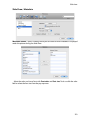
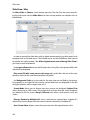
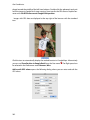
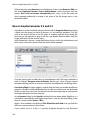
Select the Select Folder and Download Images into Selected Folder option at the
bottom of the selection dialog if you want to load all pictures into a folder. Download all
Images into Folder 30.11.2012. Film 1 creates a folder with the date and a film number
into which the pictures are loaded. The date is always the date of the import. Sort
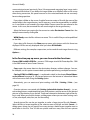
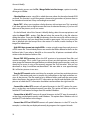
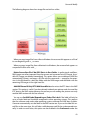
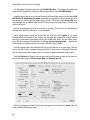
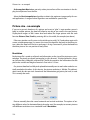
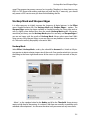
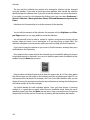
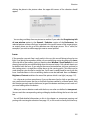
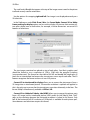
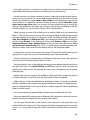
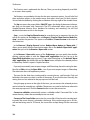
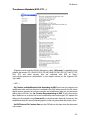
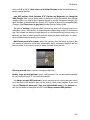
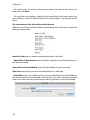
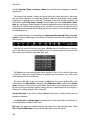
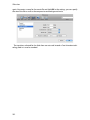
Images into Subfolders Depending on Date creates a subfolder in your picture folder
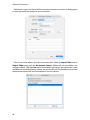
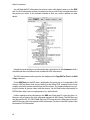
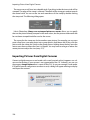
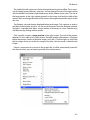
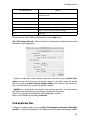
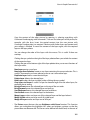
with the structure year, month, day, i.e. for example:
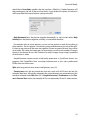
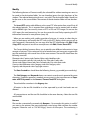
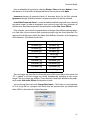
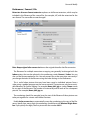
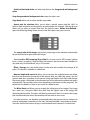
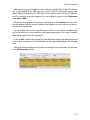
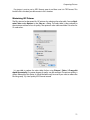
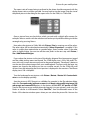
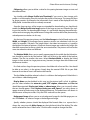
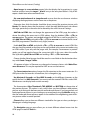
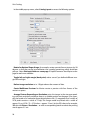
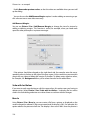
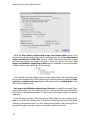
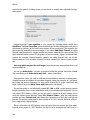
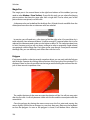
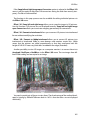
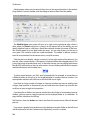
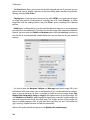
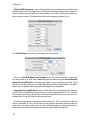
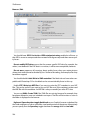
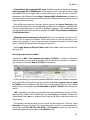
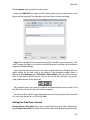
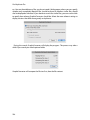
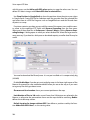
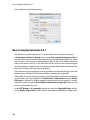
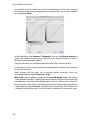
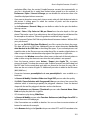
If, for example, you require folder names without month names and a preceding zero
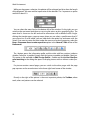
for the month number when further processing in a php environment, disable the Leading Zeroes and Add month names options. Many users find that Leading Spaces looks
nicer than the leading zeroes.
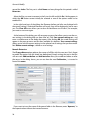
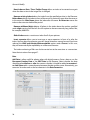
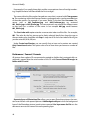
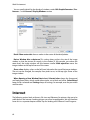
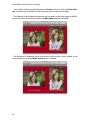
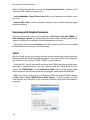
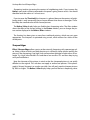
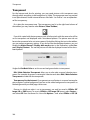
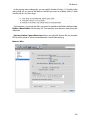
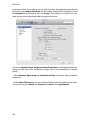
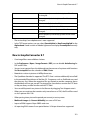
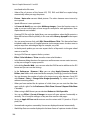
Sort Images into Subfolders Depending on Extension is helpful for example if your
camera writes a RAW- and a JPG-file on every shot. GraphicConverter creates a Folder for
every format in the destination folder. This allows you to also import images from movies
separately.
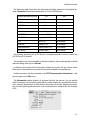
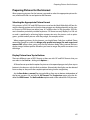
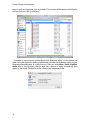
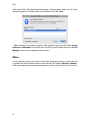
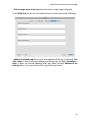
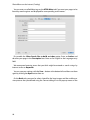
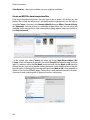
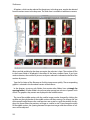
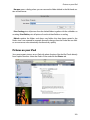
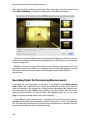
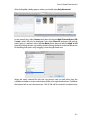
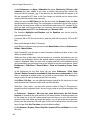
In the file selection dialog, select your picture folder where the year, month and day
folder is to be created or already exists. The pictures will be imported into the day folder
according to the creation date. If you have renamed a day folder, it will no longer be recognized during the next import and a new day folder will also be created.
122