1
5 – EHP-TS software
5.1 EHP-TS
applications
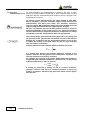
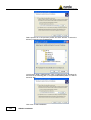
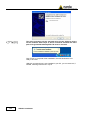
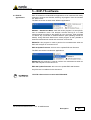
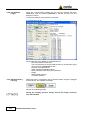
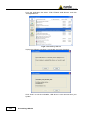
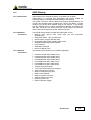
EHP-TS software includes different applications to be used with EHP family
analyzers, shortcuts are showed, selecting “all programs” from the windows
XP “start” button:
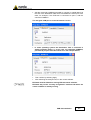
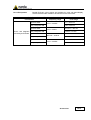
The EHP-50 section includes three different applications:
EHP50C – Stand Alone Mode: main task of this program is to set up EHP50C for standalone mode. The analyzer will take and log E or H field
measurements (according to the setting) for up to 24 hours, when switched
on without any connection to external devices (see operating manual for
details). Using EHP-50C-Stand Alone mode program is then possible to
download measurement results and store them as a text file.
EHP50-TS: this program is used to perform live measurements when an
EHP-50C analyzer is connected to PC
EHP-50 Update Firmware: this is a tool to update EHP-50C firmware
The EHP-200 section includes two applications:
EHP200-TS: this program is used to perform live measurements when an
EHP-200 analyzer is connected to PC
EHP-200 Update Firmware: this is a tool to update EHP-200 firmware
Only EHP-50 is considered in this document.
1
EHP-TS software does not work with EHP50A/B.
Document EHP50CEN-01011-1.32 - © NARDA 2009
Description
5-1