1
INTREPID User Manual
Library | Help | Top
Map composition (G17)
12
| Back |
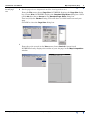
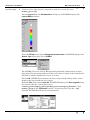
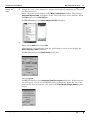
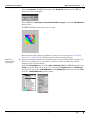
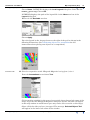
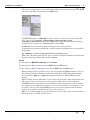
Choose Apply in the Ticks dialog box.
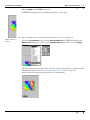
INTREPID displays the tick marks and labels on your grid.
9
Place a North
arrow
Place a North arrow with projection information in the composition.
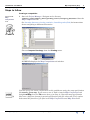
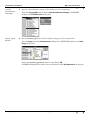
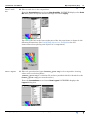
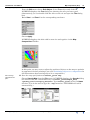
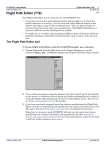
From the Annotations menu choose New NorthArrow. INTREPID displays the
North Arrow dialog box. Turn on the ShowProjection check box. Choose Apply.
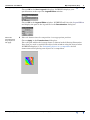
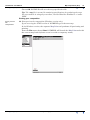
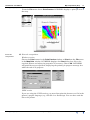
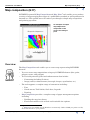
Place the North arrow in the lower left part of the A4 page frame as shown in the
following illustration. (See Positioning objects in a composition for full
instructions about placing new objects in a composition.)
Library | Help | Top
© 2012 Intrepid Geophysics
| Back |