1
MENU AND OPERATION
shipped together with the instrument (please read more in
chapter 4).
3.2.2
Measure Settings
This menu point allows controlling the basic settings for the
measurement like e.g. “Clock” or “Damping”.
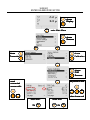
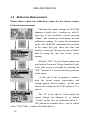
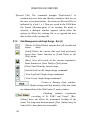
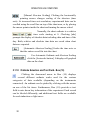
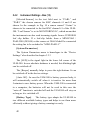
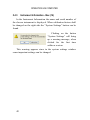
Clicking “MENU” once from the
start screen and the navigation
buttons (arrows “up”, “down” or
“MENU”) enters the measure
settings. Opens a new window with
two parts
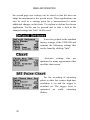
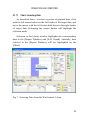
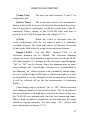
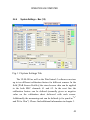
“Chart” indicates the way to the
second measure settings window
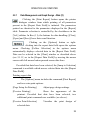
Measure Settings I
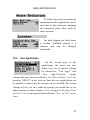
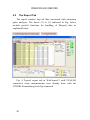
When the Clock is activated data are saved
continuously with the set interval until it is manually switched off
again. The clock time can be set between 10 s and 40 min in the
line below. For long term data logging the ULM-500 offers a
sleep mode to save battery power. This sleep mode is
automatically active when a measuring interval of 1 min or more
is chosen. In this case the instrument only switches on for the
measurement and to save a new line for the report. Afterwards it
will switch off automatically again. The sleep phase can be
interrupted at any time by pressing “ON”.
15