1
Prolific Backup Software User’s Manual
Using the Prolific Backup Software
This section provides guidelines on how to install and use Prolific Backup software.
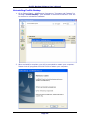
Installing Prolific Backup
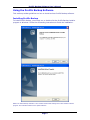
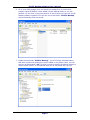
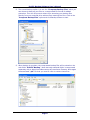
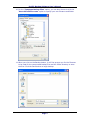
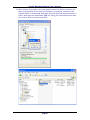
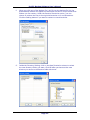
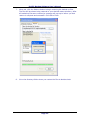
To install Prolific Backup, you simply run or double-click the Prolific Backup installer
program in Windows. Follow the succeeding instructions to finish the installation.
NOTE: The Prolific Backup software is also included inside Prolific Storage All-in-One Software installer
program. Check Prolific website for the update software.
Page 1