1
Network
Setup
menu
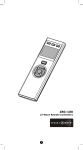
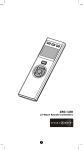
• Press and hold cd keys simultaneously for 3
seconds to enter Network Setup menu.
• Press BACK key to go back to previous page.
• Press and hold BACK key for 2 seconds to go
back to root menu.
+
Network Setup (C1)
Rediscover N.W. (C2)
(Rediscover network)
Re-scan Devices (C3)
Delete Dead Node (C4)
Listening Mode (C5)
Create Sec. (C6)
(Create secondary)
Create Pri. (C7)
(Create primary)
QUICK SETUP STEPS EXAMPLE
Step 1
Connect a Z-Wave device (for example, a light switch) to power
supply.
3