1
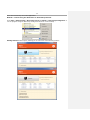
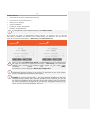
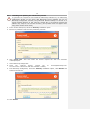
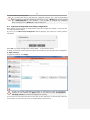
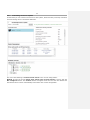
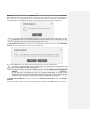
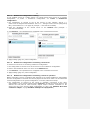
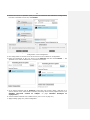
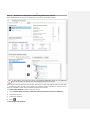
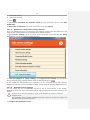
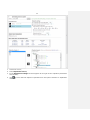
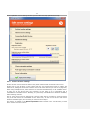
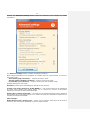
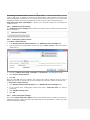
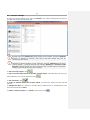
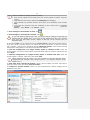
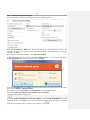
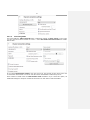
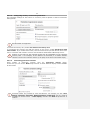
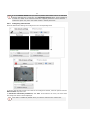
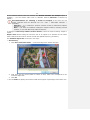
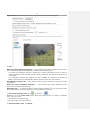
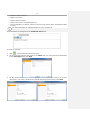
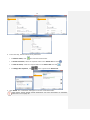
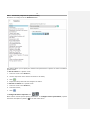
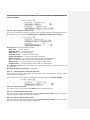
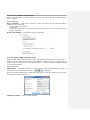
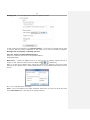
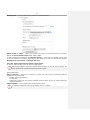
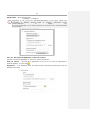
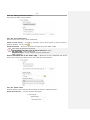
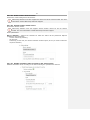
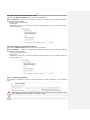
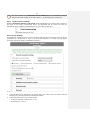
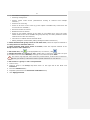
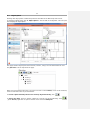
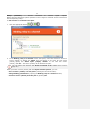
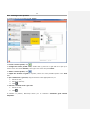
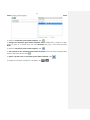
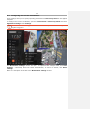
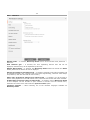
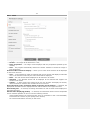
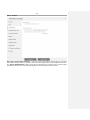
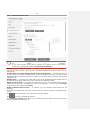
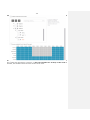
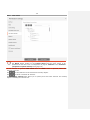
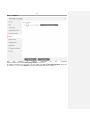
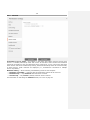
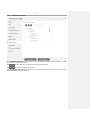
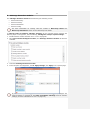
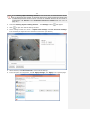
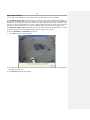
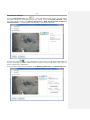
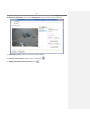
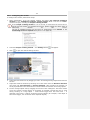
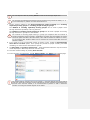
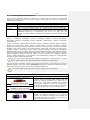
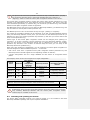
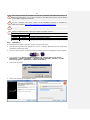
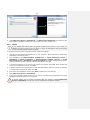
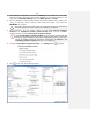
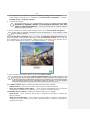
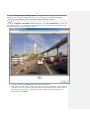
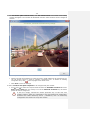
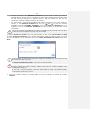
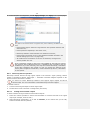
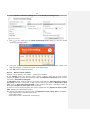
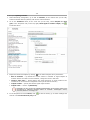
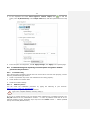
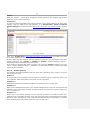
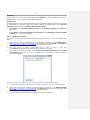
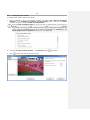
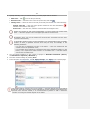
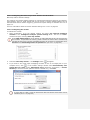
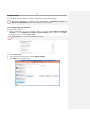
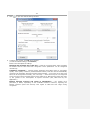
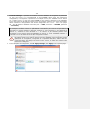
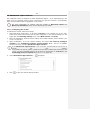
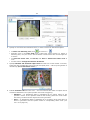
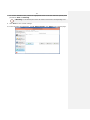
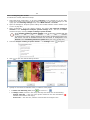
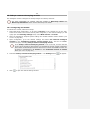
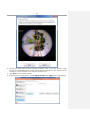
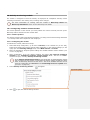
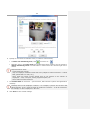
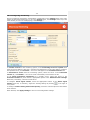
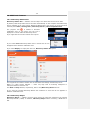
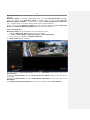
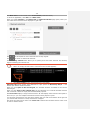
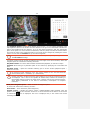
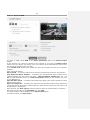
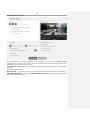
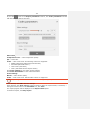
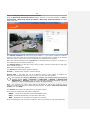
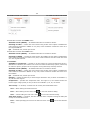
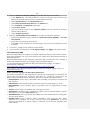
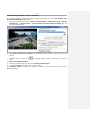
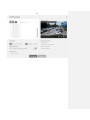
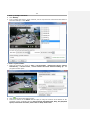
69 If the selected channel uses two streams, the Stream selection for analysis option is available — you can choose either main or alternate channel (Alternate is selected by default.) Recommendations for selecting a stream for analysis; if the main one has higher resolution than the alternate one (e.g., main — 1920x1080, alternate — 640x480): - Alternate — if no intelligence analysis modules except for Macroscop software detector are used. - Main — if at least one additional intelligence analysis modules, including external modules, is used with Macroscop software detector. To configure a Macroscop software motion detector, select the required setting: simple or expert. Simple mode allows setting the minimum size of an object to be detected for the entire frame. Analysis in this mode is carried out with the optimal frequency (see below.) The minimum object size can be set in two ways: Interactively: 1. Click Set in interactive mode — a minimum object size window will open. 2. Hold down the left mouse button to select an area, which size corresponds to the minimum object size. 3. Click OK. Use the sliders to specify the minimum width and height as a percentage of the frame size.