1
termio(7I)
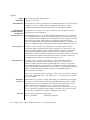
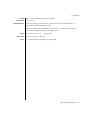
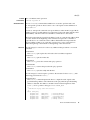
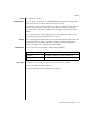
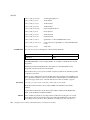
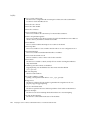
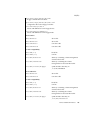
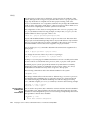
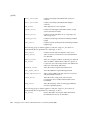
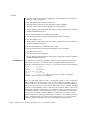
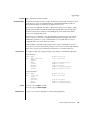
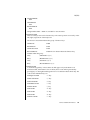
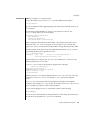
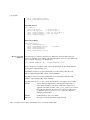
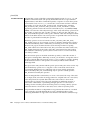
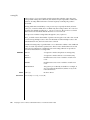
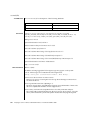
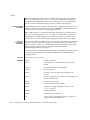
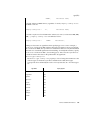
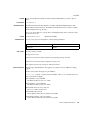
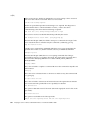
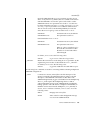
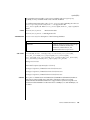
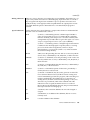
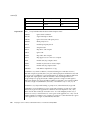
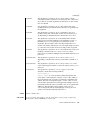
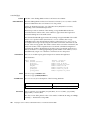
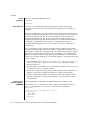
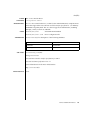
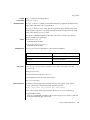
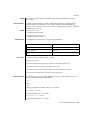
ECHO
Enable echo.
ECHOE
Echo erase character as BS-SP-BS &.
ECHOK
Echo NL after kill character.
ECHONL
Echo NL .
NOFLSH
Disable flush after interrupt or quit.
TOSTOP
Send SIGTTOU for background output.
ECHOCTL
Echo control characters as char, delete as ^?.
ECHOPRT
Echo erase character as character erased.
ECHOKE
BS-SP-BS erase entire line on line kill.
FLUSHO
Output is being flushed.
PENDIN
Retype pending input at next read or input character.
IEXTEN
Enable extended (implementation-defined) functions.
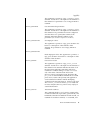
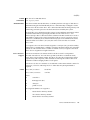
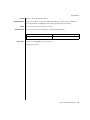
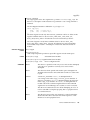
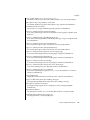
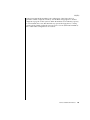
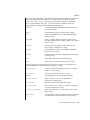
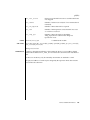
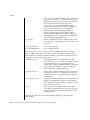
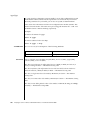
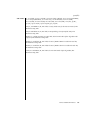
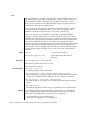
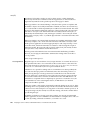
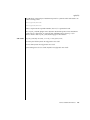
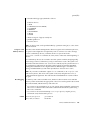
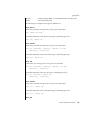
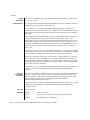
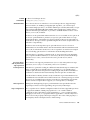
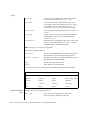
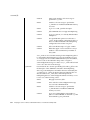
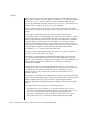
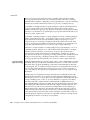
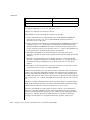
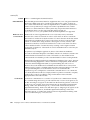
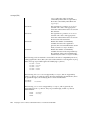
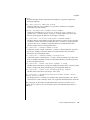
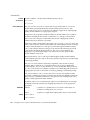
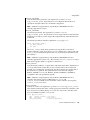
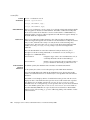
If ISIG is set, each input character is checked against the special control characters
INTR, QUIT, SWTCH, SUSP, STATUS, and DSUSP. If an input character matches one
of these control characters, the function associated with that character is performed.
(Note: If SWTCH is set and the character matches, the character is simply discarded.
No other action is taken.) If ISIG is not set, no checking is done. Thus, these special
input functions are possible only if ISIG is set.
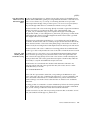
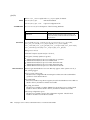
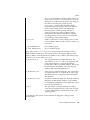
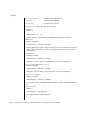
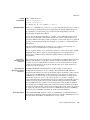
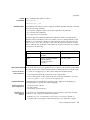
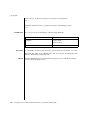
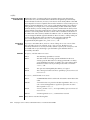
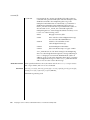
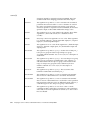
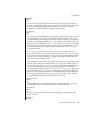
If ICANON is set, canonical processing is enabled. This enables the erase and kill edit
functions, and the assembly of input characters into lines delimited by NL-c, EOF,
EOL, and EOL . If ICANON is not set, read requests are satisfied directly from the input
queue. A read is not satisfied until at least MIN characters have been received or the
timeout value TIME has expired between characters. This allows fast bursts of input to
be read efficiently while still allowing single character input. The time value represents
tenths of seconds.
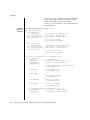
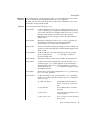
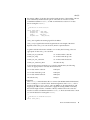
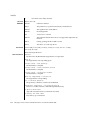
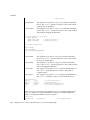
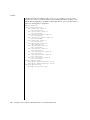
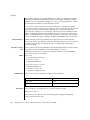
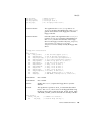
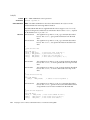
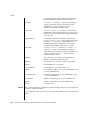
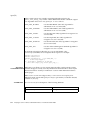
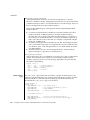
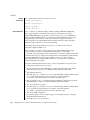
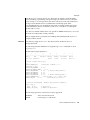
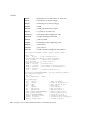
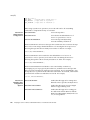
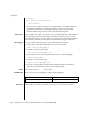
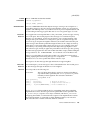
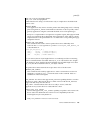
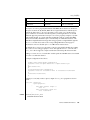
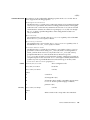
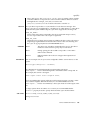
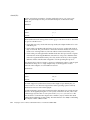
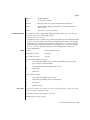
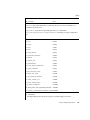
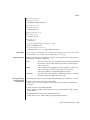
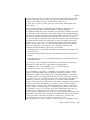
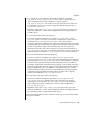
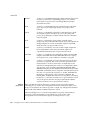
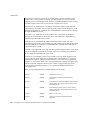
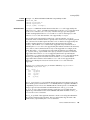
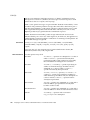
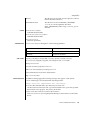
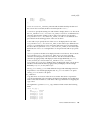
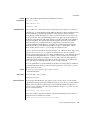
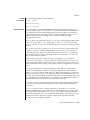
If XCASE is set and ICANON is set, an upper case letter is accepted on input if preceded
by a backslash (‘\’) character, and is output preceded by a backslash (‘\’)
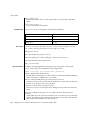
character. In this mode, the following escape sequences are generated on output and
accepted on input:
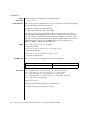
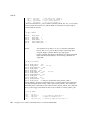
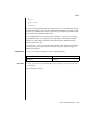
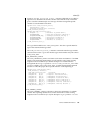
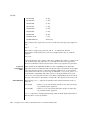
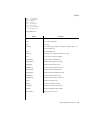
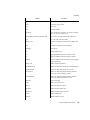
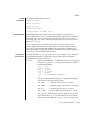
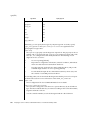
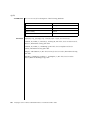
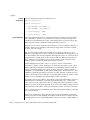
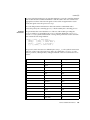
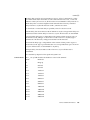
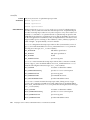
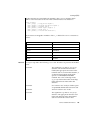
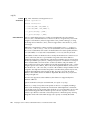
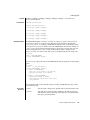
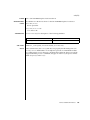
FOR:
USE:
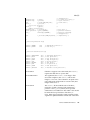
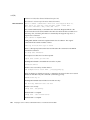
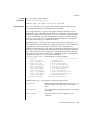
‘
\’
|
\!
≈
\^
{
\(
Device and Network Interfaces
673