1
Run-Time Library Input/Output Operations
22.5 Performing Special Input/Output Actions
22.5.8 Using Broadcasts
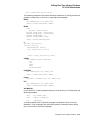
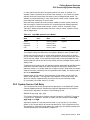
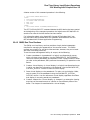
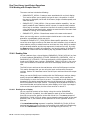
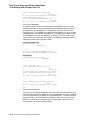
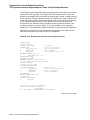
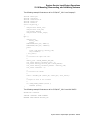
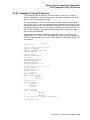
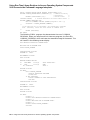
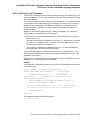
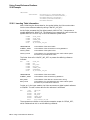
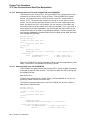
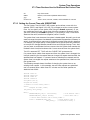
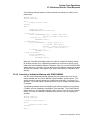
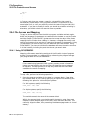
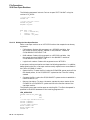
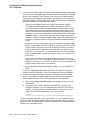
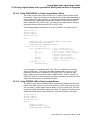
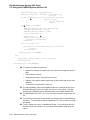
You can write, or broadcast, to any interactive terminal by using the
SYS$BRKTHRU system service. The following example broadcasts a message to
all terminals at which users are currently logged in. Use of SYS$BRKTHRU to
write to a terminal allocated to a process other than your own requires the OPER
privilege.
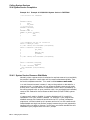
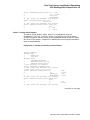
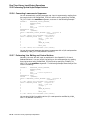
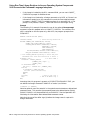
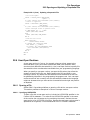
INTEGER*4 STATUS,
2
SYS$BRKTHRUW
INTEGER*2 B_STATUS (4)
INCLUDE ’($BRKDEF)’
STATUS = SYS$BRKTHRUW (,
2
’Accounting system started’,,
2
%VAL (BRK$C_ALLUSERS),
2
B_STATUS,,,,,,)
IF (.NOT. STATUS) CALL LIB$SIGNAL (%VAL (STATUS))
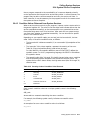
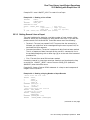
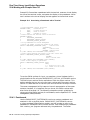
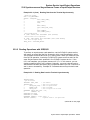
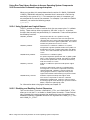
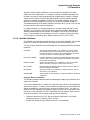
22.5.8.1 Default Handling of Broadcasts
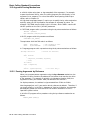
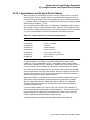
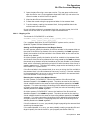
If the terminal user has taken no action to handle broadcasts, a broadcast is
written to the terminal screen at the current position (after a carriage return and
line feed). If a write operation is in progress, the broadcast occurs after the write
ends. If a read operation is in progress, the broadcast occurs immediately; after
the broadcast, any echoed user input to the aborted read operation is written to
the screen (same effect as pressing Ctrl/R).
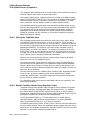
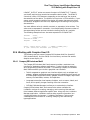
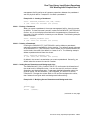
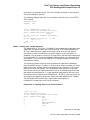
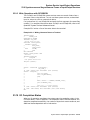
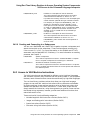
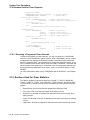
22.5.8.2 How to Create Alternate Broadcast Handlers
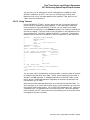
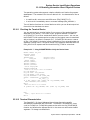
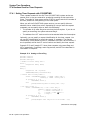
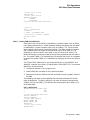
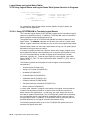
You can handle broadcasts to the terminal on which your program is running with
SMG$SET_BROADCAST_TRAPPING. This routine uses the AST mechanism to
transfer control to a subprogram of your choice each time a broadcast message is
sent to the terminal; when the subprogram completes, control returns to the point
in your mainline code where it was interrupted.
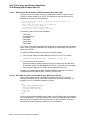
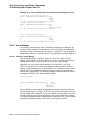
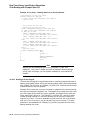
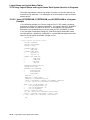
The SMG$SET_BROADCAST_TRAPPING routine is not an SMG$ input
routine. Before invoking SMG$SET_BROADCAST_TRAPPING, you must invoke
SMG$CREATE_PASTEBOARD to associate a pasteboard with the terminal.
SMG$CREATE_PASTEBOARD returns a pasteboard identification number; pass
that number to SMG$SET_BROADCAST_TRAPPING to identify the terminal
in question. Read the contents of the broadcast with SMG$GET_BROADCAST_
MESSAGE.
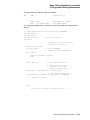
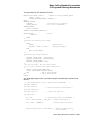
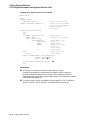
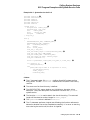
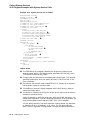
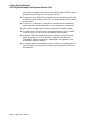
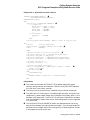
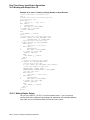
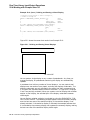
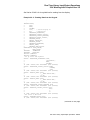
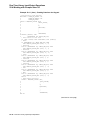
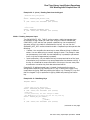
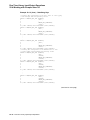
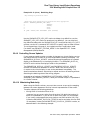
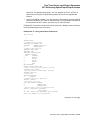
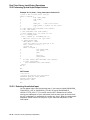
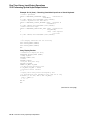
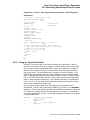
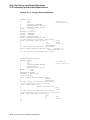
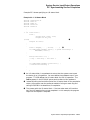
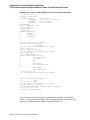
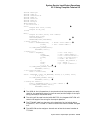
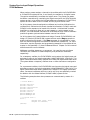
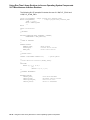
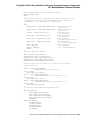
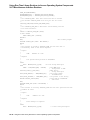
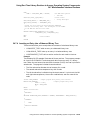
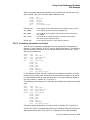
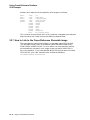
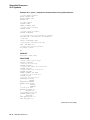
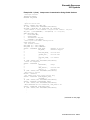
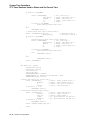
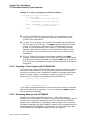
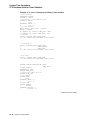
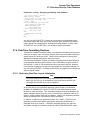
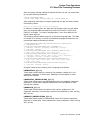
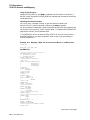
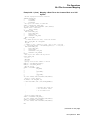
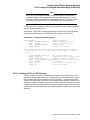
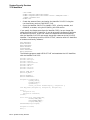
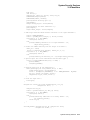
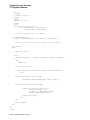
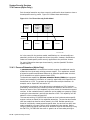
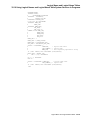
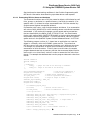
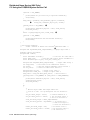
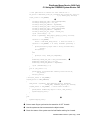
Example 22–15 demonstrates how you might trap a broadcast and write it at the
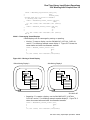
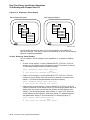
bottom of the screen. For more information about the use of SMG$ pasteboards
and virtual displays, see Section 22.4.
Run-Time Library Input/Output Operations 22–43