1
6.20 2D DRAWING TOOLS
6.20.3
71
CIRCLE+
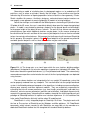
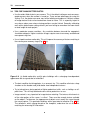
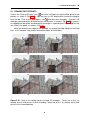
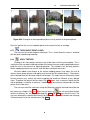
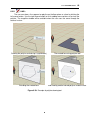
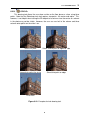
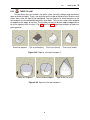
This drawing tool allows the user draw a circle on the floor plane or a face using three
points. Note that the Sketchup circle tool requires two points: the center and radius. This,
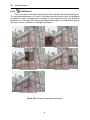
however, is not helpful when tracing the 2D footprint of a column since the center of a column
in the photo may not be visible. However, the user can see half of the column and three
extreme outer points on the circle’s arc.
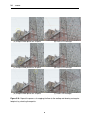
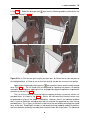
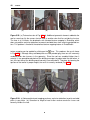
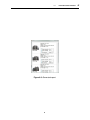
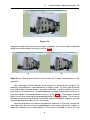
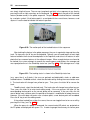
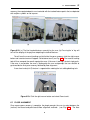
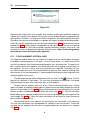
Select first point
Select second point on opposite side
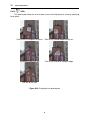
Interactively adjust the circle
Select third point on edge
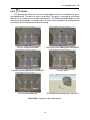
Final circle
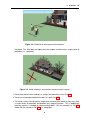
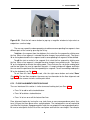
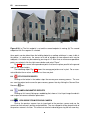
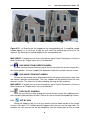
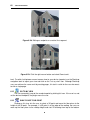
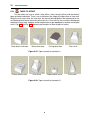
Figure 6.41: Example of circle drawing tool.
71