1
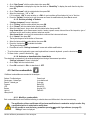
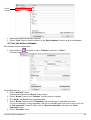
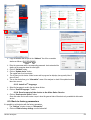
This created boiler appears below the “Add boiler” button.
Created
boiler
➢ Repeat the procedure to add others boilers.
➢ Click on “Close” button to close the window or on “Back to database” button to go to the total database.
5.3. Total database
This database allows to have a global view of all customers and their boilers with also the inspections.
5.4. Set the database
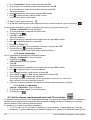
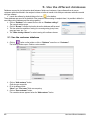
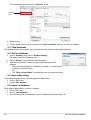
➢ Click on “Database” menu then on “Database settings”.
The setting window of the database opens.
➢ Click on “Browse” button then define the saving folder.
➢ Then select the repetition, it means the type of automatic saving of the
database.
• Select the saving frequency of the database : between 1 hour and 30 hours
or between 1 day and 30 days.
OR
• Tick “When closing software” to automatically save at the software closure.
5.5. Save while using
To guarantee information saving, you shall regularly proceed this way :
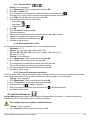
➢ Click on “File” menu.
➢ Click on “Save database”.
5.6. Import a database
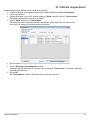
When opening Ligaz software, to recover a database :
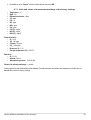
➢ Click on “File” menu.
➢ Click on “Import database”.
➢ Go to the saving folder of the database, select the database to open then click on OK.
50
Use the different databases