1
SPS File: Advanced Features
Table of Contents, Referencing, Bookmarks
319
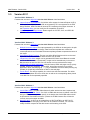
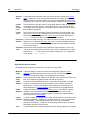
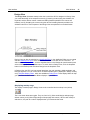
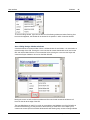
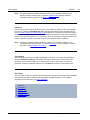
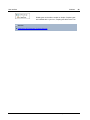
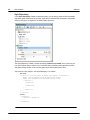
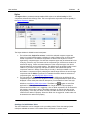
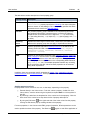
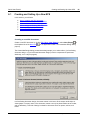
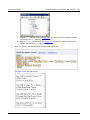
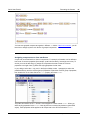
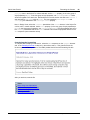
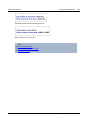
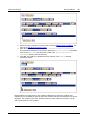
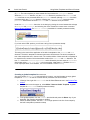
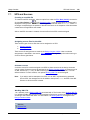
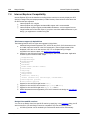
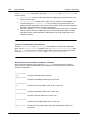
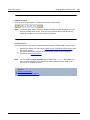
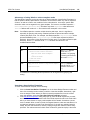
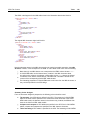
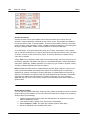
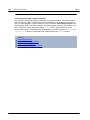
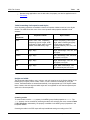
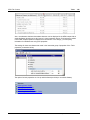
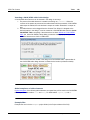
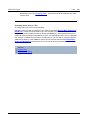
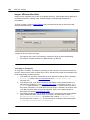
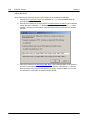
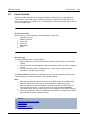
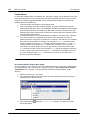
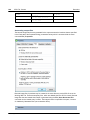
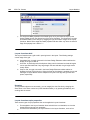
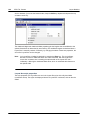
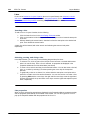
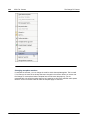
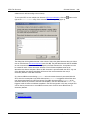
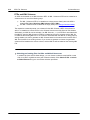
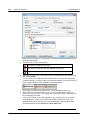
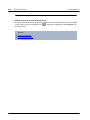
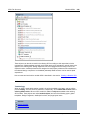
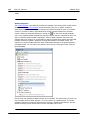
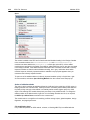
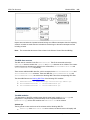
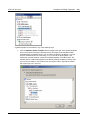
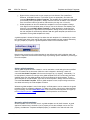
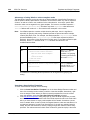
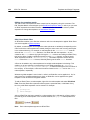
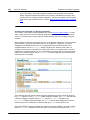
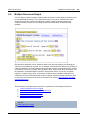
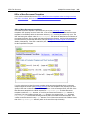
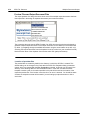
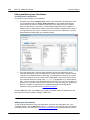
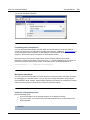
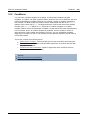
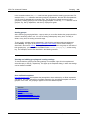
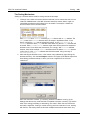
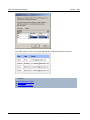
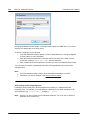
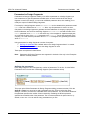
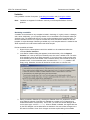
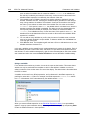
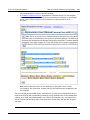
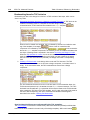
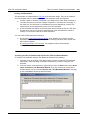
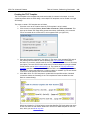
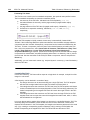
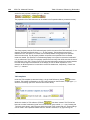
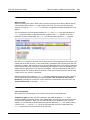
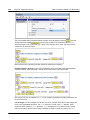
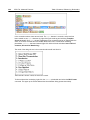
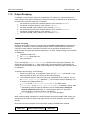
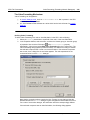
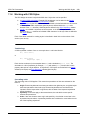
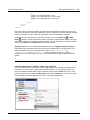
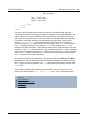
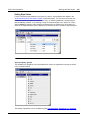
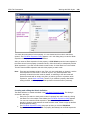
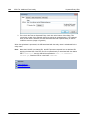
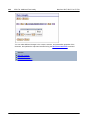
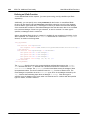
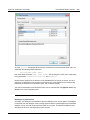
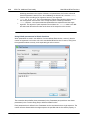
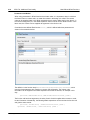
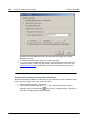
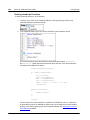
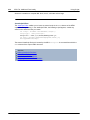
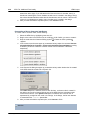
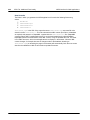
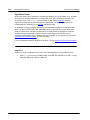
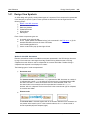
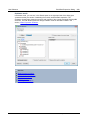
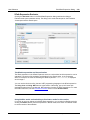
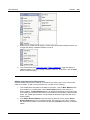
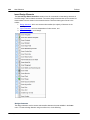
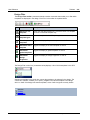
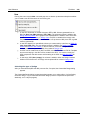
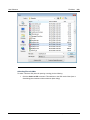
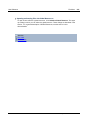
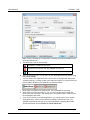
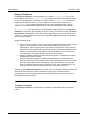
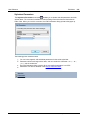
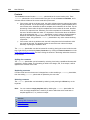
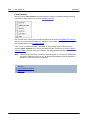
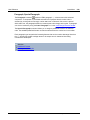
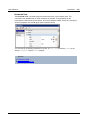
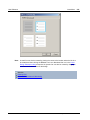
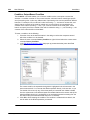
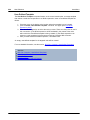
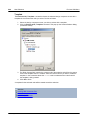
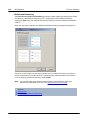
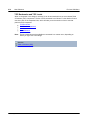
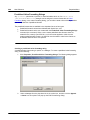
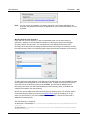
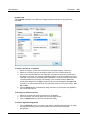
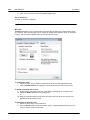
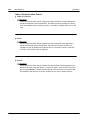
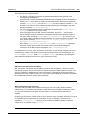
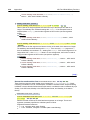
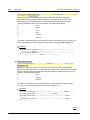
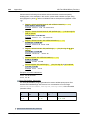
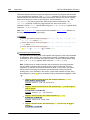
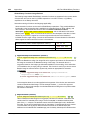
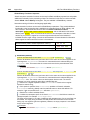
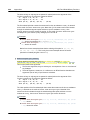
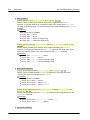
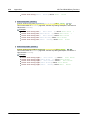
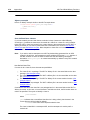
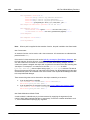
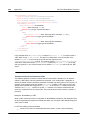
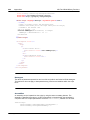
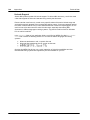
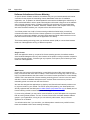
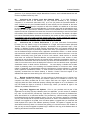
a TOC reference (TOCref)
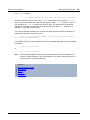
is inserted (see screenshot below). The TOCref within a
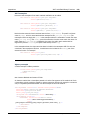
levelref references TOC bookmarks using the TOC bookmark's name. Each TOC bookmark with
that name and in the corresponding level in the XML document will be created as a TOC item at
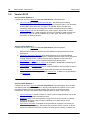
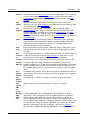
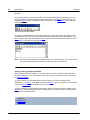
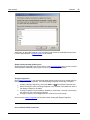
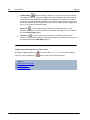
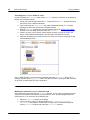
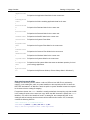
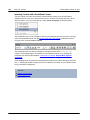
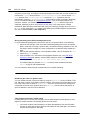
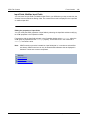
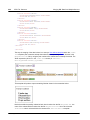
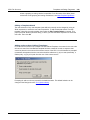
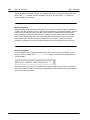
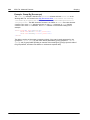
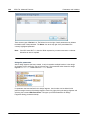
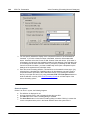
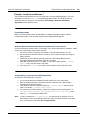
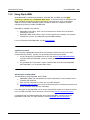
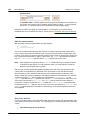
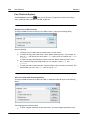
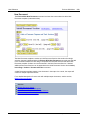
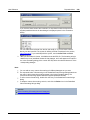
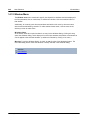
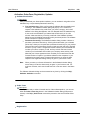
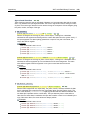
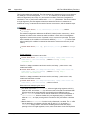
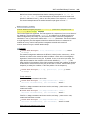
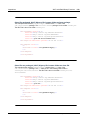
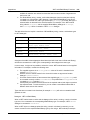
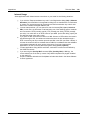
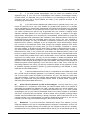
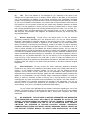
this level in the TOC. For example, the TOCref indicated with the tag
references all
TOC bookmarks named chapters in the corresponding level in the XML document (when the
scope of the TOCref has been set to current). The text attribute of the respective instantiated
TOC bookmarks will be output as the text of the TOC item.
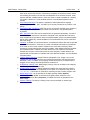
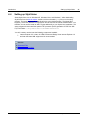
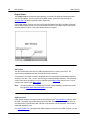
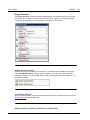
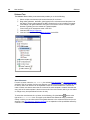
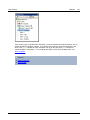
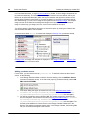
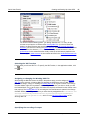
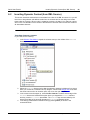
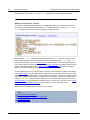
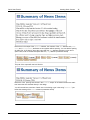
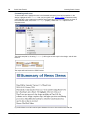
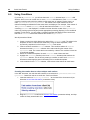
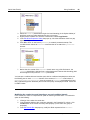
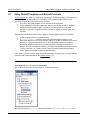
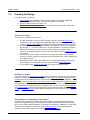
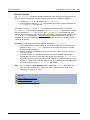
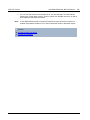
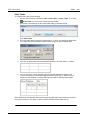
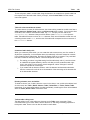
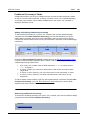
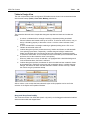
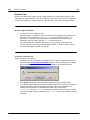
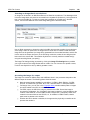
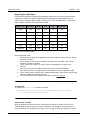
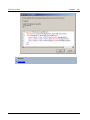
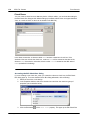
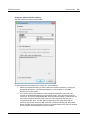
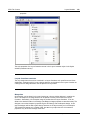
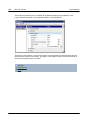
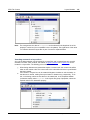
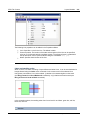
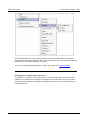
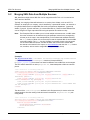
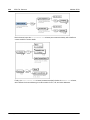
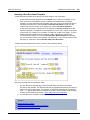
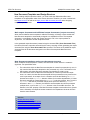
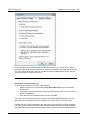
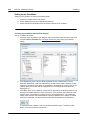
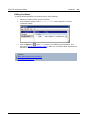
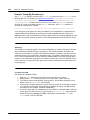
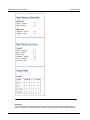
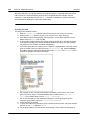
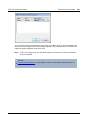
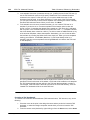
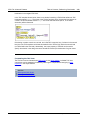
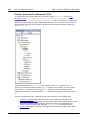
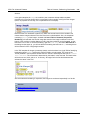
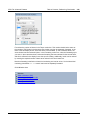
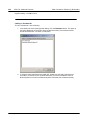
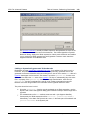
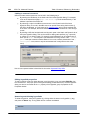
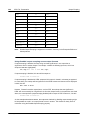
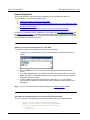
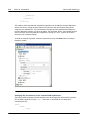
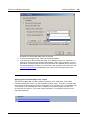
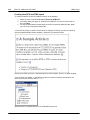
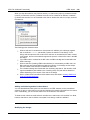
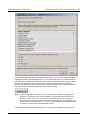
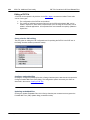
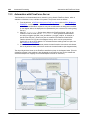
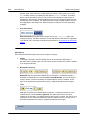
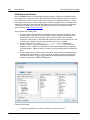
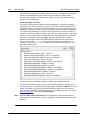
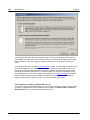
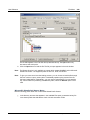
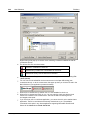
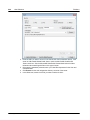
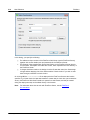
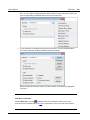
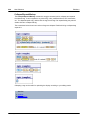
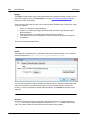
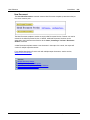
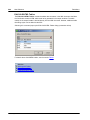
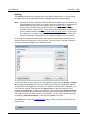
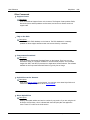
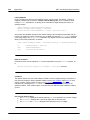
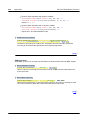
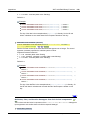
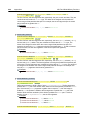
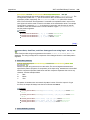
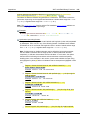
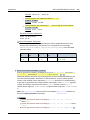
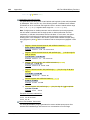
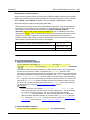
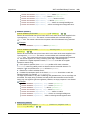
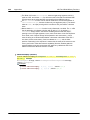
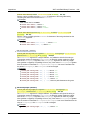
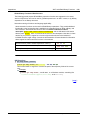
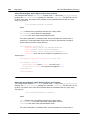
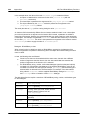
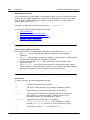
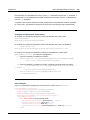
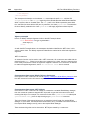
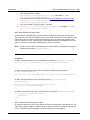
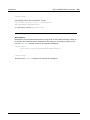
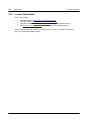
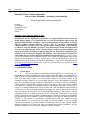
In the screenshot above of a TOC template, there are three nested levelrefs, within each of which
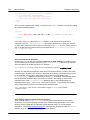
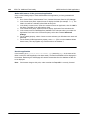
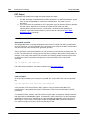
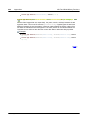
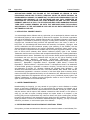
is a TOCref that contains the template for the TOC item of that level. For example, in the first
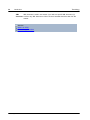
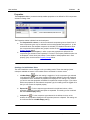
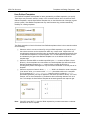
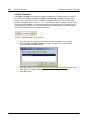
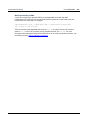
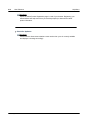
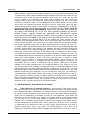
levelref, there is a TOCref that references TOC bookmarks that have a name of MyTOC
. As a result, all TOC bookmarks in the first level (as structured in the design) and
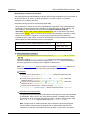
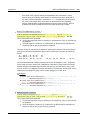
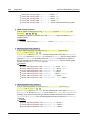
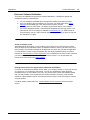
named MyTOC will be accessed for output at this level in the TOC. The TOCref within the second
levelref also references TOC bookmarks having a name of MyTOC. As a result, all TOC bookmarks
in the second level of the document and that are named MyTOC will be used for second-level items
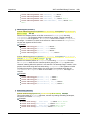
in the TOC. The third levelref works in the same way: TOC bookmarks named MyTOC that occur
within the document's third level are referenced for third-level items in the TOC.
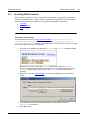
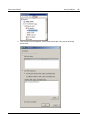
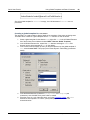
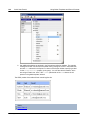
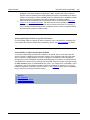
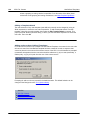
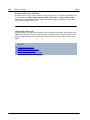
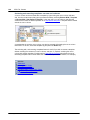
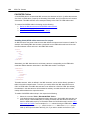
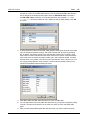
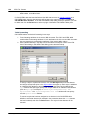
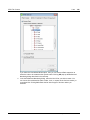
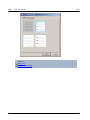
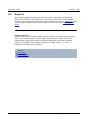
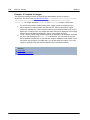
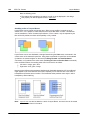
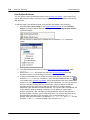
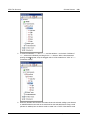
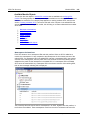
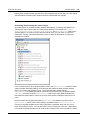
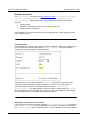
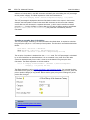
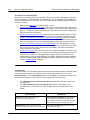
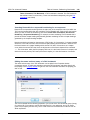
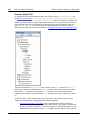
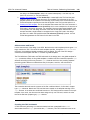
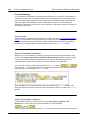
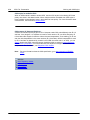
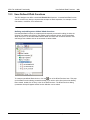
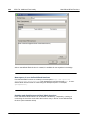
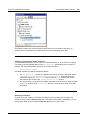
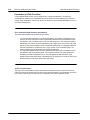
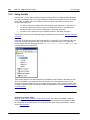
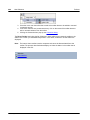
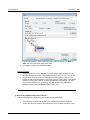
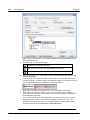
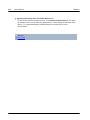
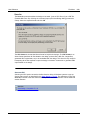
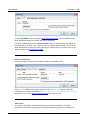
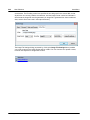
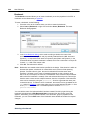
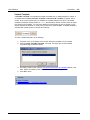
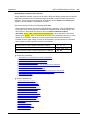
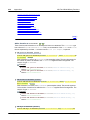
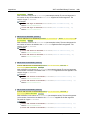
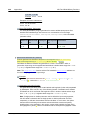
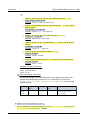
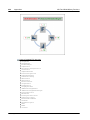
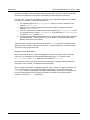
In the sub-sections of this section, we describe: (i) how the design is structured into levels, and
(ii) how bookmarks are created. How the TOC template is created is described in the section,
Creating the TOC Template.
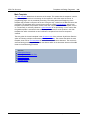
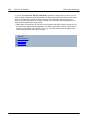
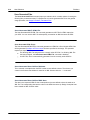
See also
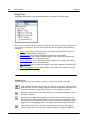
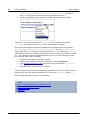
Table of Contents (TOC)
Structuring the Design in Levels
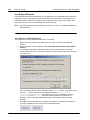
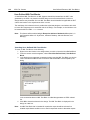
Creating TOC Bookmarks
Creating the TOC Template
© 2015 Altova GmbH
Altova StyleVision 2016 Basic Edition