1
510
User Reference
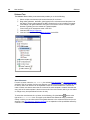
File Menu
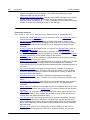
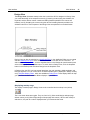
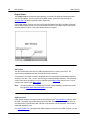
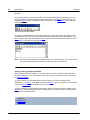
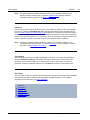
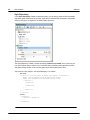
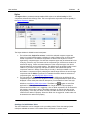
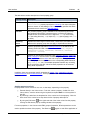
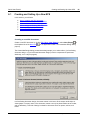
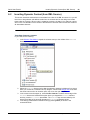
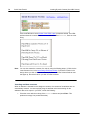
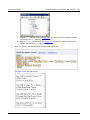
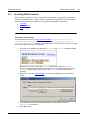
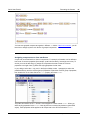
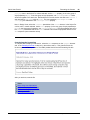
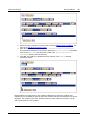
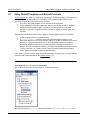
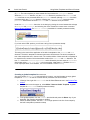
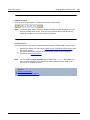
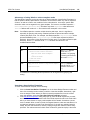
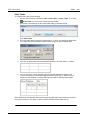
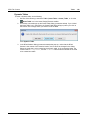
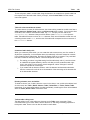
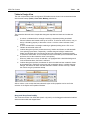
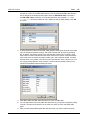
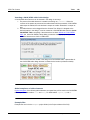
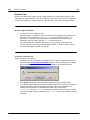
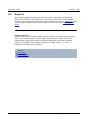
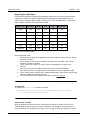
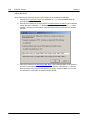
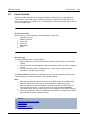
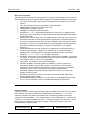
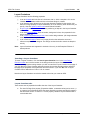
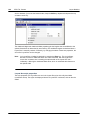
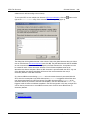
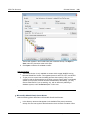
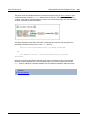
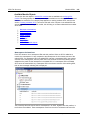
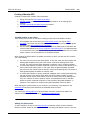
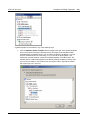
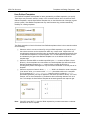
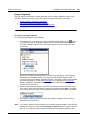
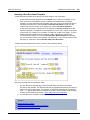
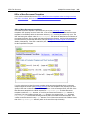
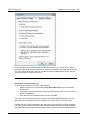
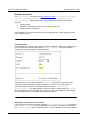
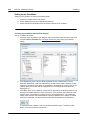
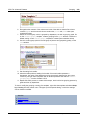
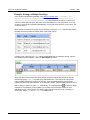
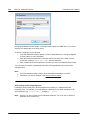
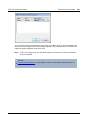
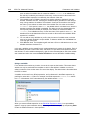
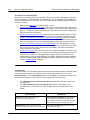
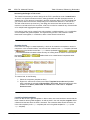
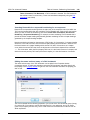
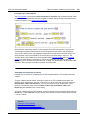
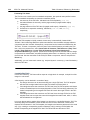
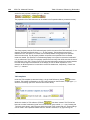
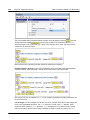
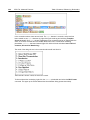
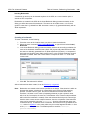
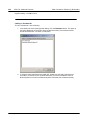
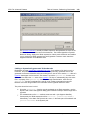
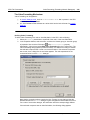
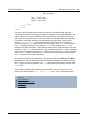
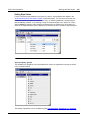
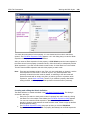
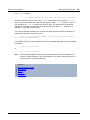
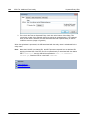
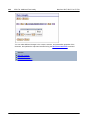
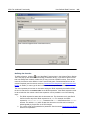
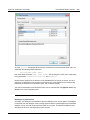
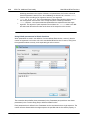
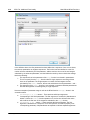
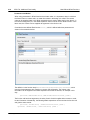
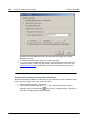
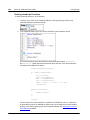
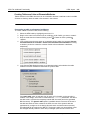
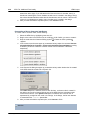
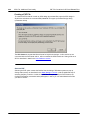
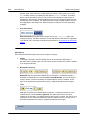
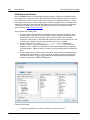
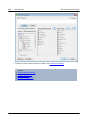
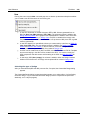
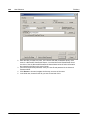
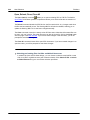
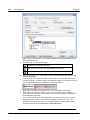
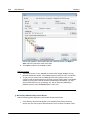
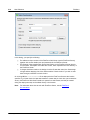
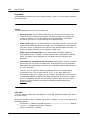
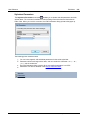
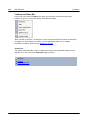
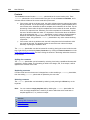
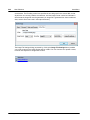
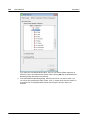
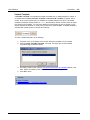
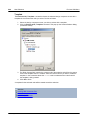
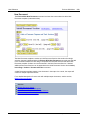
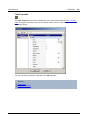
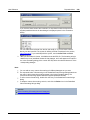
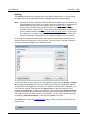
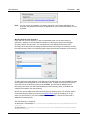
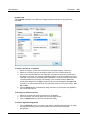
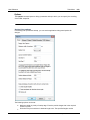
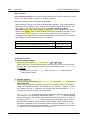
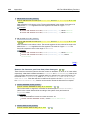
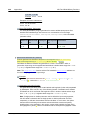
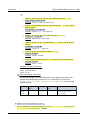
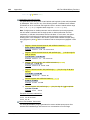
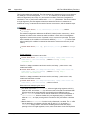
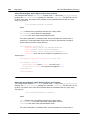
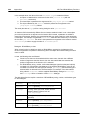
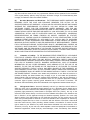
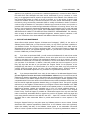
The file URL appears in the File URL field (see screenshot above). The Open or
Save button only becomes active at this point.
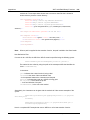
6. Click Open to load the file or Save to save it.
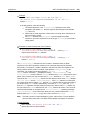
Note the following:
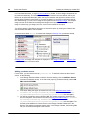
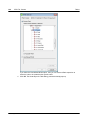
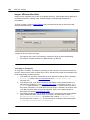
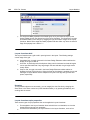
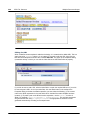
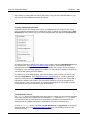
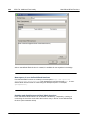
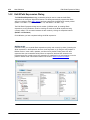
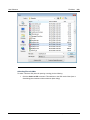
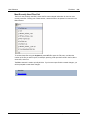
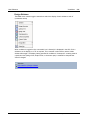
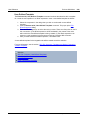
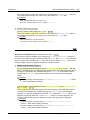
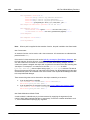
The Browse function is only available on servers which support WebDAV and on
Microsoft SharePoint Servers. The supported protocols are FTP, HTTP, and HTTPS.
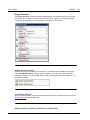
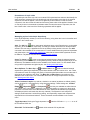
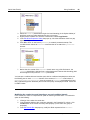
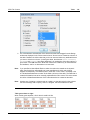
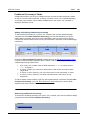
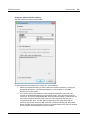
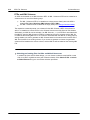
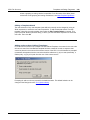
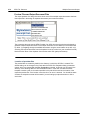
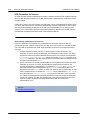
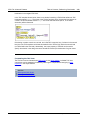
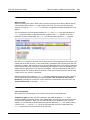
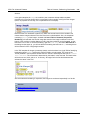
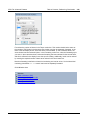
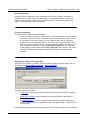
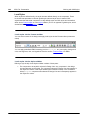
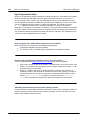
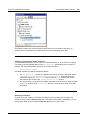
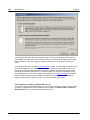
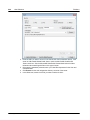
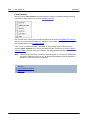
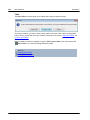
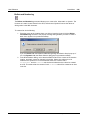
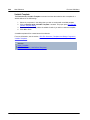
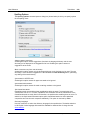
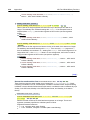
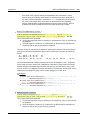
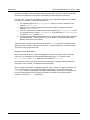
To give you more control over the loading process when opening a file, you can
choose to load the file through the local cache or a proxy server (which considerably
speeds up the process if the file has been loaded before). Alternatively, you may
want to reload the file if you are working, say, with an electronic publishing or
database system; select the Reload option in this case
.
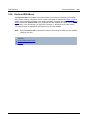
Microsoft® SharePoint® Server Notes
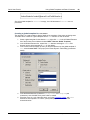
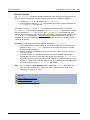
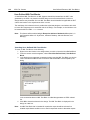
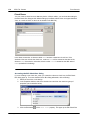
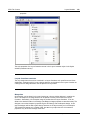
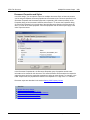
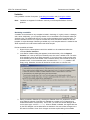
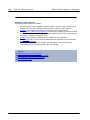
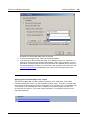
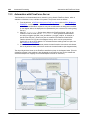
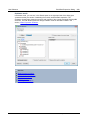
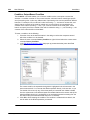
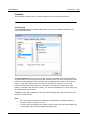
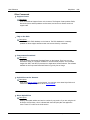
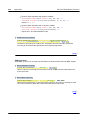
Note the following points about files on Microsoft® SharePoint® Servers:
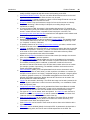
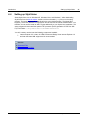
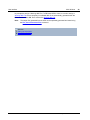
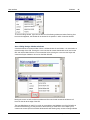
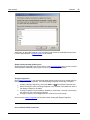
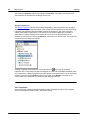
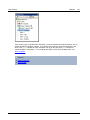
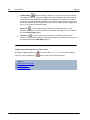
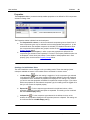
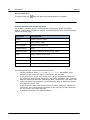
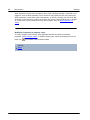
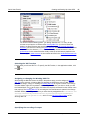
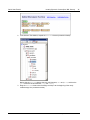
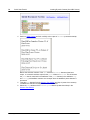
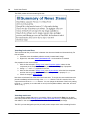
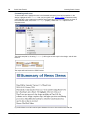
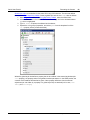
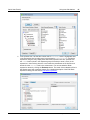
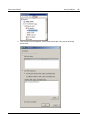
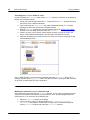
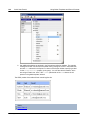
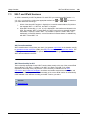
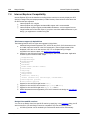
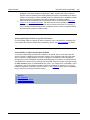
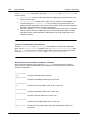
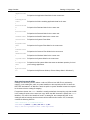
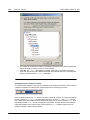
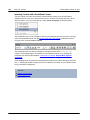
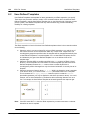
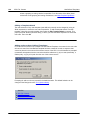
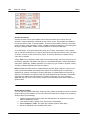
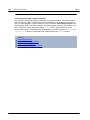
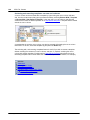
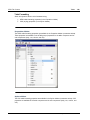
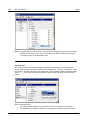
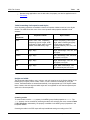
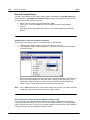
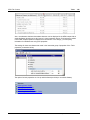
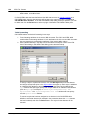
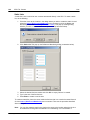
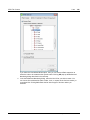
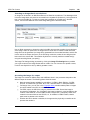
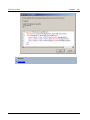
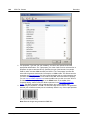
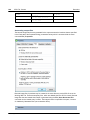
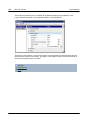
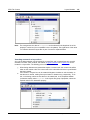
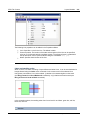
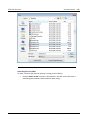
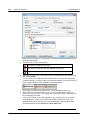
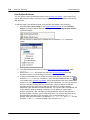
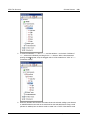
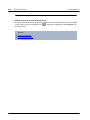
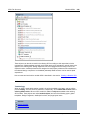
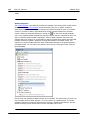
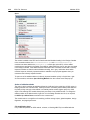
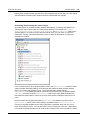
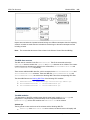
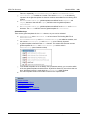
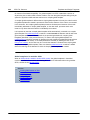
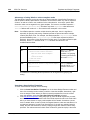
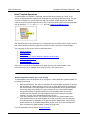
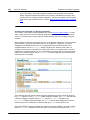
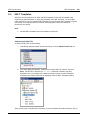
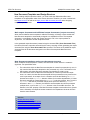
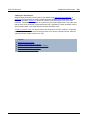
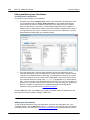
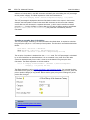
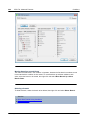
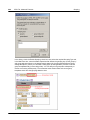
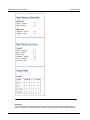
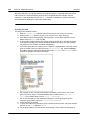
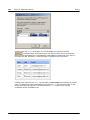
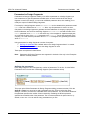
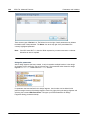
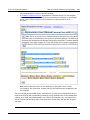
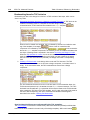
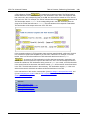
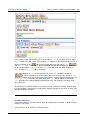
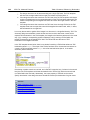
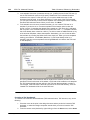
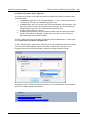
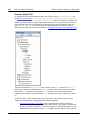
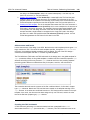
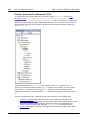
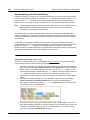
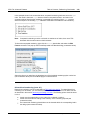
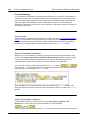
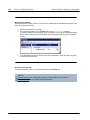
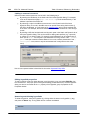
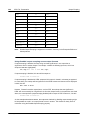
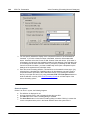
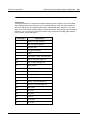
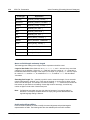
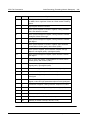
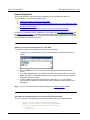
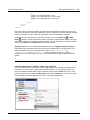
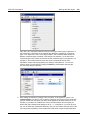
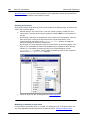
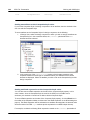
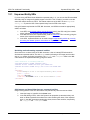
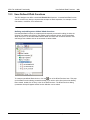
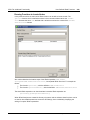
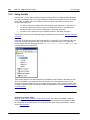
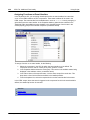
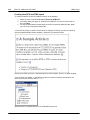
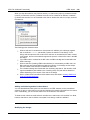
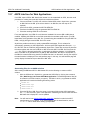
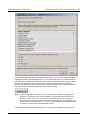
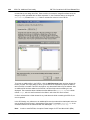
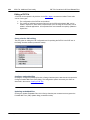
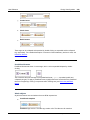
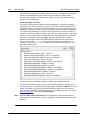
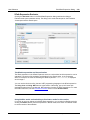
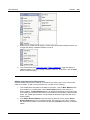
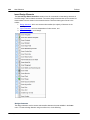
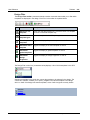
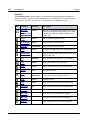
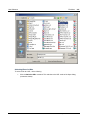
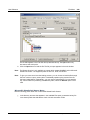
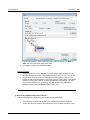
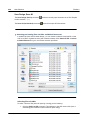
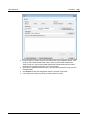
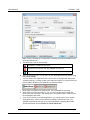
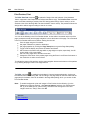
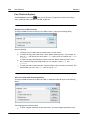
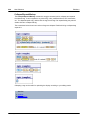
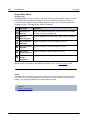
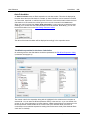
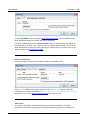
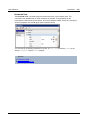
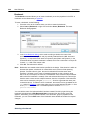
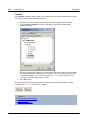
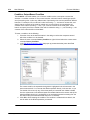
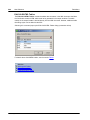
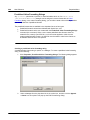
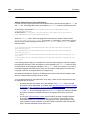
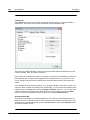
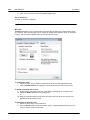
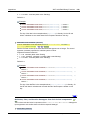
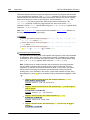
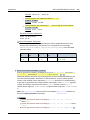
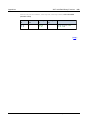
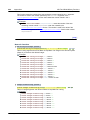
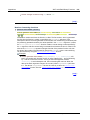
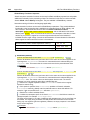
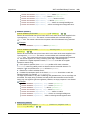
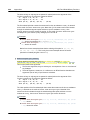
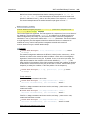
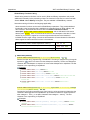
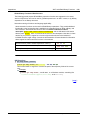
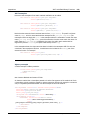
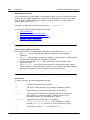
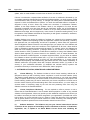
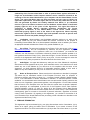
In the directory structure that appears in the Available Files pane (screenshot
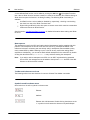
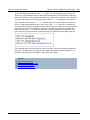
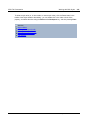
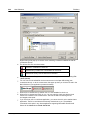
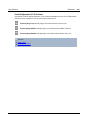
below), file icons have symbols that indicate the check-in/check-out status of files.
Altova StyleVision 2016 Basic Edition
© 2015 Altova GmbH