1
464
Automated Processing
How to Automate Processing
13.4 How to Automate Processing
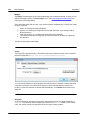
A batch file (a text file saved with the file extension .bat) contains a sequence of commands that
will be executed from the command line. When the batch file is executed, each command in the
batch file will be executed in turn, starting with the first and progressing through the sequence. A
batch file is therefore useful in the following situations:
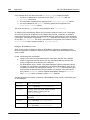
Executing a series of commands automatically (see below).
Creating a chain of processing commands, where a command requires input produced by
a preceding command. (For example, an XML file produced as output of one
transformation is used as the input of a subsequent transformation.)
Scheduling a sequence of tasks to be executed at a particular time.
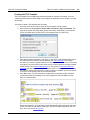
Batch file with sequence of commands
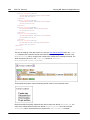
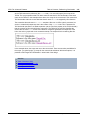
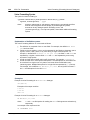
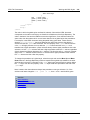
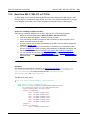
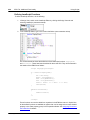
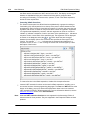
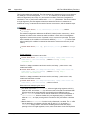
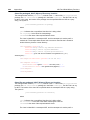
A sequence of commands to be executed is entered as follows:
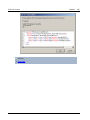
@ECHO OFF
CLS
StyleVision TestEN.sps -outxslt=HTML-EN.xslt
StyleVision TestDE.sps -outxslt=HTML-DE.xslt
StyleVision TestES.sps -outxslt=HTML-ES.xslt
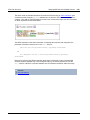
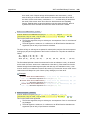
When the batch file is processed, the commands are executed and the files generated. The batch
file above uses StyleVision to generate three XSLT files from an SPS file.
Altova StyleVision 2016 Basic Edition
© 2015 Altova GmbH