1
492
User Reference
Toolbars
Standard
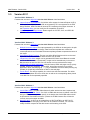
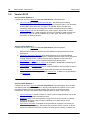
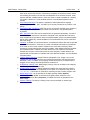
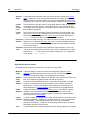
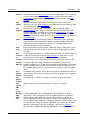
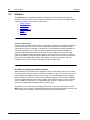
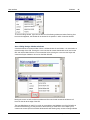
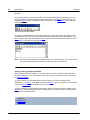
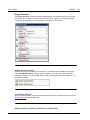
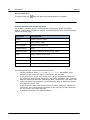
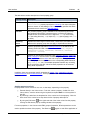
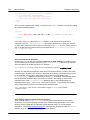
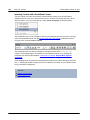
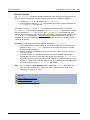
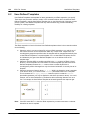
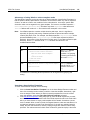
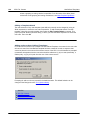
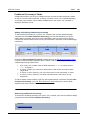
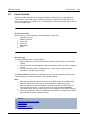
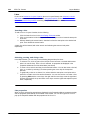
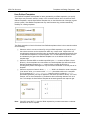
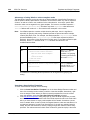
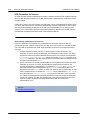
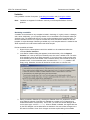
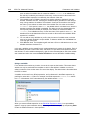
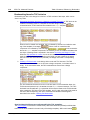
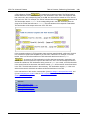
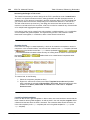
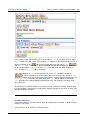
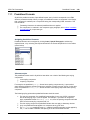
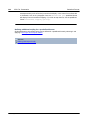
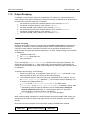
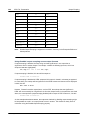
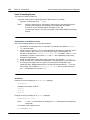
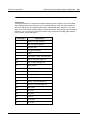
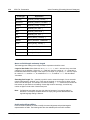
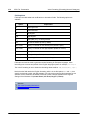
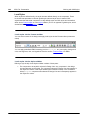
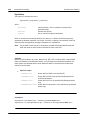
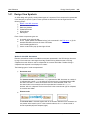
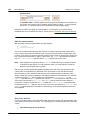
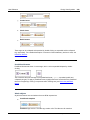
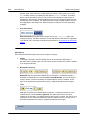
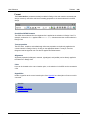
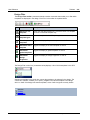
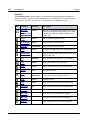
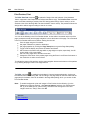
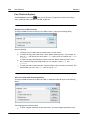
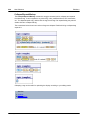
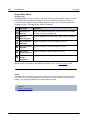
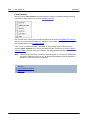
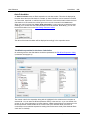
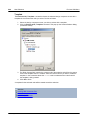
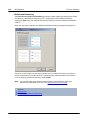
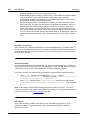
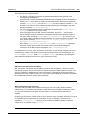
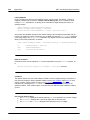
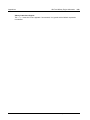
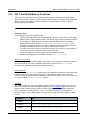
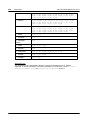
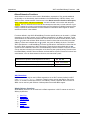
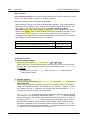
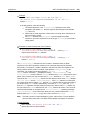
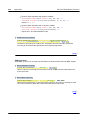
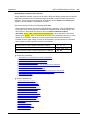
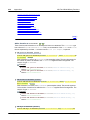
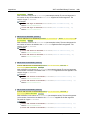
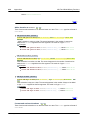
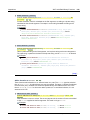
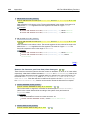
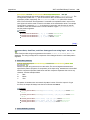
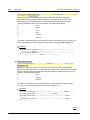
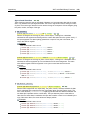
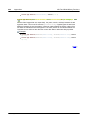
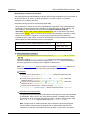
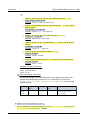
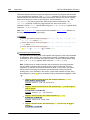
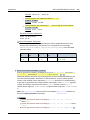
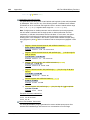
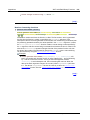
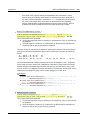
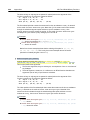
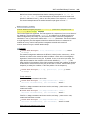
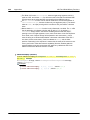
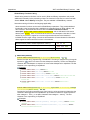
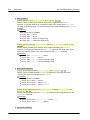
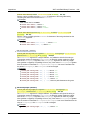
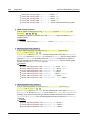
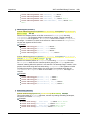
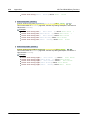
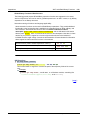
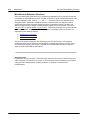
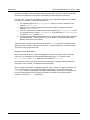
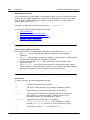
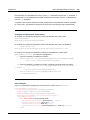
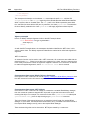
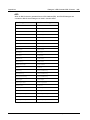
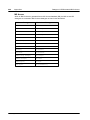
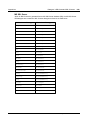
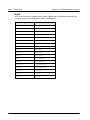
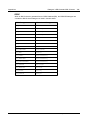
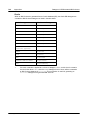
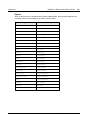
The Standard toolbar contains buttons for commands that provide important file-related and
editing functionality. These icons are listed below with a brief description. For a fuller description
of a command, click the command to go to its description in the Reference section.
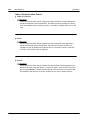
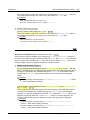
Btn
Command
Shortcut
Description
New from
Ctrl+N
XML
Schema / DTD
Creates a new SPS document based on a schema.
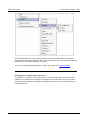
Clicking the dropdown arrow enables you to create
the SPS from a DB or an HTML document, or an
empty SPS.
Open
Ctrl+O
Opens an existing SPS document.
Save Design
Ctrl+S
Saves the active SPS document.
Save All
Ctrl+Shift+S
Saves all open SPS documents.
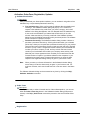
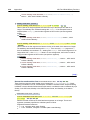
Print
Ctrl+P
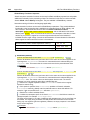
Prints the Authentic View of the Working XML file.
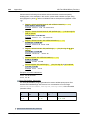
Print Preview
Displays a print preview of the Authentic View of the
Working XML File.
Cut
Shift+Del
Cuts the selection and places it in the clipboard.
Copy
Ctrl+C
Copies the selection to the clipboard.
Paste
Ctrl+P
Pastes the clipboard item to the cursor location.
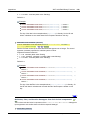
Delete
Del
Deletes the selection.
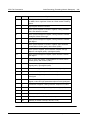
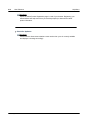
Undo
Alt+
Backspace
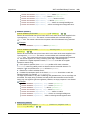
Undoes an editing change. An unlimited number of
Undo actions can be performed at a time.
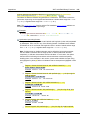
Redo
Ctrl+Y
Redoes an undo.
Find
Ctrl+F
Finds text in Authentic View and Output Views.
Find Next
F3
Finds the next occurrence of the searched text.
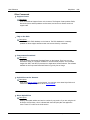
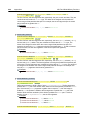
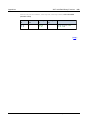
XSLT 1.0
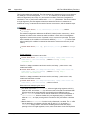
Sets XSLT 1.0 as the stylesheet language.
XSLT 2.0
Sets XSLT 2.0 as the stylesheet language.
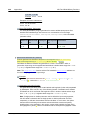
XSLT 3.0
Sets XSLT 3.0 as the stylesheet language.
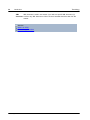
Spelling
Runs a spelling check on the SPS document.
Altova StyleVision 2016 Basic Edition
© 2015 Altova GmbH