1
Domain Name Services
Creating a DNS Entry
1.
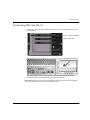
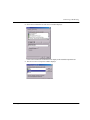
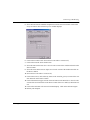
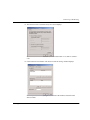
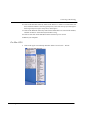
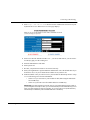
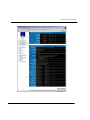
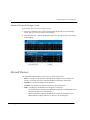
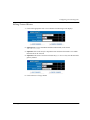
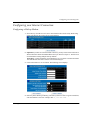
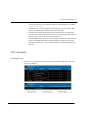
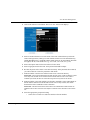
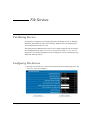
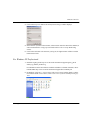
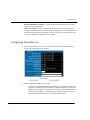
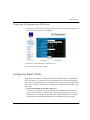
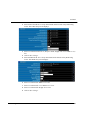
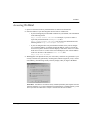
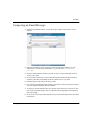
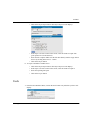
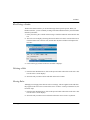
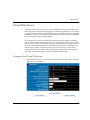
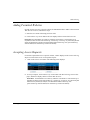
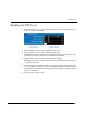
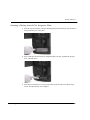
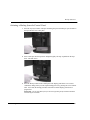
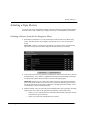
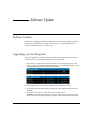
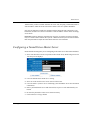
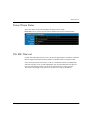
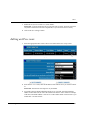
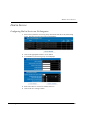
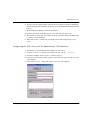
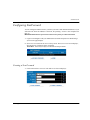
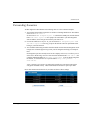
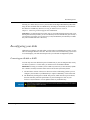
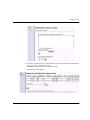
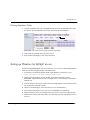
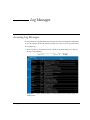
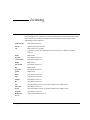
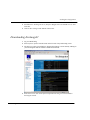
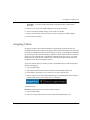
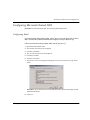
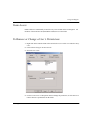
Select DNS from the Server Setup menu. The DNS List screen displays:
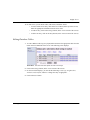
Please Note: To list, create or edit your private DNS entries, click the Private Entries button.
Private DNS entries are available only to the internal network and include hostnames of all the computers the Net Integrator can find on the local network.
Public DNS entries include the mail exchange (MX) record and entries for the un-trusted (external)
network interface. Virtual WWW server DNS records will also go on the public DNS list. Most of the
listings, both public and private, are automatically set up by the Net Integrator.
2.
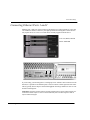
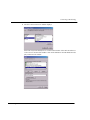
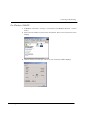
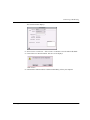
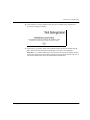
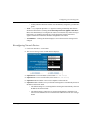
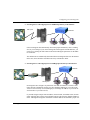
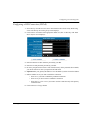
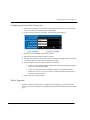
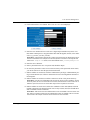
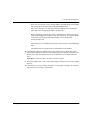
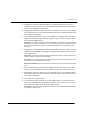
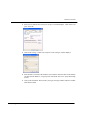
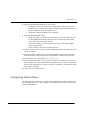
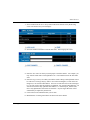
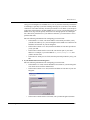
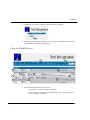
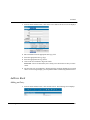
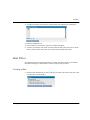
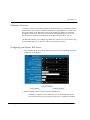
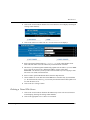
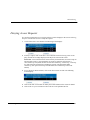
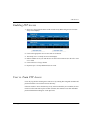
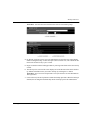
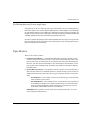
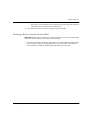
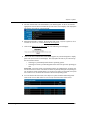
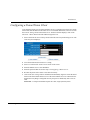
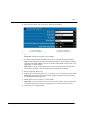
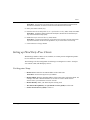
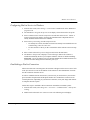
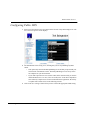
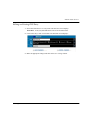
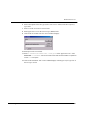
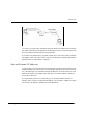
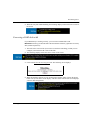
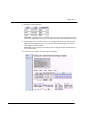
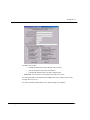
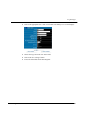
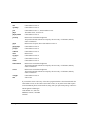
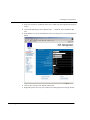
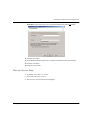
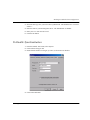
Click the Add DNS button. The DNS Add screen displays:
3.
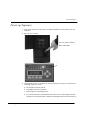
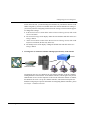
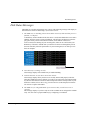
Enter a name for the entry.
4.
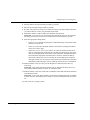
Select the entry type.
5.
Enter the target IP address in the Value field.
6.
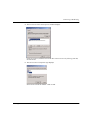
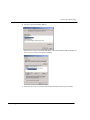
Click on the Save Changes button.
Net Integrator User Manual – Version 3.72
202