1
Administration
6
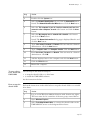
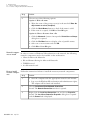
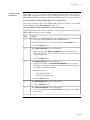
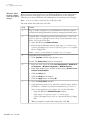
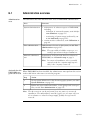
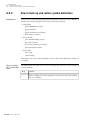
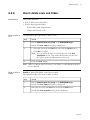
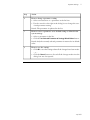
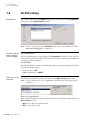
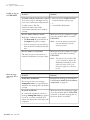
How to print user The table below describes how to print the properties for selected users:
setup information
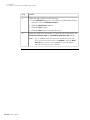
Step
Action
1
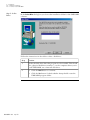
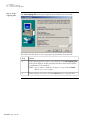
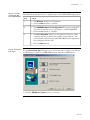
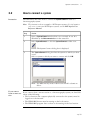
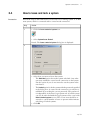
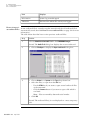
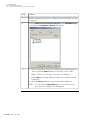
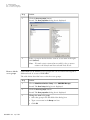
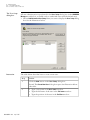
Choose Administration:User Setup in the UNICORN Manager.
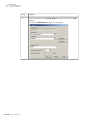
Result: The User Setup dialog box is displayed.
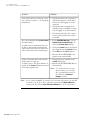
2
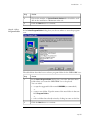
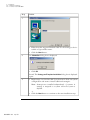
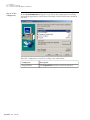
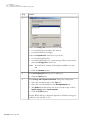
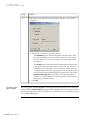
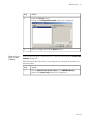
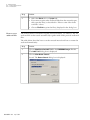
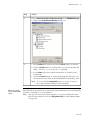
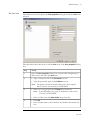
Select a user and click the Print button.
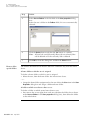
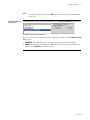
Result: The Print dialog box is displayed.
3
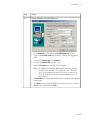
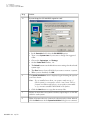
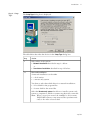
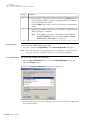
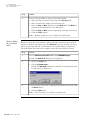
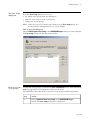
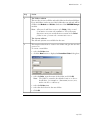
• If desired, click the Select All button to print information for all
users.
• Select the check boxes for the Print Items that you want to include.
• Click OK.
• p 157