1
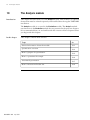
The Analysis module
13.6.1
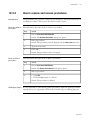
Overview of molecular size determination
How to create a
molecular size
curve
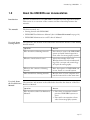
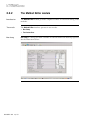
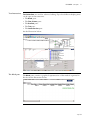
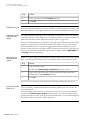
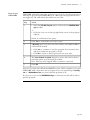
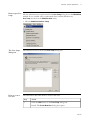
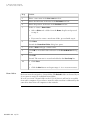
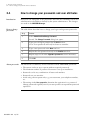
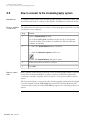
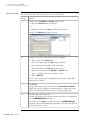
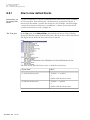
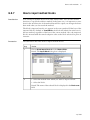
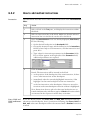
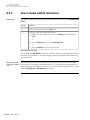
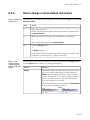
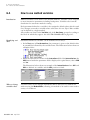
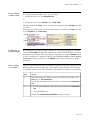
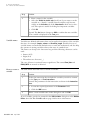
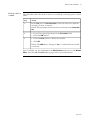
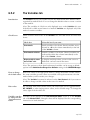
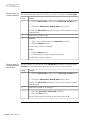
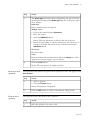
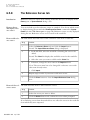
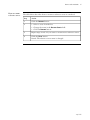
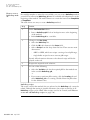
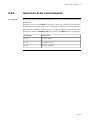
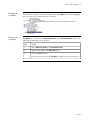
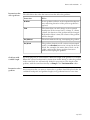
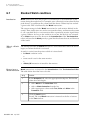
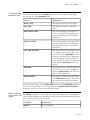
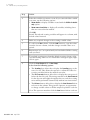
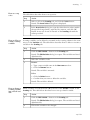
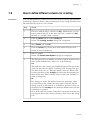
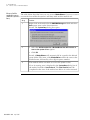
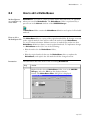
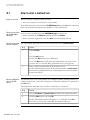
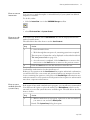
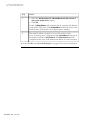
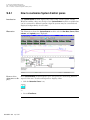
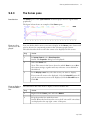
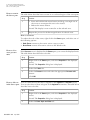
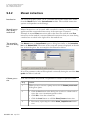
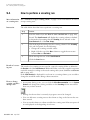
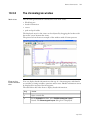
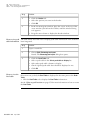
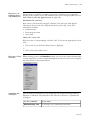
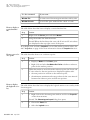
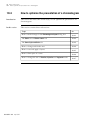
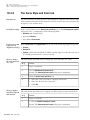
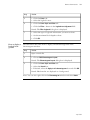
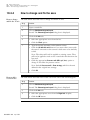
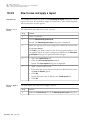
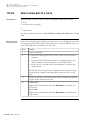
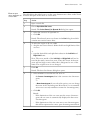
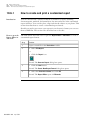
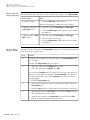
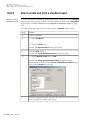
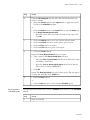
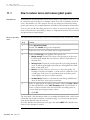
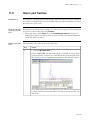
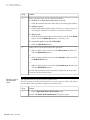
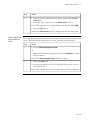
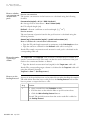
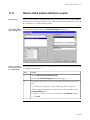
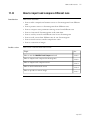
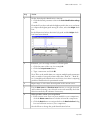
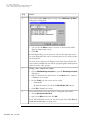
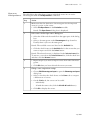
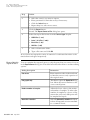
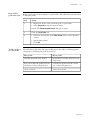
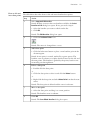
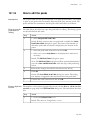
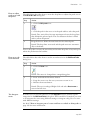
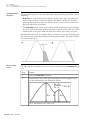
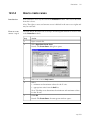
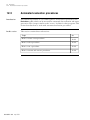
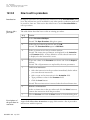
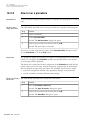
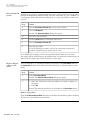
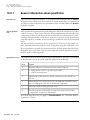
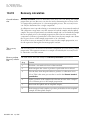
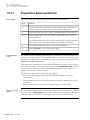
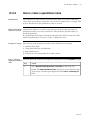
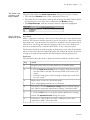
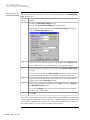
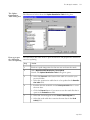
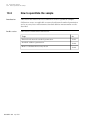
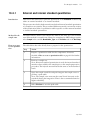
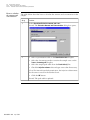
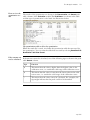
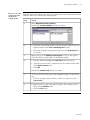
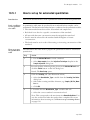
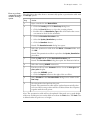
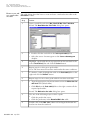
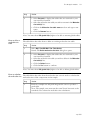
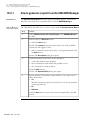
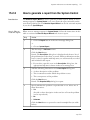
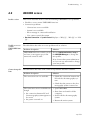
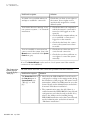
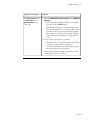
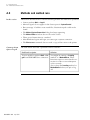
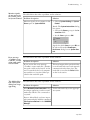
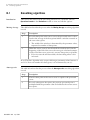
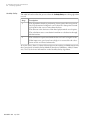
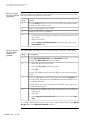
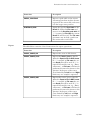
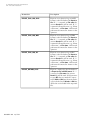
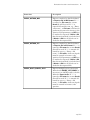
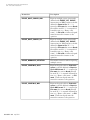
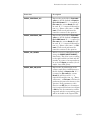
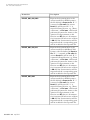
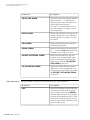
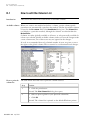
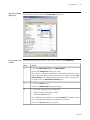
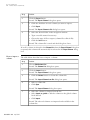
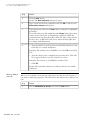
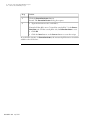
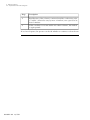
The table below is a brief description of how to create a molecular size curve.
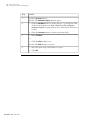
Step
Action
1
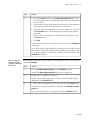
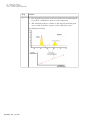
Perform a run with one or more standards to create a standard curve.
13
Note: The standards should contain a number of components of
known molecular size and these should extend beyond the size limits
that are expected in the test sample.
2
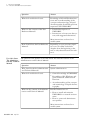
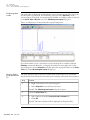
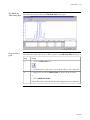
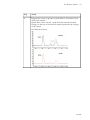
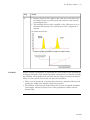
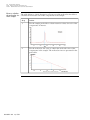
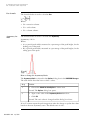
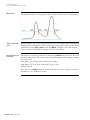
Peak integrate the standard curve to produce a peak table.
3
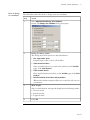
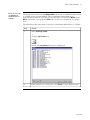
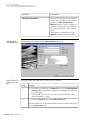
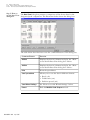
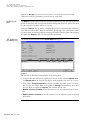
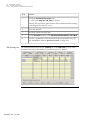
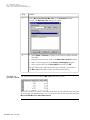
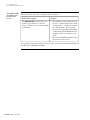
Use the peak table from the standard to produce a molecular size
table. Each peak is represented by a retention value.
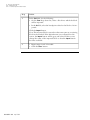
4
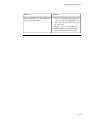
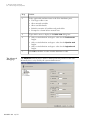
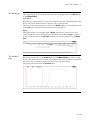
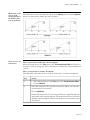
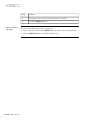
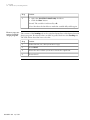
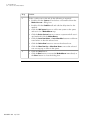
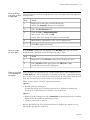
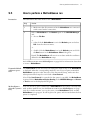
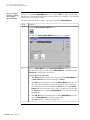
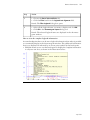
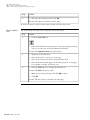
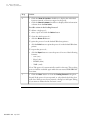
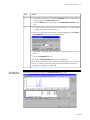
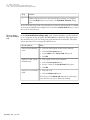
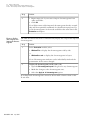
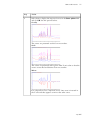
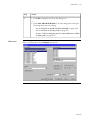
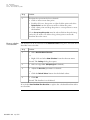
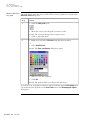
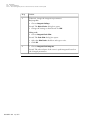
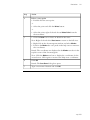
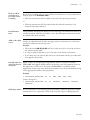
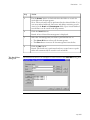
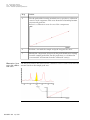
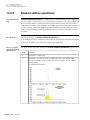
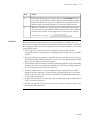
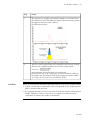
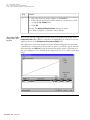
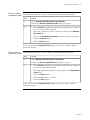
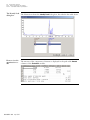
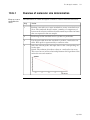
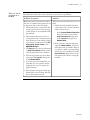
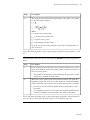
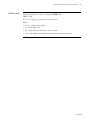
Select the relevant peaks and input data for the corresponding molecular sizes.
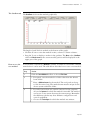
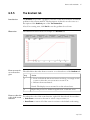
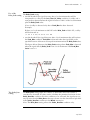
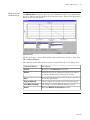
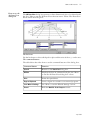
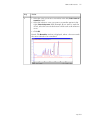
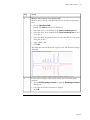
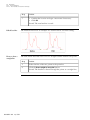
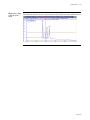
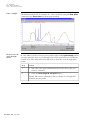
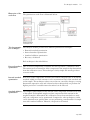
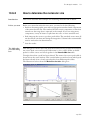
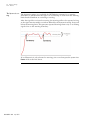
Result: The software plots these values as a molecular size curve.
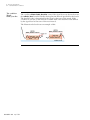
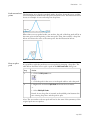
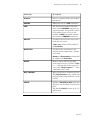
This curve has an inverse relationship between the logarithm of the
molecular size and retention.
• p 449