1
2–4
Decoder Features
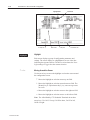
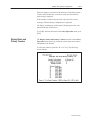
LCD Display
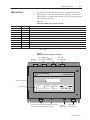
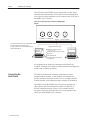
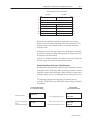
The decoders support an optional 2 line x 20 character per line
alphanumeric LCD Display for viewing:
• bar code data
• output counter values
• decoder performance values
The format of the display data is under user control via the
configuration screens or host commands.
The LCD Display can be factory installed or ordered as a separate
component for customer installation.
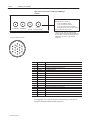
AUX Port
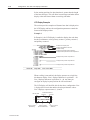
The AUX port communicates with a standard ASCII terminal using
the RS-232 interface. We refer to this terminal as the AUX terminal.
The AUX port can switch between two modes of operations.
Decoder Configuration
The AUX terminal is used to configure and monitor decoder
operations.
Manual Data Entry
The AUX terminal is used to:
• enter data at the keyboard when the unattended scanners cannot
read a label
This feature is useful when labels are damaged or missing.
• display messages from the host
• display bar code data, output counters, and decoder status
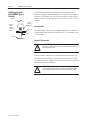
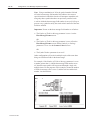
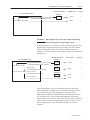
The decoder features an AUX Terminal jumper on the main logic
board to switch between configuration and manual data entry
operations. Another way to switch between these two modes is to
connect specific pins in the AUX port connector. The port and logic
board jumpers are initially set for decoder configuration operations.
Important:
Publication 2755-833
The two operational modes described above are
mutually exclusive. You can use the port for either
decoder configuration or for manual data entry
functions, but not both. Refer to Chapter 13 for
additional information.