1
10–2
Configuration: Host Message Replacement Rules
Symbols vs. Host Message Fields
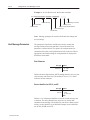
Understanding host message replacement rules and their use requires
that you clearly understand the difference between two frequently
confused terms.
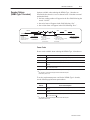
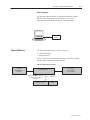
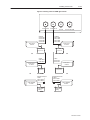
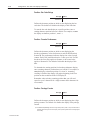
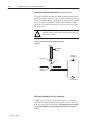
A bar code symbol is the set of bars and spaces from which the
scanner gathers data for interpretation by the decoder.
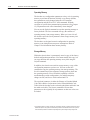
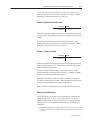
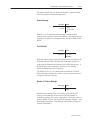
A message field is the decoded information sent from the decoder to
a host after processing an incoming symbol.
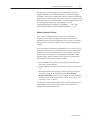
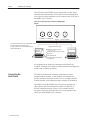
In the most simple terms, a symbol can be thought of as a stimulus to
the decoder, and a message field (or group of message fields
assembled into a host message) can be considered the response to
that stimulus.
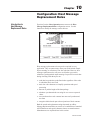
Introduction to Host Message Replacement Rules
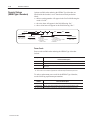
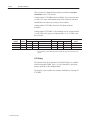
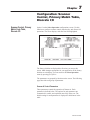
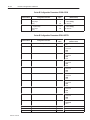
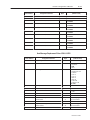
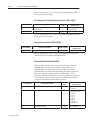
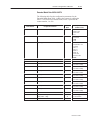
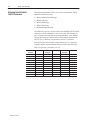
The decoder allows you to use up to 16 Host Message Replacement
Rules. Each rule can be enabled and defined as necessary to meet
your own application needs.
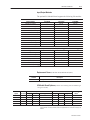
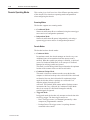
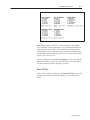
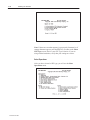
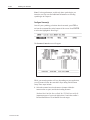
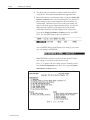
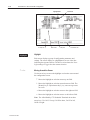
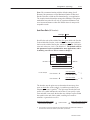
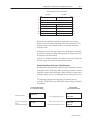
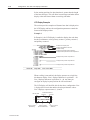
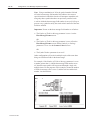
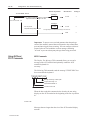
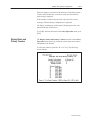
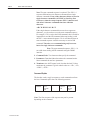
In addition to the prompt line at the bottom of the screen, the Host
Message Replacement Rules configuration screen is made up of
three sections:
Publication 2755-833