1
Design Evolution v1 User Manual
Table of Contents
Summary ....................................................................................................................................................... 3
1
2
3
4
5
Installing Design Evolution .................................................................................................................... 4
1.1
Copying required files in specified folders .................................................................................... 4
1.2
Setup GC’s environment to start loading DE GUI ......................................................................... 4
Loading DE in GC Environment ............................................................................................................. 4
2.1
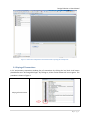
Playing all Transactions ................................................................................................................. 5
2.2
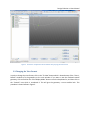
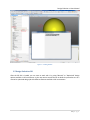
Changing the View Format............................................................................................................ 6
2.3
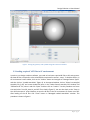
Loading required “.dll” files to GC environment........................................................................... 7
2.4
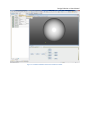
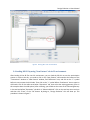
Loading DE GUI by using “New Feature” tab in GC environment. .............................................. 10
2.5
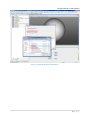
Design Evolution GUI .................................................................................................................. 11
DE Environment .................................................................................................................................. 12
3.1
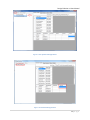
Left Panel .................................................................................................................................... 12
3.2
Right Panel .................................................................................................................................. 15
3.3
Tree View .................................................................................................................................... 19
DE Data Requirement ......................................................................................................................... 20
4.1
Design Input ................................................................................................................................ 20
4.2
Solution Output........................................................................................................................... 22
4.3
Fitness Score ............................................................................................................................... 23
Work with DE ...................................................................................................................................... 25
5.1
Creating Manual Design Run....................................................................................................... 25
5.2
Creating Optimization Design Run .............................................................................................. 28