1
Design Evolution v1 User Manual
Summary
This document describes the necessary steps to install and run Design Evolution (DE) in Generative
Component (GC) environment. Different features in DE environment and their usages are also explained
in details using an example.
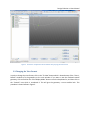
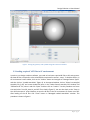
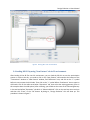
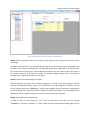
The DE is designed to work along with GC. After installing DE, you can access it through DE feature node
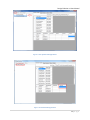
which is added to the update feature list in GC environment. DE has its own user interface which will run
on top of GC. Using this user interface you can perform manual or optimized designs on any arbitrary
parametric model which is built in GC environment. In other words, building the model is done in GC and
changing/optimizing the model is done in DE.
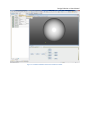
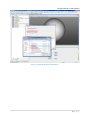
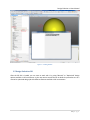
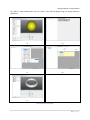
Once you build the parametric model in GC, DE will take care of all the future changes in the model with
its manual or optimized design features. Also, in any step in design, you can view and verify the
evolutionized model by opening the newly generated GC transaction file in a new GC environment. This
is in fact how GC updates its environment with new parameters in the design process.
DE is developed to optimize an arbitrary parametric model based on a desired evaluation or fitness
function. Therefore, the fitness function plays an important role in the process of optimizing a design
and should be defined with a careful consideration. Moreover, since DE is linked with GC and uses GC as
its geometric engine in this version, all fitness functions associated with the design should only have
geometric functions/constraints. This is because GC is a geometric engine and does not include other
functionalities such as structural analysis, fluid dynamics and etc.
3|Page