1
Gateway Messaging Software Manual
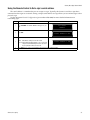
Deleting all messages on a sign
NOTE: Before deleting messages, be sure that all the hardware is properly connected as shown in “Setting
up the ALPHA sign network” on page 2.
Step
Description
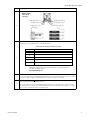
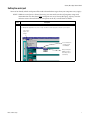
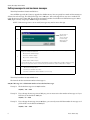
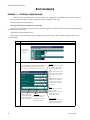
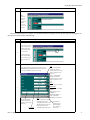
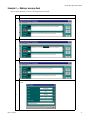
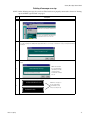
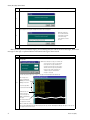
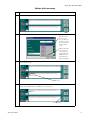
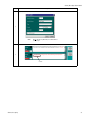
Choose Tools > Clear Sign Memory.
1
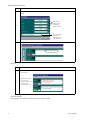
The Memory… prompt will ask for confirmation. Choose Send to send the command to delete all messages from the sign. NOTE: There
is no “undo” capability in the Gateway Messaging Software. Once a set of messages is deleted from a sign, you can’t get it back without
recreating it!
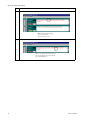
2
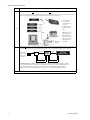
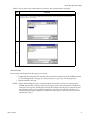
You will receive a notification that the command was transmitted. All signs connected to the PC will receive the transmission and will be
cleared.
NOTE: This notification
does not indicate that the
sign actually received the
command. It simply
means that the command
was sent.
3
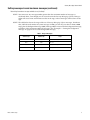
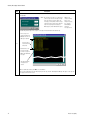
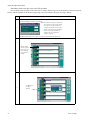
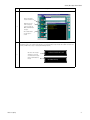
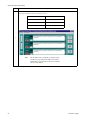
Once this is complete, the following messages will appear on your sign:
NO BACKGROUND MESSAGE
4
NOTE: These messages on
the sign means that the
command was received
and processed by the sign.
No Network Activity
Basic messaging
19