1
Gateway Messaging Software Manual
Adding time to a message
Step
Description
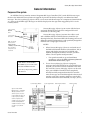
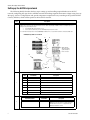
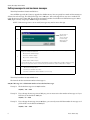
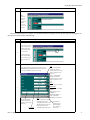
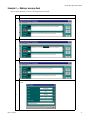
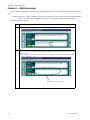
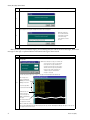
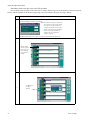
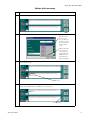
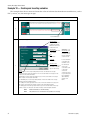
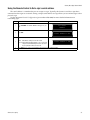
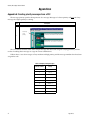
Choose a format for the time (24-hour or AM/PM) using the Tools drop-down list. In the example below, AM/PM is selected. Any
programmed message that includes the “object” {Time} from now on is displayed in AM/PM format.
2
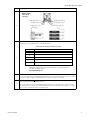
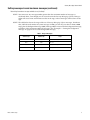
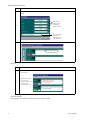
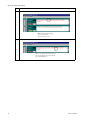
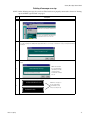
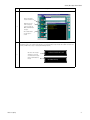
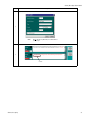
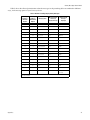
Check the Time checkbox. Click OK.
3
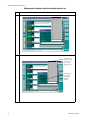
NOTE: You can insert
only one object at a
time. Therefore, only
one checkbox can be
checked at a time.
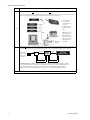
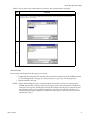
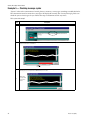
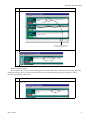
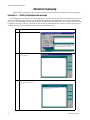
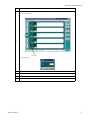
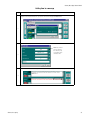
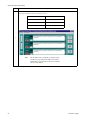
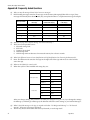
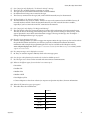
The time format is inserted in the message and will be supplied through the sign’s internal clock at message run time.
4
Advanced messaging
33