1
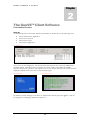
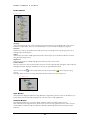
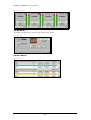
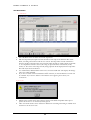
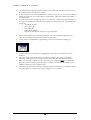
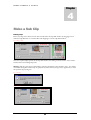
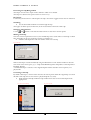
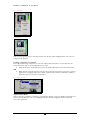
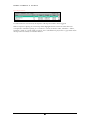
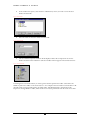
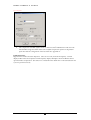
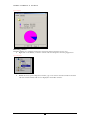
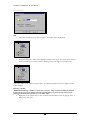
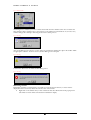
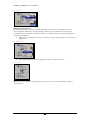
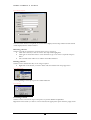
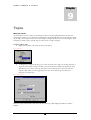
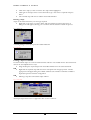
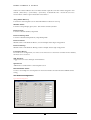
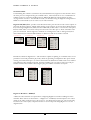
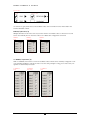
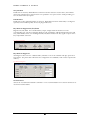
G E E V S S E R V E R & C L I E N T Chapter 2 The GeeVS™ Client Software User Interface Overview Start-Up As default GeeVS Server and Client will start automatically on machine boot in the following order: GeeVS Administrator Application GeeVS Server Console GeeVS Client Logon GeeVS Client Application. Fig. 1 Administrator If your server is not configured to Auto-Start then the Start GeeVS button in GeeVS Administrator should be clicked. This will open the GeeVS Server Console window and initialise all available channels. This process generates a video splash-screen on each output, and only when each channel has displayed its Splash Screen is the Server ready for Client logons. Fig. 2 Splash Screen Fig. 3 Server Console By default, the Client will logon to the Server as Administrator with the password “geevs”. This can be changed in User Manager explained in Chapter 14. 3