1
Manual User of the program oXReception
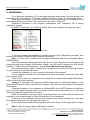
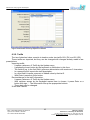
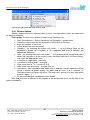
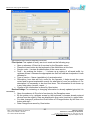
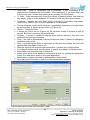
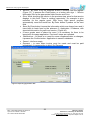
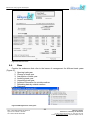
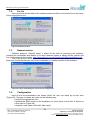
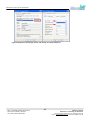
Figure 9 Option of setting the icons to the bar
While every next start of the chosen icon will be represented by order of showing the list.
Until the user exclude them, or include some others by its own.
Change is the same like the option. In the registry of all submenus the chosen icons are
in the frame and they look like they are smashed up. By clicking on them they go off and don’t
stand at the icon bar anymore.
6.2.
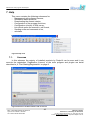
Updating
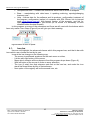
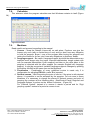
Contain the submenus that refer on update common data that need for work in every
firm:
1.
2.
3.
4.
5.
6.
7.
User
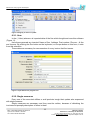
Single measure
Way of payment
Commitents
Tariffs
Gyro accounts
Exit
Bank: STOPANSKA BANKA AD SKOPJE
Gyro account: 200001111833780
Tax number: МК4021005145262
11
OBJECT X DOOEL
Nikshicka 16, 7500 Prilep, R. Macedonia
ph./fax: +389 (0)48 403 503, ph. +389 (0)75 444 010
e-mail: [email protected], http://www.objectx.com.mk