1
Operation
Instrument Controls Menu
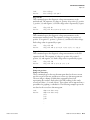
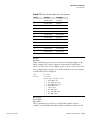
Note The digital outputs may take up to one second after the assigned
state occurs to show up on the outputs. ▲
●
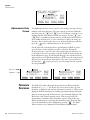
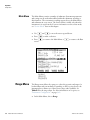
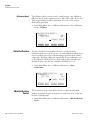
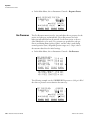
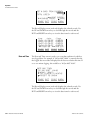
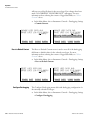
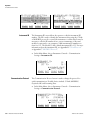
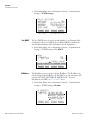
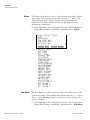
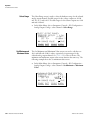
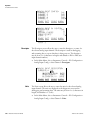
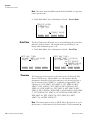
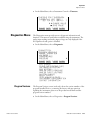
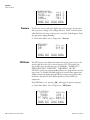
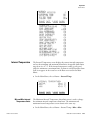
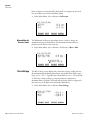
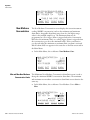
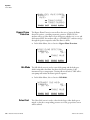
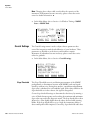
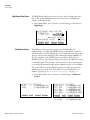
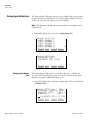
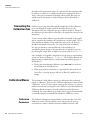
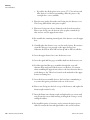
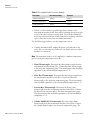
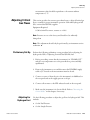
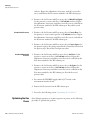
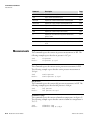
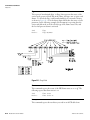
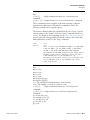
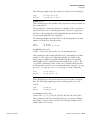
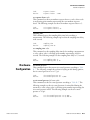
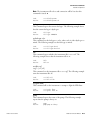
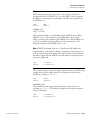
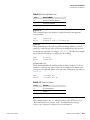
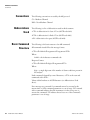
In the Main Menu, choose Instrument Controls > I/O Configuration >
Output Relay Settings.
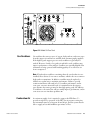
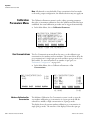
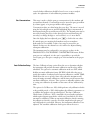
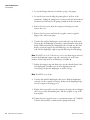
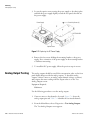
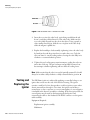
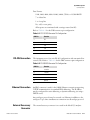
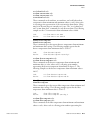
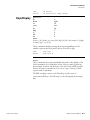
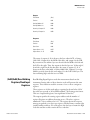
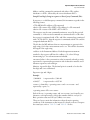
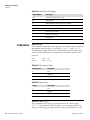
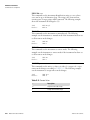
OUTPUT RELAY SETTINGS:
>1
NOP
SPAN MODE
2
NOP
CH4 CONC MAX
3
NOP
CH4 OVERRANGE
4
NOP
ZERO MODE
5
NOP
INJECT ª
RANGE INST
Logic State
DIAGS ALARM
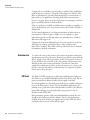
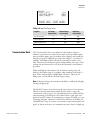
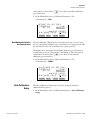
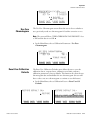
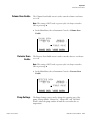
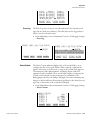
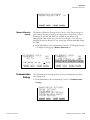
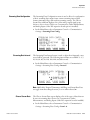
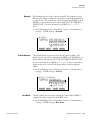
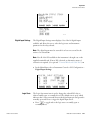
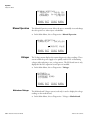
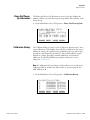
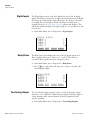
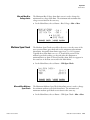
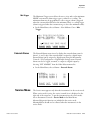
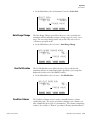
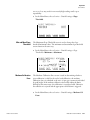
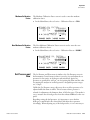
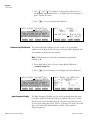
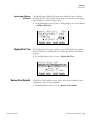
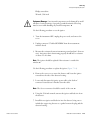
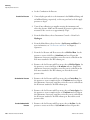
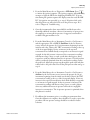
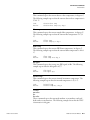
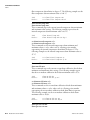
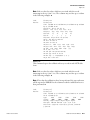
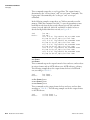
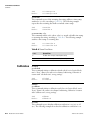
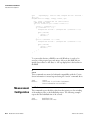
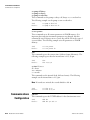
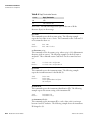
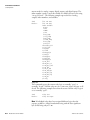
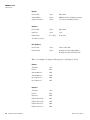
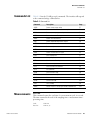
The Logic State menu item is used to change the selected I/O relay to
either normally open or normally closed. The default state is open, which
indicates that a relay connected between the digital output pin and ground
is normally open and closes to trigger the digital output action.
●
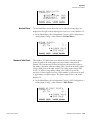
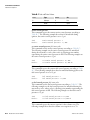
Press
to toggle and set the logic state to normally open or
normally closed.
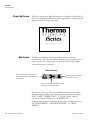
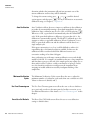
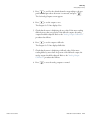
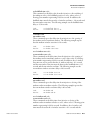
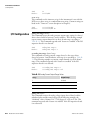
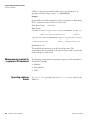
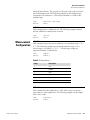
OUTPUT RELAY SETUP:
>LOGIC STATE
INSTRUMENT STATE
RANGE INST
Instrument State
OPEN
DIAGS ALARM
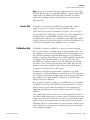
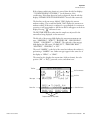
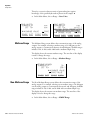
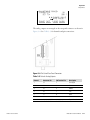
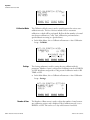
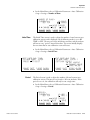
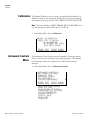
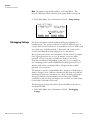
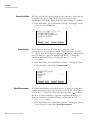
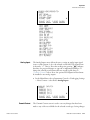
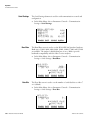
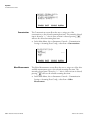
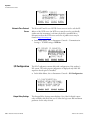
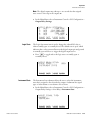
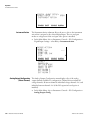
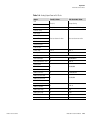
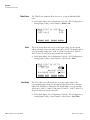
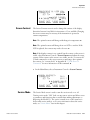
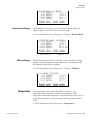
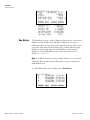
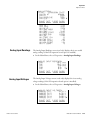
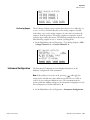
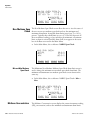
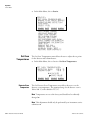
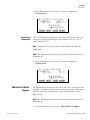
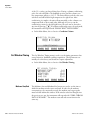
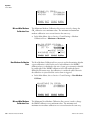
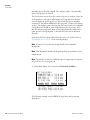
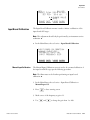
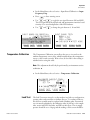
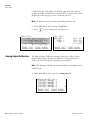
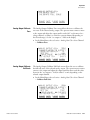
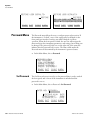
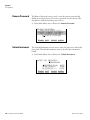
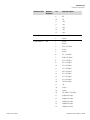
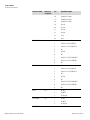
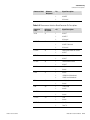
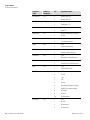
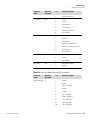
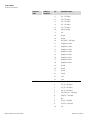
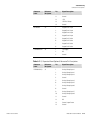
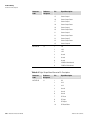
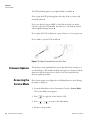
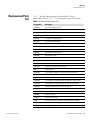
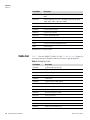
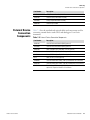
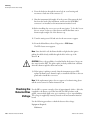
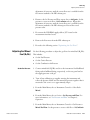
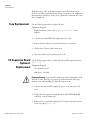
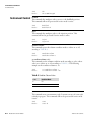
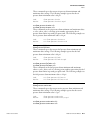
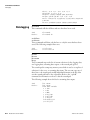
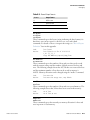
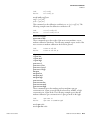
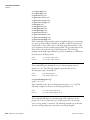
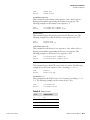
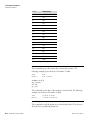
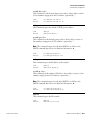
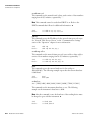
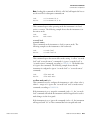
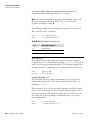
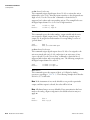
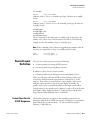
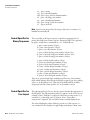
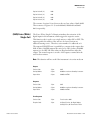
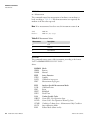
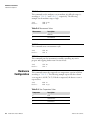
The Instrument State submenu allows the user to select the instrument
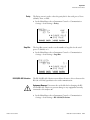
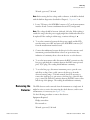
state that is assigned to the selected relay output. A submenu lists signal
types of either alarms or non-alarm to choose from.
●
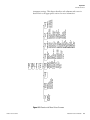
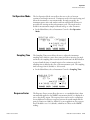
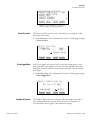
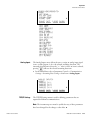
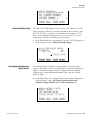
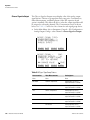
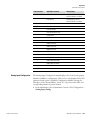
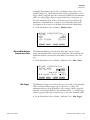
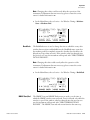
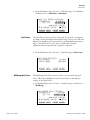
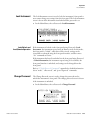
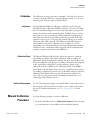
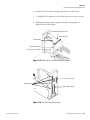
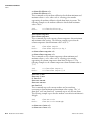
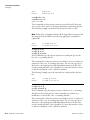
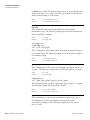
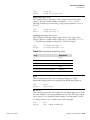
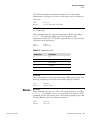
In the Main Menu, choose Instrument Controls > I/O Configuration >
Output Relay Settings > select Relay > Instrument State.
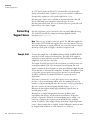
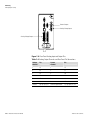
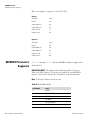
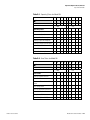
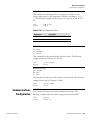
CHOOSE SIGNAL TYPE:
>ALARMS
NON-ALARM
RANGE INST
Thermo Fisher Scientific
DIAGS ALARM
Model 55i Instruction Manual
3-39