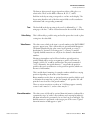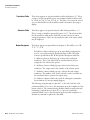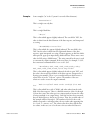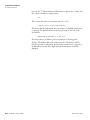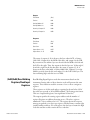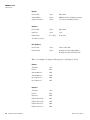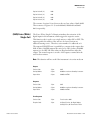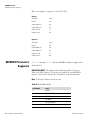
1
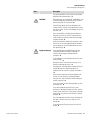
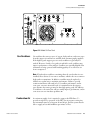
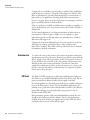
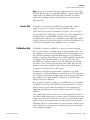
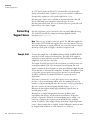
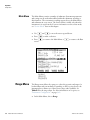
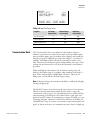
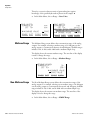
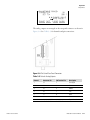
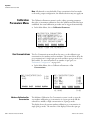
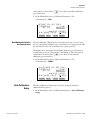
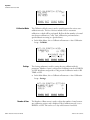
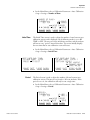
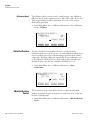
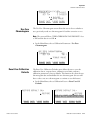
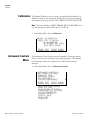
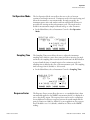
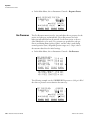
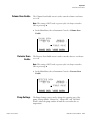
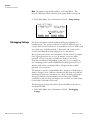
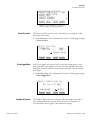
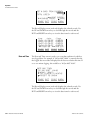
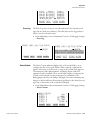
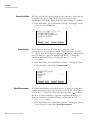
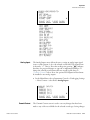
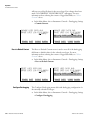
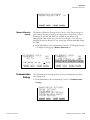
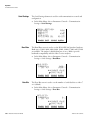
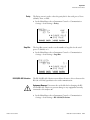
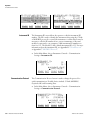
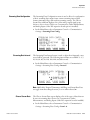
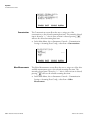
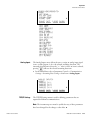
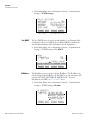
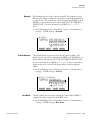
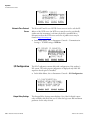
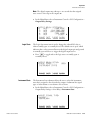
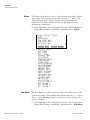
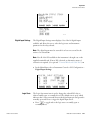
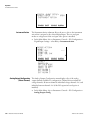
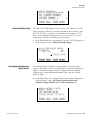
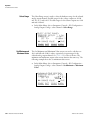
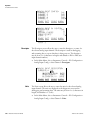
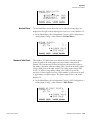
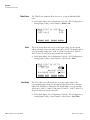
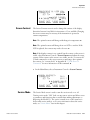
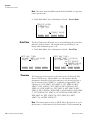
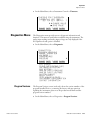
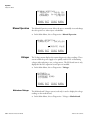
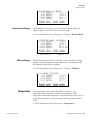
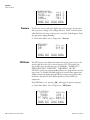
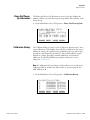
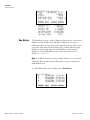
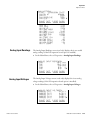
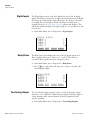
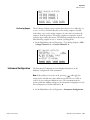
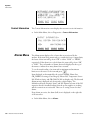
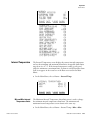
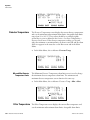
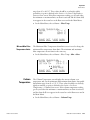
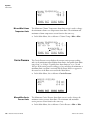
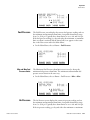
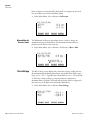
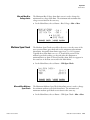
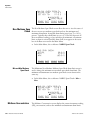
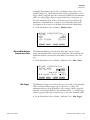
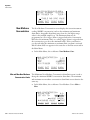
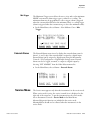
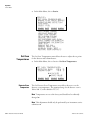
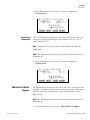
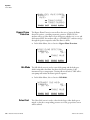
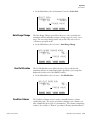
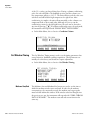
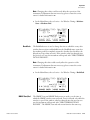
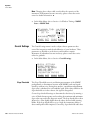
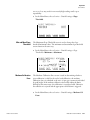
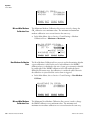
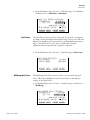
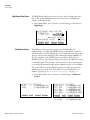
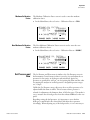
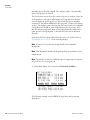
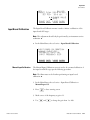
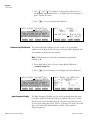
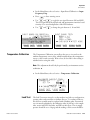
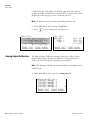
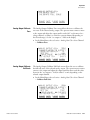
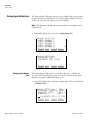
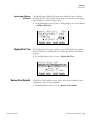
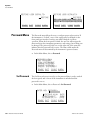
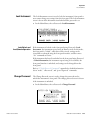
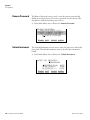
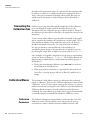
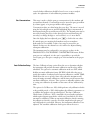
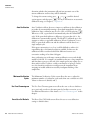
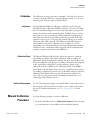
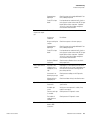
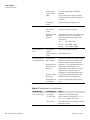
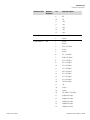
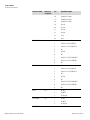
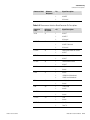
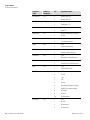
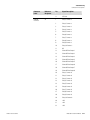
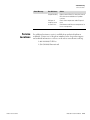
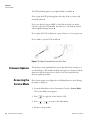
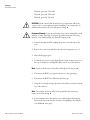
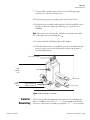
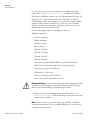
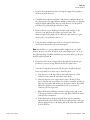
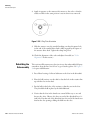
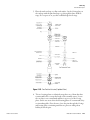
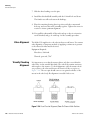
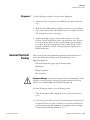
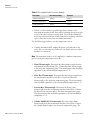
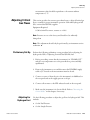
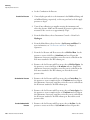
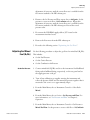
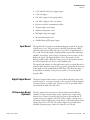
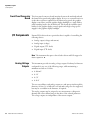
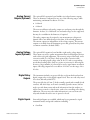
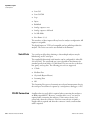
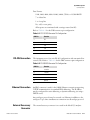
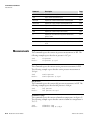
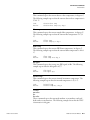
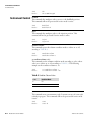
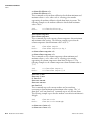
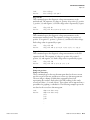
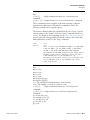
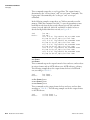
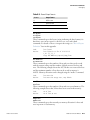
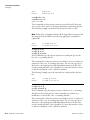
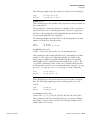
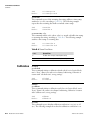
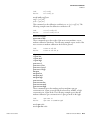
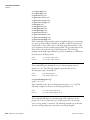
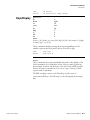
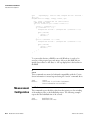
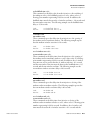
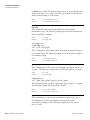
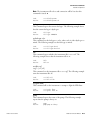
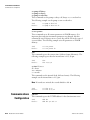
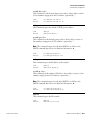
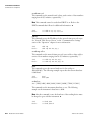
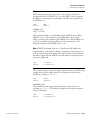
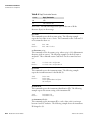
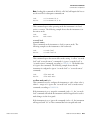
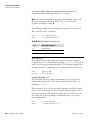
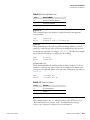
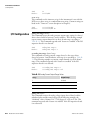
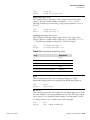
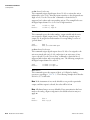
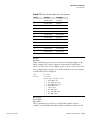
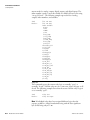
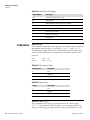
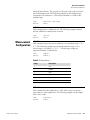
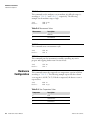
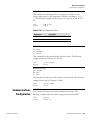
Operation Instrument Controls Menu Note The service mode should be turned off when finished, as it prevents remote operation. ▲ ● In the Main Menu, choose Instrument Controls > Service Mode. SERVICE MODE: CURRENTLY: SET TO: OFF ON ? TOGGLE VALUE RANGE INST Date/Time The Date/Time screen allows the user to view and change the system date and time (24-hour format). The internal clock is powered by its own battery when instrument power is off. ● In the Main Menu, choose Instrument Controls > Date/Time. DATE AND TIME: 19 MAR 2005 12:34:56 PRESS TO EDIT RANGE INST Timezone DIAGS ALARM DIAGS ALARM DATE AND TIME: 19 MAR 2005 12:34:56 ? SETTING: DAYS ¨ SET MONTHS ©ª CHANGE VALUE SAVE VALUE RANGE INST DIAGS ALARM The Timezone screen is used to set the timezone for the Network Time Protocol (NTP) server. This should be set to the timezone that the instrument is located in. If the exact timezone is not shown in the list, it may be entered via the C-LINK “tz” command (see Appendix B). The selections are: UTC (GMT), EST (GMT+5), CST (GMT+6), MST (GMT+7), PST (GMT+8), YST (GMT+9), HST (GMT+10), NST (GMT+11), DLW (GMT+12), CET (GMT-1), EET (GMT-2), BST (GMT-3), DLT (GMT-4), ECH (GMT-5), FOX (GMT-6), GLF (GMT7), CCT (GMT-8), JST (GMT-9), GST (GMT-10), LMA (GMT-11), DLE (GMT-12), EDT (GMT+5/4), CDT (GMT+6/5), MDT (GMT+7/6), and PDT (GMT+8/7). Note The current timezone may say NULL before the timezone is set for the first time, or if the timezone was cleared with a C-Link command. ▲ 3-52 Model 55i Instruction Manual Thermo Fisher Scientific