1
4. SETTINGS AND PROCEDURES
OPERATION
UP TO
MELSEC-A
4.
TO OPERATION
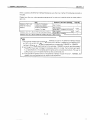
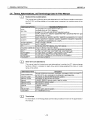
This section explains the procedures and the setting methods for the system that uses
E71 UP to the
point of E71 operation.
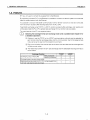
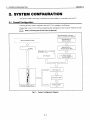
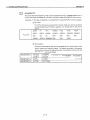
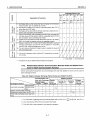
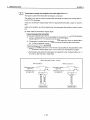
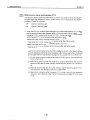
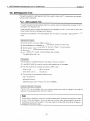
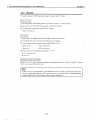
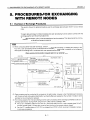
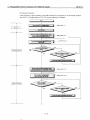
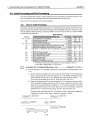
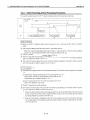
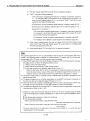
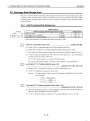
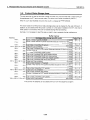
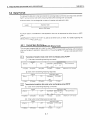
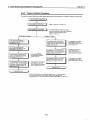
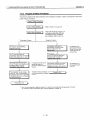
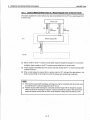
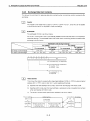
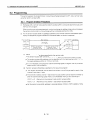
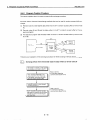
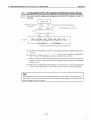
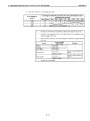
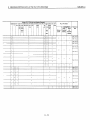
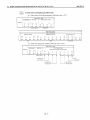
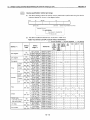
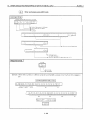
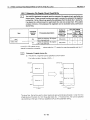
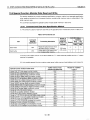
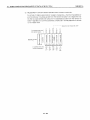
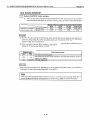
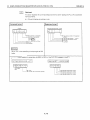
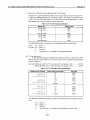
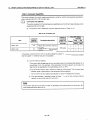
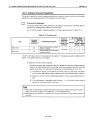
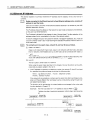
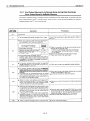
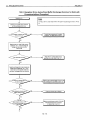
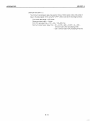
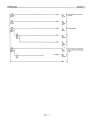
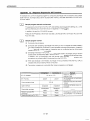
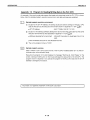
4.1 Abbreviated Procedures Up to Operation
(-
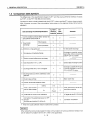
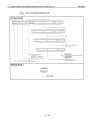
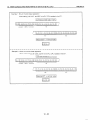
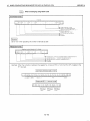
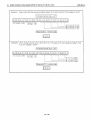
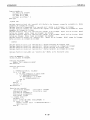
Procedures ?IC tc Owrattcn
-I_-.
Lay out !ne connection cabk and
connect It to the remo!e node
Refer to Item 4.7.
I S e t the ccnverslon swttcn fortne 1nte"ace
between 1GBASE5 (Ethelwt) and iOBASE2
(Cheapernet)OP the front of E71
1
I
Set uslng tbe exchange condl:lon settlrg swltch
on !he front of the E7 1
Perior-n a serf diagnostic test.
ROM Test Seif Wrap Test
RAM Test
~
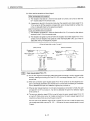
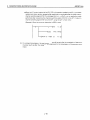
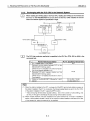
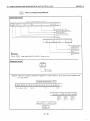
Set only for AJ71 E71- 5 3 (Senlng not rlecessari
for AlSJ71E71-BZ/B5-S3) refer tc I!em4.3.2.
I
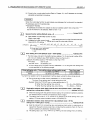
Refer to Item 4.3.2
I
Refer to Item 4.6.
to I f e m 5.2 to 5.5,
Perforn: open wocess;ng.
Refer
r
-
&?rform wrap test.
..
... Pefer to ltem4.8 and Item IC.?.
-___
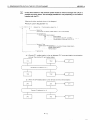
F~xedbuffer exchange
Chapters 6 and 7
Random access Duffer exchange -Chapter
8
Readlng and w r m g data i n PLC CPU-Chap!ers 9 and 10
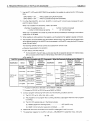
Jse :he sequence progranl tc set the E71
that the data IS iransml!?ed and recetved norrrslly
I
I
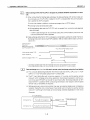
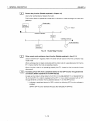
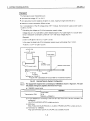
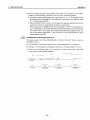
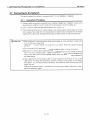
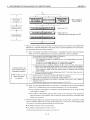
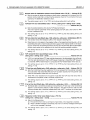
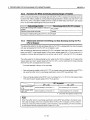
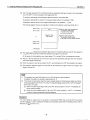
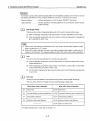
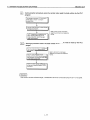
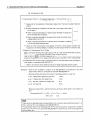
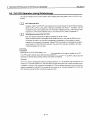
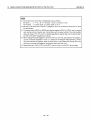
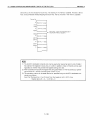
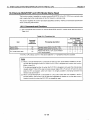
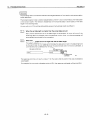
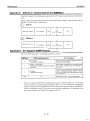
Do not touch the terminals while the electricity on.
is
Doing so could cause erroneous operation.
Make sure to switch all phases of the external power supply off before cleaning or retightening screws.
If you do not switchoff the external power supply, it will cause failureor erroneous operation of the module.
If the screws are loose, itmay result in fallout, short circuits, or erroneous operation.
Tightening the screwstoo far may cause damageto the screws and/or the module, resulting in fallout, short circuits, or erroneous operation.
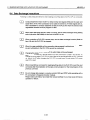
1
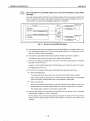
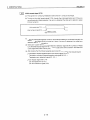
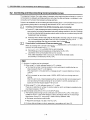
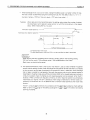
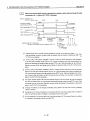
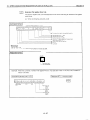
ACAUTION
Do not disassemble or modify the module.
It may cause failure, erroneous operation, injury,or fire
Make sure to switch all phases of the external power supply off before cleaning or removing the module.
If you do not switch off the external power supply, it will cause failure or erroneous operation of the module.
4-1