1
Vectorization
PHOTOMOD 6.0.2
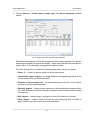
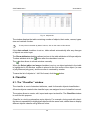
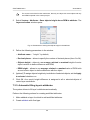
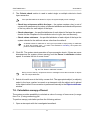
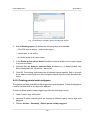
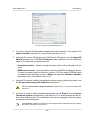
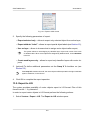
Fig. 34. The “Required attributes” window
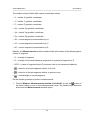
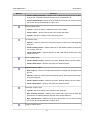
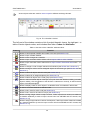
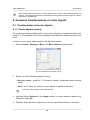
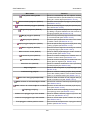
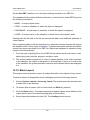
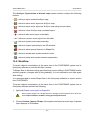
The following buttons are used to create and edit additional attributes:
•
– allows to clear the obligatory attribute values list;
•
– allows to add a new attribute and its parameters;
•
– allows to delete attribute selected in the table;
•
– is used to edit selected attribute properties;
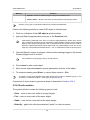
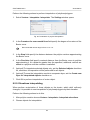
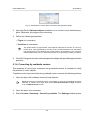
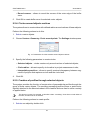
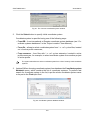
3. To add attribute click the
button. The Edit attribute window opens.
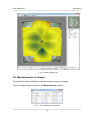
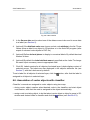
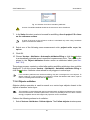
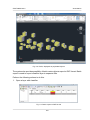
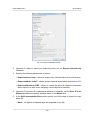
Fig. 35. Attribute parameters
4. Define the following parameters:
• Attribute name;
• Attribute type:
○ integer – attribute of integer type;
○ float – attribute of real type;
○ text – text attribute; text length is determined by its content, but not more than
8 bytes.
54