1
2
Getting Started
Customizing Your Machine
Your machine can be customized to suit your working environment and practices.
The System Management Tools enable your System or Machine Administrator to
set-up, customize and maintain the machine.
After your machine is installed, it is recommended that the settings and options
are customized to fully meet the requirements of the Users. Please discuss your
requirements with your System or Machine Administrator to ensure you get
optimum performance from your machine.
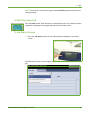
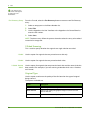
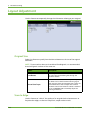
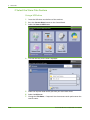
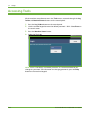
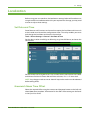
The Tools facility is accessed using the Log In/Out button on the control panel.
Some of the settings within Tools are critical to the operation of the machine,
therefore the screens are password protected so they cannot be accidentally
changed or corrupted.
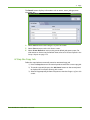
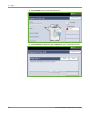
For full instructions on accessing and customizing the System Management Tools,
refer to Setups chapter on page 163.
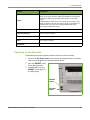
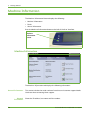
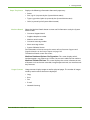
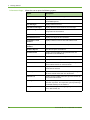
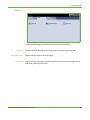
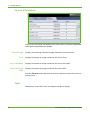
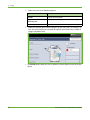
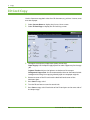
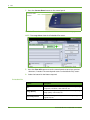
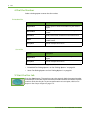
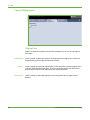
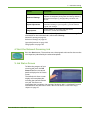
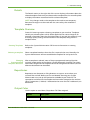
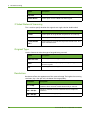
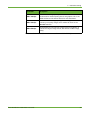
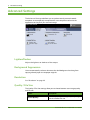
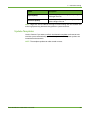
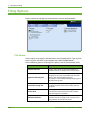
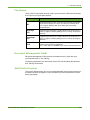
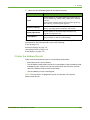
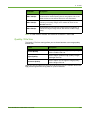
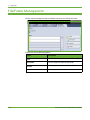
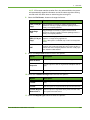
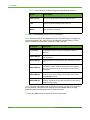
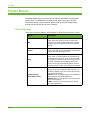
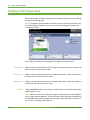
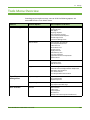
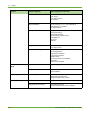
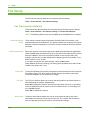
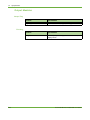
System Management Tools include:
Device Settings
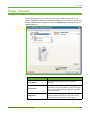
Paper Tray
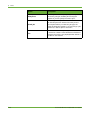
Management
User Interface
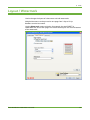
Connectivity and
Network Setup
Accounting
Security Settings
This section includes energy saver, date, time and language settings.
Includes default stock and paper substitution settings.
Job sheet setup and feature defaults.
Network setup and software upgrade tools.
Xerox Standard Accounting, Network Accounting and foreign interface device
setup.
Includes authentication and image overwrite setup.
Xerox WorkCentre 4250/4260 User Guide
35