1
NIAGARA AX CCN Driver
User Manual
Version No.: 1.0
Date: 11/11/2010
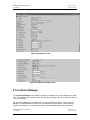
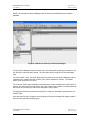
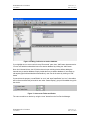
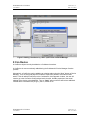
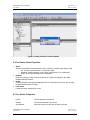
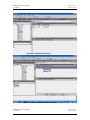
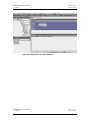
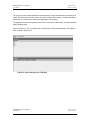
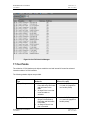
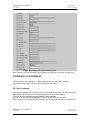
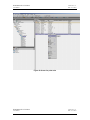
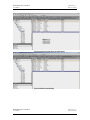
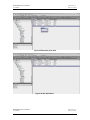
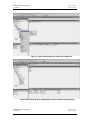
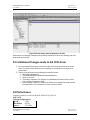
Figure 12: Table Group selection from CcnDevice Property sheet
Following are the Table Groups support by a FID type device
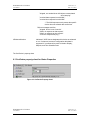
9.6 CcnDevice Actions
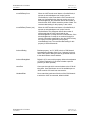
Ping: Pings the Ccn device and updates device ping status property.
Upload:
A CcnDevice’s CcnPicTables, CcnPocTables, CcnDataTables and CcnFidTables can be
uploaded. The upload command is available as an action on the CcnDevice. When invoked, a list
of CcnTables blocks are uploaded and all Station resident data is updated to match that which
was retrieved from the field device.
Download:
A CcnDevice’s CcnPicTables, CcnPocTables, CcnDataTables and CcnFidTables can be
downloaded. The download command is available as an action on the CcnDevice. When
selected, each non-real-time table’s value blocks are constructed from the Station resident data
and then downloaded to the field device.
Note: If download the logic to the controller, we don’t have clarity on whether the device will work
or not. So we couldn’t test this feature.
Fetch:
This action will fetch additional information of device when user manually adds a new device with
correct bus and element numbers.
NIAGARA AX CCN Driver
User Manual
Version No.: 1.0
Date: 11/11/2010