1
Searching Titles and Descriptions
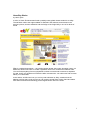
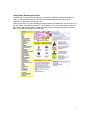
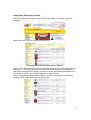
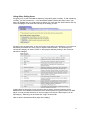
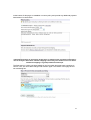
While searching titles and descriptions usually delivers more
options, some of those options may be slightly off topic. This has
to do with the way many sellers market their items. If a listing for a
Batman Pez dispenser has a line in it that says "I'll also be listing
several Homer Simpson t-shirts some time next week, so check
back if you're interested," that's going to show up in our results,
too. Some sellers also use a trick called "keyword spamming" to
get more people to look at their auctions. They put a long list of
the most popular search terms in their auction description so it
turns up in the search results for any one of those terms.
Using eBay: Buying Items
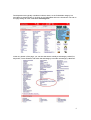
To look for an item, you don't need to register -- you can browse, search and watch items (up
to 10) as a guest. You can't bid or buy as a guest, though. So the next step is to register with
eBay. It's quick and free.
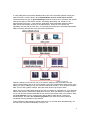
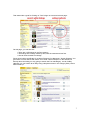
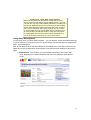
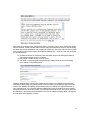
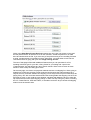
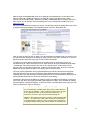
Now we can place a bid on the set of Simpsons Pez dispensers. If we click on the link in our
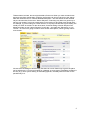
watch list, we end up back at the auction page. There are four main sections to any auction
page:
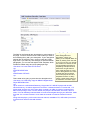
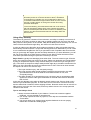
• Title/Overview - This is where you see the basic information, like auction title,
price, shipping price, seller information and how many bids have been placed
so far.
11