1
Activating and Deactivating the Timer
12.7
Activating and Deactivating the
Timer
PALM RoboSoftware includes a timer for your use.
Use the timer to set the shutter to close again
automatically after a period defined by you when
you have opened it.
12.8
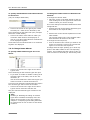
The "Fluorescence Filter" window contains information about the installed filter wheel and the
installed filters. You can also make changes to the
settings there:
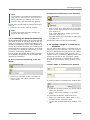
Note!
In the "Basic" configuration with the manual
microscope the function "Fluorescence Filter"
is not active.
Note!
In the "Basic" configuration with the manual
microscope the function "Timer" is not active.
Timer
•
Fluorescence Filter
12.8.1 Information About the Installed
Filter Wheel
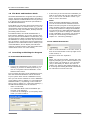
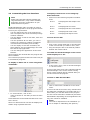
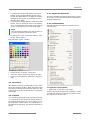
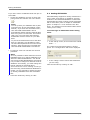
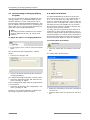
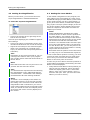
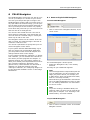
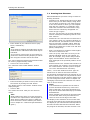
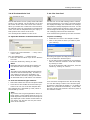
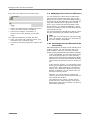
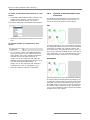
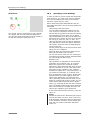
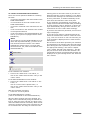
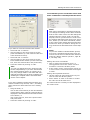
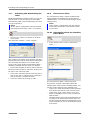
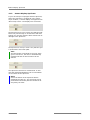
Click on the "Timer" icon button in "Fluorescence Tools".
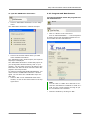
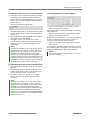
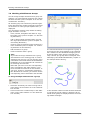
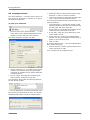
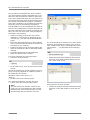
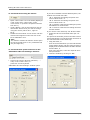
This opens the "Shutter - Timer" window.
•
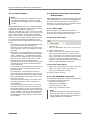
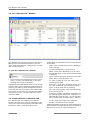
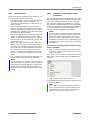
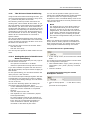
In the "Setup" menu, click on menu item
"Filter ... ".
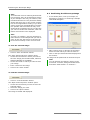
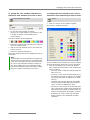
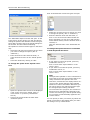
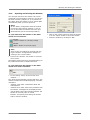
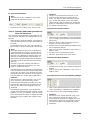
This contains a checkbox for activating and deactivating the timer and an input field for setting the
time for which the shutter is to remain open.
A tick in the "Close shutter automatically after:"
checkbox indicates that the timer is activated.
• Click in the checkbox to add or remove the tick.
Enter the entire period for which the shutter is to
be open in the "Seconds" field.
• Click in the "Seconds" field to enter the time or,
click on the left or right arrow key beside the
field to shorten or extend the time.
• Close the window by clicking on "OK".
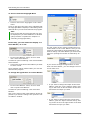
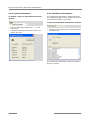
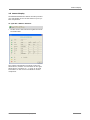
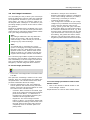
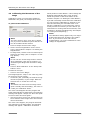
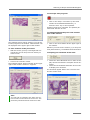
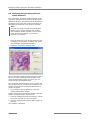
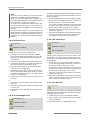
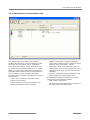
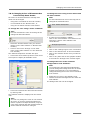
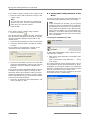
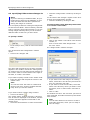
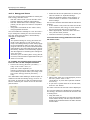
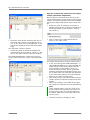
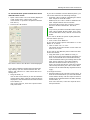
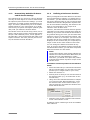
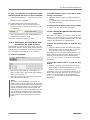
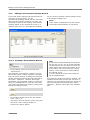
The "Fluorescence Filter" window will open.
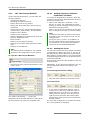
This window contains information about the
installed filter wheel and the installed filters. You
can also make changes to the settings here:
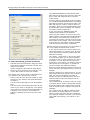
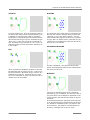
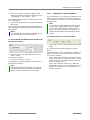
- "Filter Type" field: Information on the manufacturer of the filter wheel (Ludl or microscope)
- "Filter Error" field: This is where error messages are displayed in the event of problems
with the filter
- "Actual Position" field: This shows which filter is
currently in the fluorescence beam path. You
can also select the desired excitation filter here
(refer to chapter 12.8.3, for instructions on how
to proceed).
132
PALM RoboSoftware 3.1-0106 (EN)