1
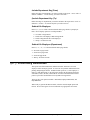
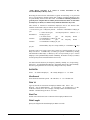
If STC Project Costing is enabled, these options may be entered
J to pull rate from the STC Job Level File
G to pull rate from the GREATER of the STC Job Level or Employee Master
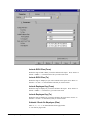
Require Work Units Not Equal Zero
Enter the Attendance Code to be used for Saturday time. This field will be Used as
an edit of the Attendance Code during time card entry.
Require Pay Rate Greater than Zero
Check (√) to require all Pay Rate Entries to be greater than Zero. An ERROR
message (& invalid Edit Status) will
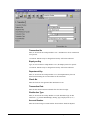
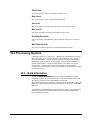
Payment of NONACTIVE Employees (Warning/Error)
Enter an E to generate an ERROR if time for an Inactive Employee is processed.
This will create an INVALID Computed Edit Status. (Time will not process)
Enter a W to generate a WARNING if timecards for an inactive Employee are
processed. Edit Status is acceptable and time will be processed.
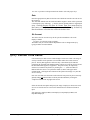
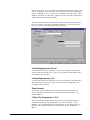
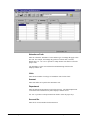
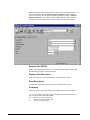
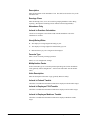
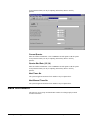
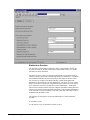
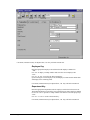
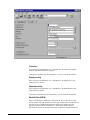
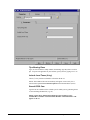
Miscellaneous Field
These fields are User-defined and may be Used to set up tracking for Companyprovided property issued to employees (e.g. Pagers, Keys, Credit Cards) by to
insure it is accounted for. These fields feed the information to the Employee Master
where Serial /Tracking Numbers or item descriptions may be assigned for each
Employee.
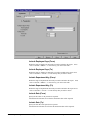
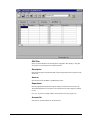
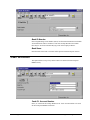
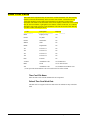
Miscellaneous Field Type
Specify the type of data that will be stored in this field.
D - Date
S - String of characters
N - Numeric.
Number Of Decimals
If the previous “TYPE” entry is Numeric, enter the number of decimals to be
maintained for that field.
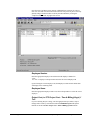
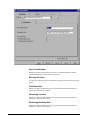
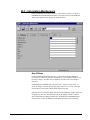
Project Cost Key 1
If using STC Project Cost (Time & Billing), Enter Key to be used for enhanced JC
Reporting
Project Cost Key 2
If using STC Project Cost (Time & Billing), Enter Key to be used for enhanced JC
Reporting
114 • System Configuration
the PFW Payroll Solution PAY-WARE