1
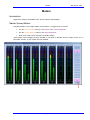
MIXING
January 22, 2013
The 3D Panner
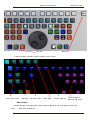
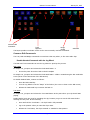
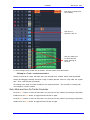
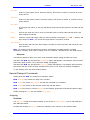
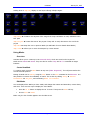
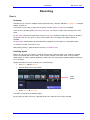
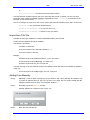
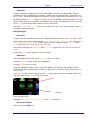
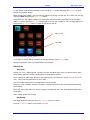
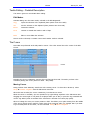
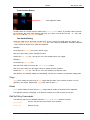
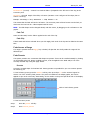
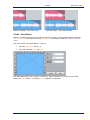
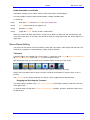
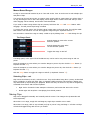
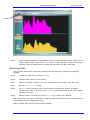
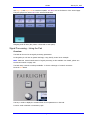
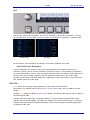
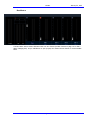
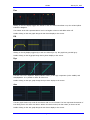
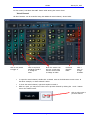
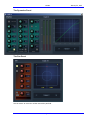
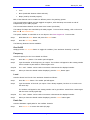
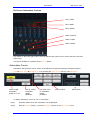
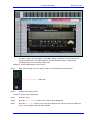
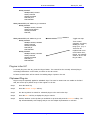
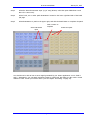
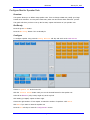
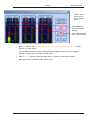
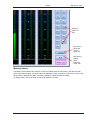
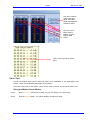
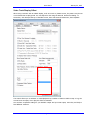
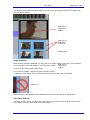
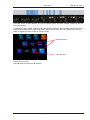
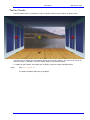
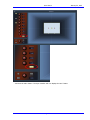
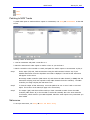
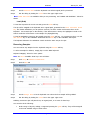
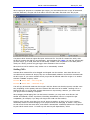
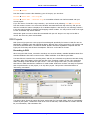
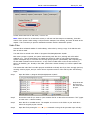
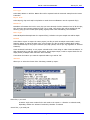
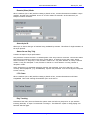
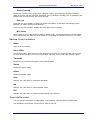
There is also a 3D display for pan, as shown below:
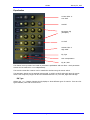
The yellow ball is used when a Link Group is displayed. It can be moved with the mouse.
The third dimension controls (D-U and Distance) have no effect on the audio in this version of software.
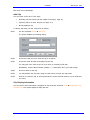
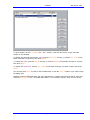
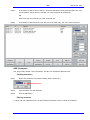
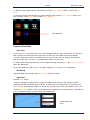
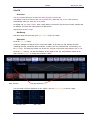
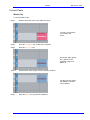
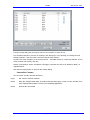
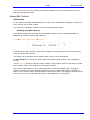
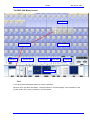
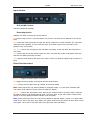
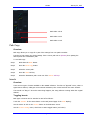
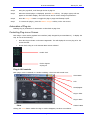
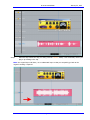
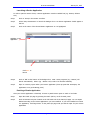
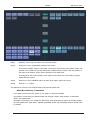
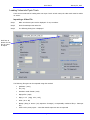
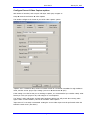
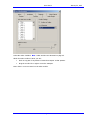
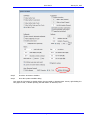
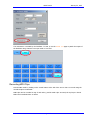
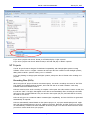
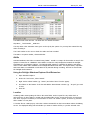
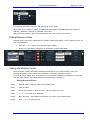
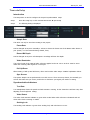
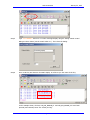
To enable the 3D panner, open the System Variables dialog:
Step 1
Type ctrl + Shift + U
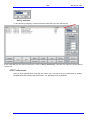
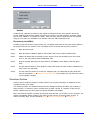
The System Variables dialog box is displayed.
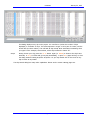
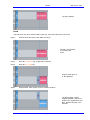
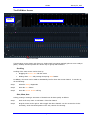
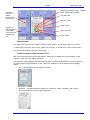
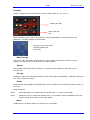
Step 2
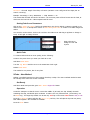
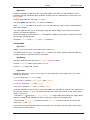
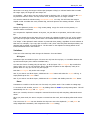
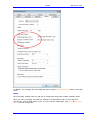
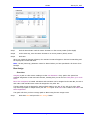
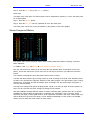
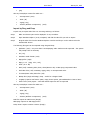
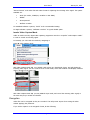
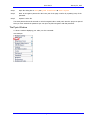
Select the 3D Panner checkbox
Page 184