1
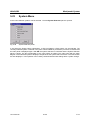
AMIQ Menu
WinIQSIM
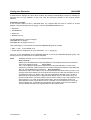
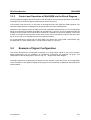
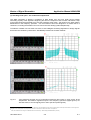
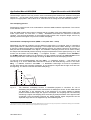
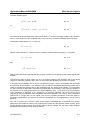
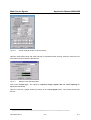
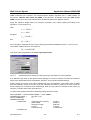
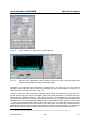
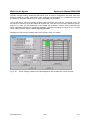
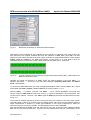
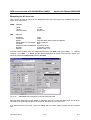
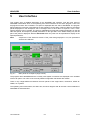
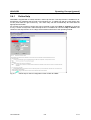
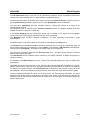
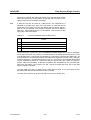
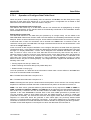
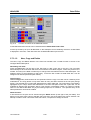
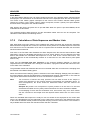
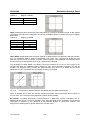
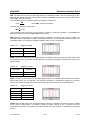
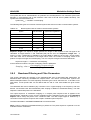
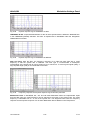
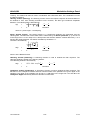
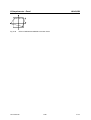
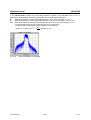
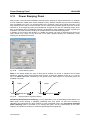
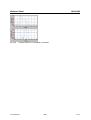
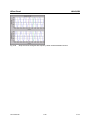
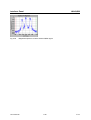
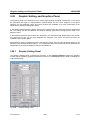
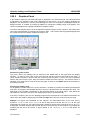
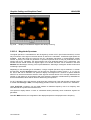
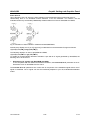
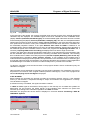
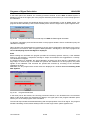
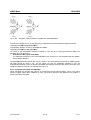
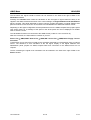
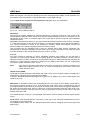
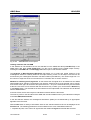
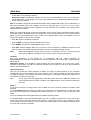
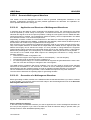
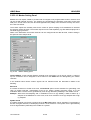
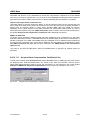
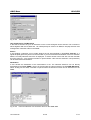
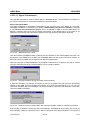
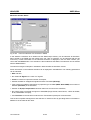
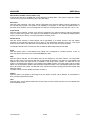
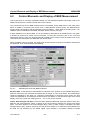
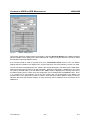
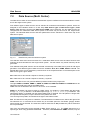
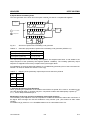
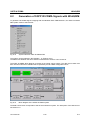
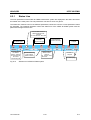
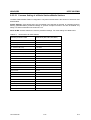
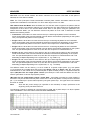
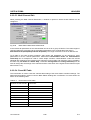
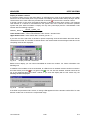
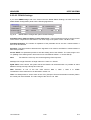
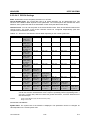
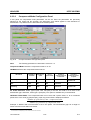
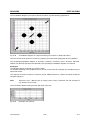
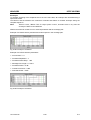
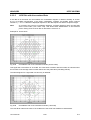
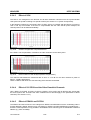
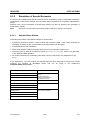
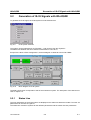
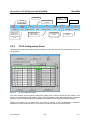
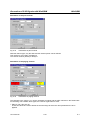
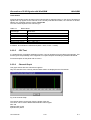
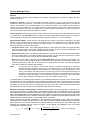
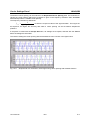
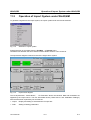
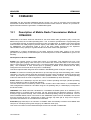
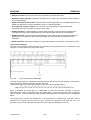
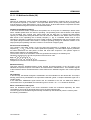
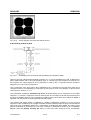
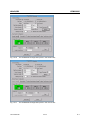
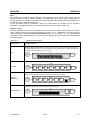
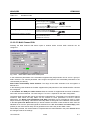
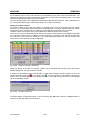
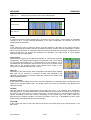
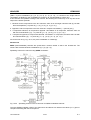
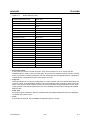
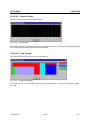
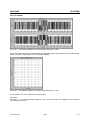
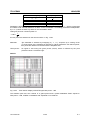
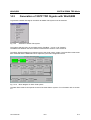
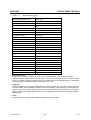
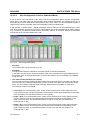
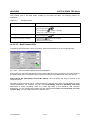
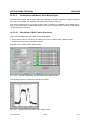
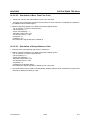
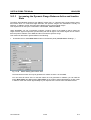
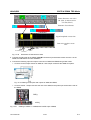
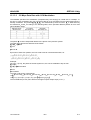
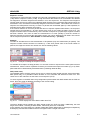
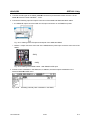
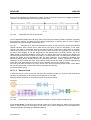
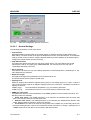
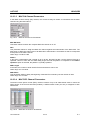
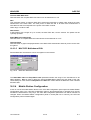
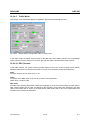
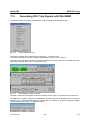
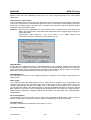
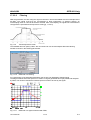
Waveform window for Delete
Fig. 5-153
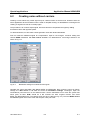
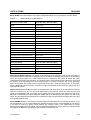
Panel for selecting a waveform for deletion
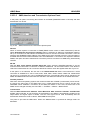
The structure corresponds to that of the Select Panel. By pressing the Delete button, the waveform is
deleted in the SMIQ after output of a warning.
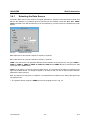
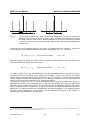
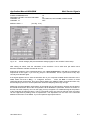
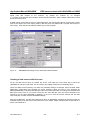
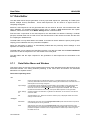
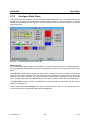
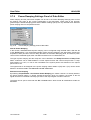
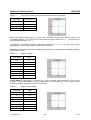
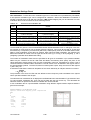
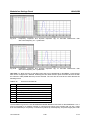
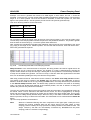
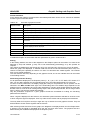
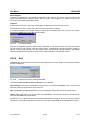
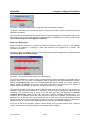
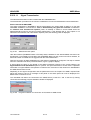
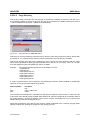
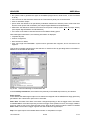
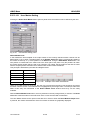
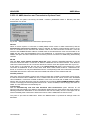
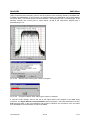
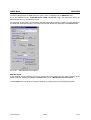
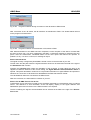
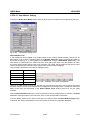
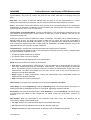
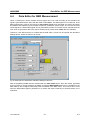
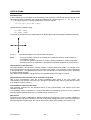
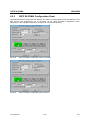
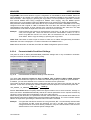
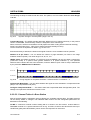
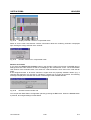
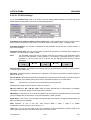
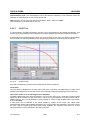
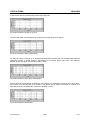
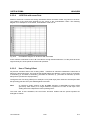
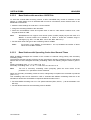
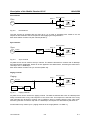
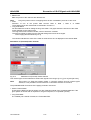
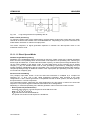
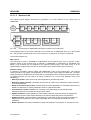
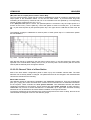
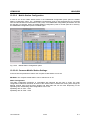
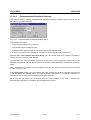
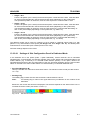
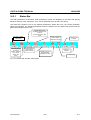
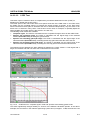
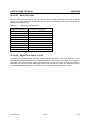
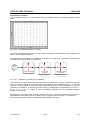
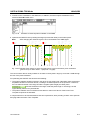
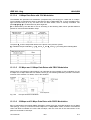
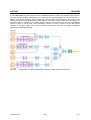
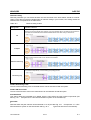
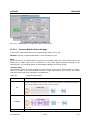
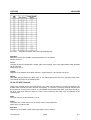
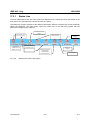
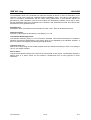
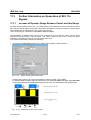
Trigger
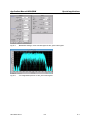
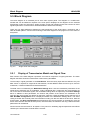
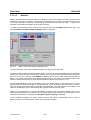
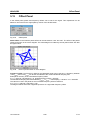
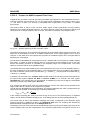
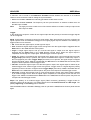
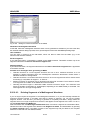
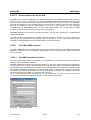
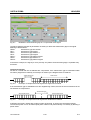
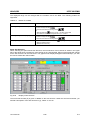
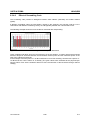
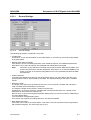
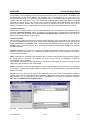
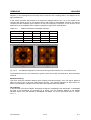
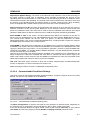
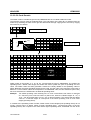
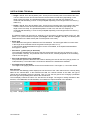
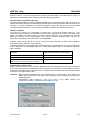
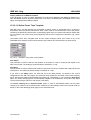
In this window, the sequence control of ARB mode is configured. In the case of Auto the waveform is
immediately output and cyclically repeated. With Retrig each trigger event causes a new start. Armed
Auto requires a trigger event for the start. Further trigger events are ignored. Armed Retrigger
corresponds to Armed Auto, except that each further trigger event causes a new start.
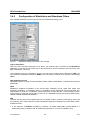
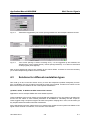
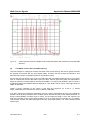
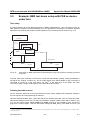
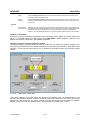
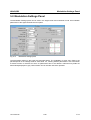
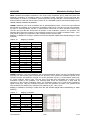
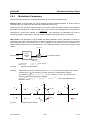
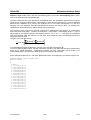
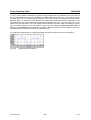
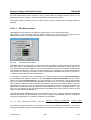
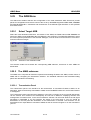
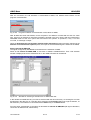
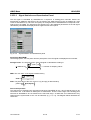
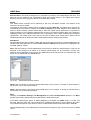
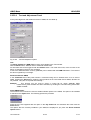
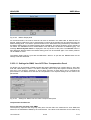
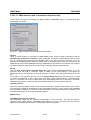
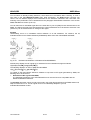
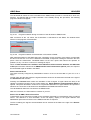
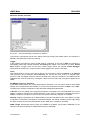
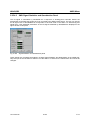
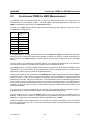
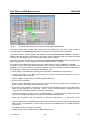
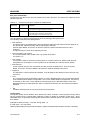
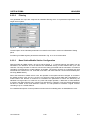
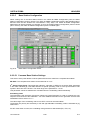
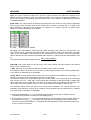
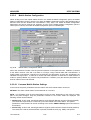
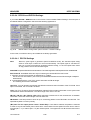
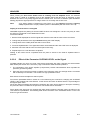
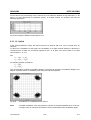
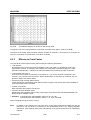
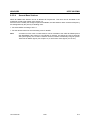
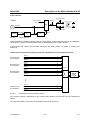
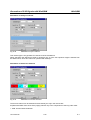
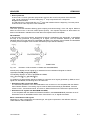
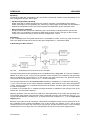
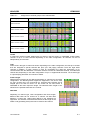
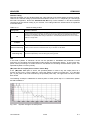
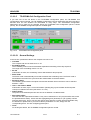
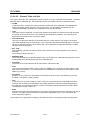
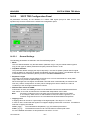
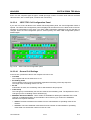
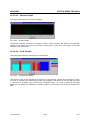
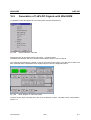
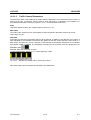
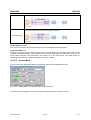
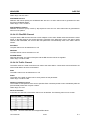
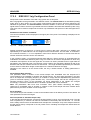
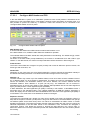
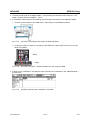
Clock
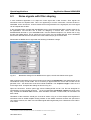
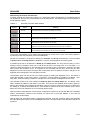
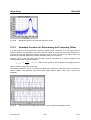
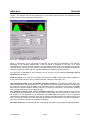
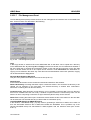
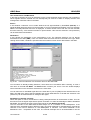
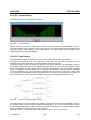
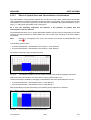
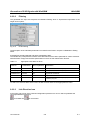
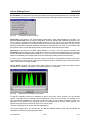
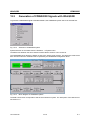
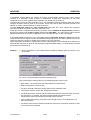
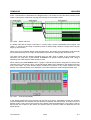
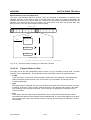
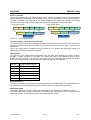
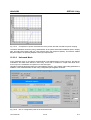
This panel permits to set the clock source and the clock frequency. Either an Internal or an External
clock generator can be selected. With Frequency you can set the clock. Even if an external clock
source is used, the applied frequency must be entered here. Since the waveform in the SMIQ must be
readapted each time the frequency is changed, it takes a few seconds until the signal is applied at the
SMIQ.
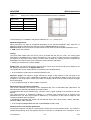
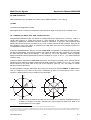
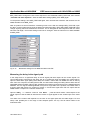
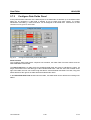
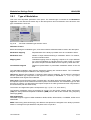
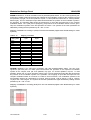
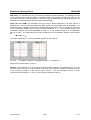
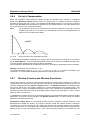
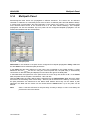
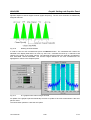
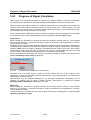
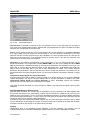
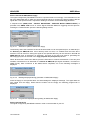
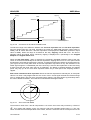
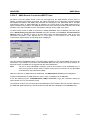
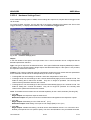
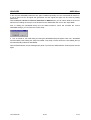
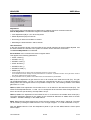
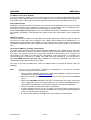
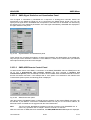
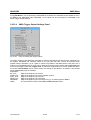
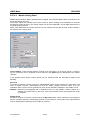
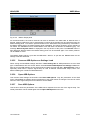
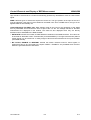
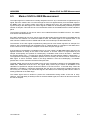
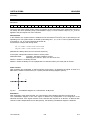
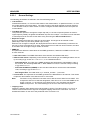
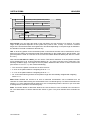
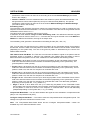
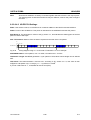
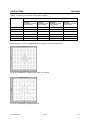
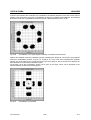
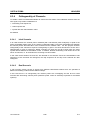
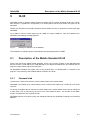
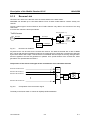
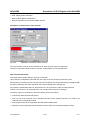
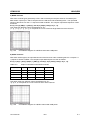
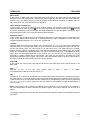
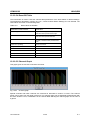
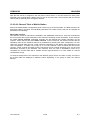
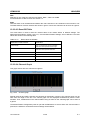
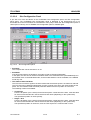
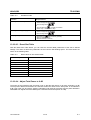
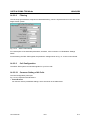
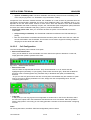
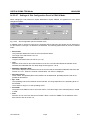
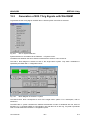
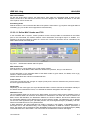
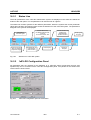
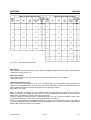
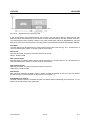
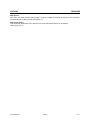
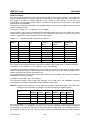
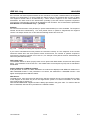
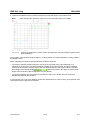
Set SMIQ according to waveform
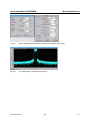
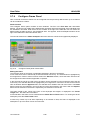
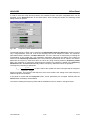
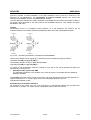
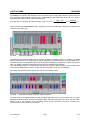
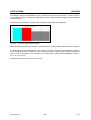
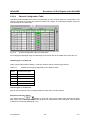
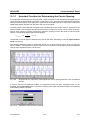
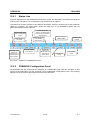
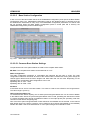
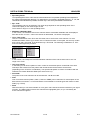
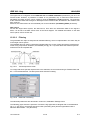
A few SMIQ setting values are closely linked with the waveform. You may select whether these SMIQ
settings are to be performed automatically or not each time a waveform is loaded. If State is set to OFF,
no settings are changed, irrespective of the parameter settings described below.
If IQ Filter is set, the setting of the respective parameter is changed in the VECTOR MOD menu of the
SMIQ if a setting is required in the loaded waveform. In the case of waveforms calculated specially for
SMIQ the IQ filter is not taken into account and can therefore be freely changed on the SMIQ.
IQ Swap swaps the IQ signals via an SMIQ setting in the VECTOR MOD menu of the SMIQ. If a swap
is required for a waveform calculated for a particular standard, this setting should be selected. By setting
this field, the swap is performed automatically by the SMIQ when a waveform is loaded.
PRBS Length automatically sets the type of the PRBS in the BERT menu (Option SMIQ B21) if the
waveform has been prepared for a BER measurement in WinIQSIM.
1013.1642.02
5-154
E-14