1
Cycles
9.4
9.4.9
Drilling cycles
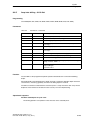
Boring (boring 2) – CYCLE86
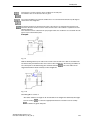
Note
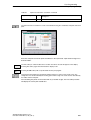
This standard cycle is not available with the 802D - bl.
Programming
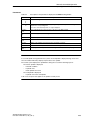
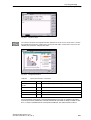
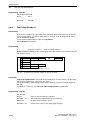
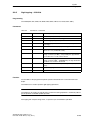
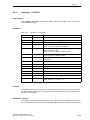
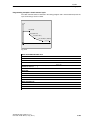
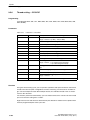
CYCLE86(RTP, RFP, SDIS, DP, DPR, DTB, SDIR, RPA, RPO, RPAP, POSS)
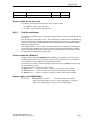
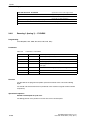
Parameter
Table 9-7
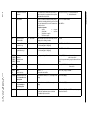
Parameters of CYCLE86
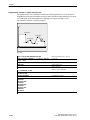
RTP
real
Retraction plane (absolute)
RFP
real
Reference plane (absolute)
SDIS
real
Safety clearance (enter without sign)
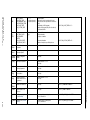
DP
real
Final drilling depth (absolute)
DPR
real
Final drilling depth relative to the reference plane (enter without sign)
DTB
real
Dwell time at final drilling depth (chip breaking)
SDIR
int
Direction of rotation
Values: 3 (for M3)
4 (for M4)
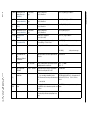
RPA
real
Retraction path in the 1st axis of the plane (incremental, enter
with sign)
RPO
real
Retraction path in the 2nd axis of the plane (incremental, enter with sign)
RPAP
real
Retraction path in the boring axis (incremental, enter with
sign)
POSS
real
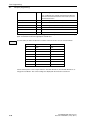
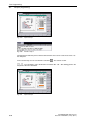
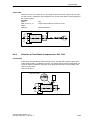
Spindle position for oriented spindle stop in the cycle (in degrees)
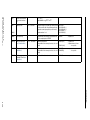
Function
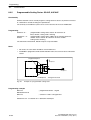
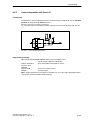
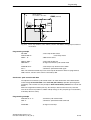
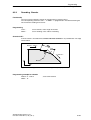
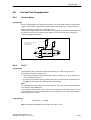
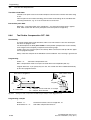
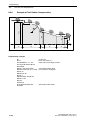
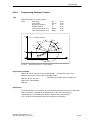
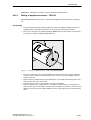
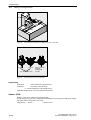
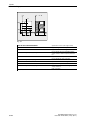
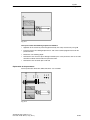
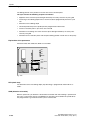
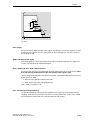
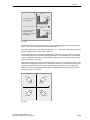
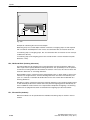
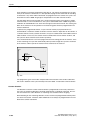
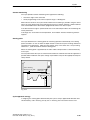
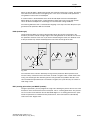
The cycle supports the boring of holes with a boring bar.
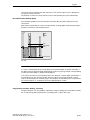
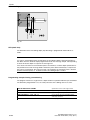
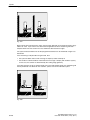
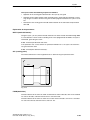
The tool drills at the programmed spindle speed and feedrate to the entered final drilling
depth.
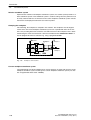
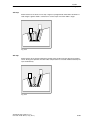
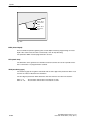
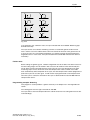
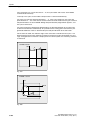
With boring 2, oriented spindle stop is activated once the drilling depth has been reached.
Then, the programmed retraction positions are approached in rapid traverse and, from there,
the retraction plane.
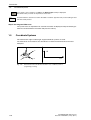
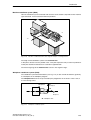
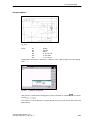
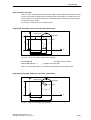
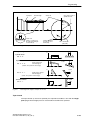
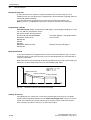
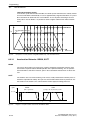
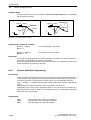
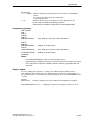
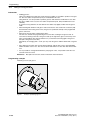
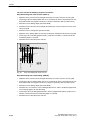
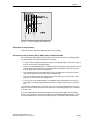
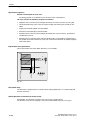
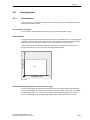
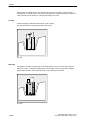
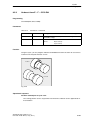
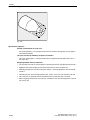
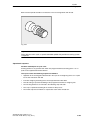
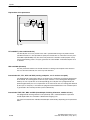
Operational sequence
Position reached prior to cycle start:
SINUMERIK 802D, 802D base line
6FC5 698 - 2AA00- 0BP3 (11.03) (OP - T)
9-259