1
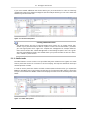
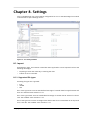
8.1. Import
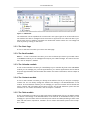
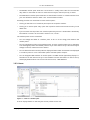
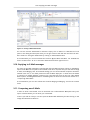
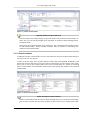
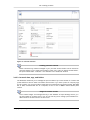
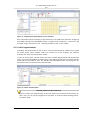
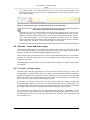
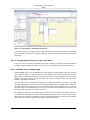
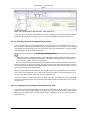
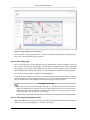
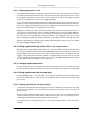
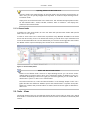
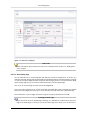
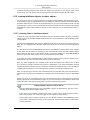
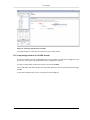
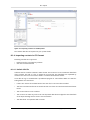
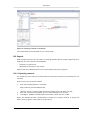
Figure 8.2. Importing appointments and tasks
The appointments or tasks will be imported to your private folder.
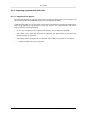
8.1.3. Importing contacts in VCARD format
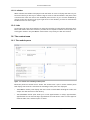
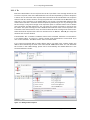
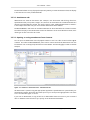
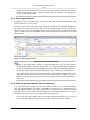
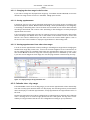
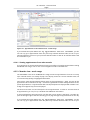
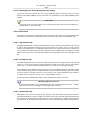
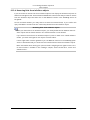
To import contacts click on Configuration in the module bar and then on Import in the
folder tree. The import dialog shows the import configuration options.
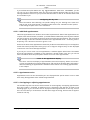
To import contact data as electronic business card select VCARD.
Click on Browse and select the file to be imported. Please be sure the selected file has the type
VCARD.
To execute the data import click on the panel function Import.
© Copyright Open-Xchange Inc. 2009
143