1
139/152
Camera Tabs
5.5.3 PTZ/Rotor Control
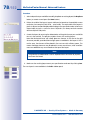
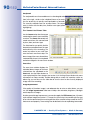
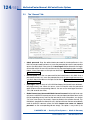
If the MOBOTIX camera is installed on a pan/tilt head, the camera can be
panned and tilted using the mouse or a joystick connected to the computer.
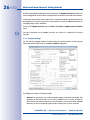
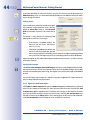
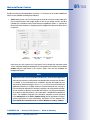
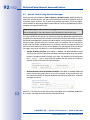
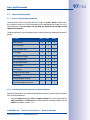
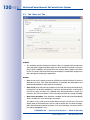
• Type: The following pan/tilt heads are supported in MxControlCenter:
• Videotronic SN-15AH
• Provitek
• Provitek PT 2
• Provitek PT 3
• VPT 42
• MxProtocol: This proprietary MOBOTIX protocol is used for controlling analog pan/
tilt cameras that are connected to a computer running MxServer.
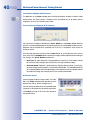
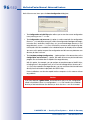
• Sensitivity: Use the settings of this list to change the behavior and the speed of a
pan/tilt head in relation to the movement with a mouse or a joystick. This option is
available for the Videotronic, Provitek and VPT 42 pan/tilt heads.
The joystick model and the skills of each individual user have an influence on the
ideal sensitivity. Therefore, we recommend conducting a field test to determine the
best setting.
• Invert X / y Direction: The displayed image, or even the camera, can be moved to
the right by moving the joystick to the right, depending on the operator. Use these
options to invert horizontal (X direction) and vertical (Y direction) movements.
• Fast patch: Use this option to control the pan/tilt head faster and more precisely.
This option is only available for the Videotronic, Provitek and VPT 42 pan/tilt heads.
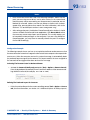
Caution
The Fast patch option requires a camera software version that has been
modified by a patch from MOBOTIX.
Do not activate the Fast patch unless this patch has been installed on the
corresponding MOBOTIX camera. The MxControlCenter controls for a pan/tilt
head do not work with the normal, unmodified camera software if the Fast
patch option has been activated. Additional information on this feature is available from our technical support team (www.mobotix.com under Support).
© MOBOTIX AG • Security-Vision-Systems • Made in Germany
www.mobotix.com • [email protected]