1
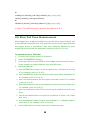
measurements. The command :CONFigure? does the configuration part
of the measurement, and the command :READ? does the data
acquisition and post processing (if any), and puts the result in the Output
queue. Use this command combination to instruct the counter to perform
something between the measurement setup and data acquisition.
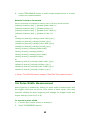
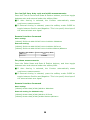
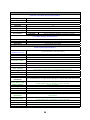
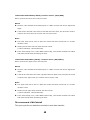
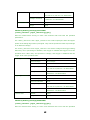
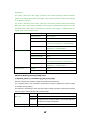
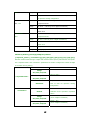
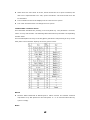
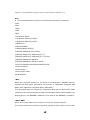
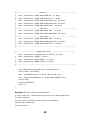
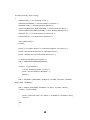
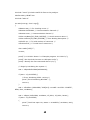
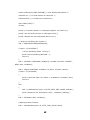
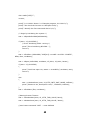
:READ[[:SCALar]:<function>]?
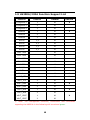
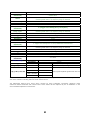
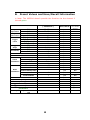
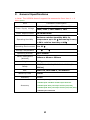
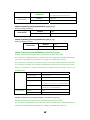
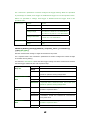
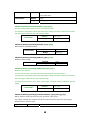
For more information about <function>, <parameters> and <source_list>, please
refer to the above table.
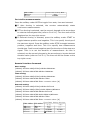
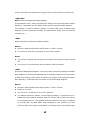
Using the command READ? has a same effect as using the command
INITiate[:IMMediate] followed by the command :FETCh?.
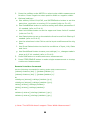
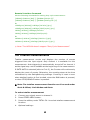
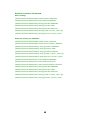
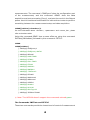
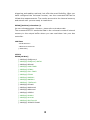
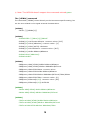
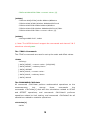
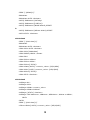
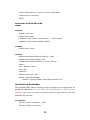
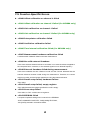
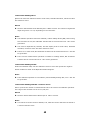
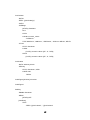
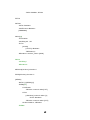
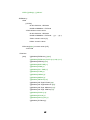
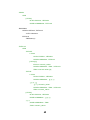
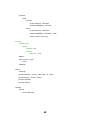
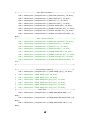
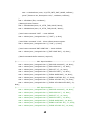
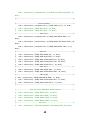
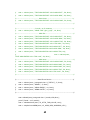
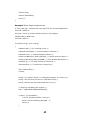
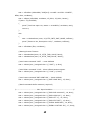
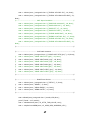
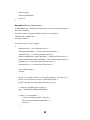
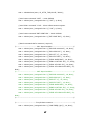
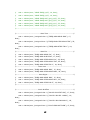
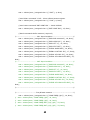
:READ
:READ[:SCALar]
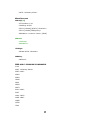
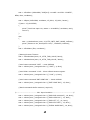
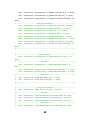
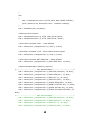
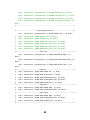
[:VOLTage]:FREQuency?
[:VOLTage]:FREQuency:RATio?
[:VOLTage]:PERiod?
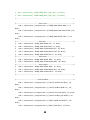
[:VOLTage]:RISE:TIME?
[:VOLTage]:RTIMe?
[:VOLTage]:FALL:TIME?
[:VOLTage]:FTIMe?
[:VOLTage]:PWIDth?
[:VOLTage]:NWIDth?
[:VOLTage]: TINTerval?
[:VOLTage]:PTPeak?
[:VOLTage]:MAXimum?
[:VOLTage]:MINimum?
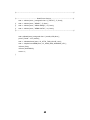
[:VOLTage]:CENTer?
[:VOLTage]:PHASe?
[:VOLTage]:DCYCle?
[:VOLTage]:PDUTycycle?
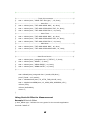
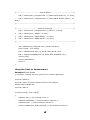
[:VOLTage]:TOTalize:TIMed?
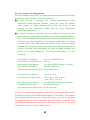
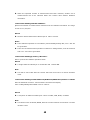
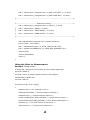
※ Note: The U6220A doesn’t support the commands colored green.
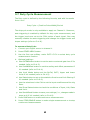
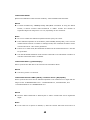
The Commands INITiate and FETCh?
These two commands provide the lowest level of control of measurement
69